HD2014, HD2012, HD2011 Video Passport
TM
1RU Multi-Path Video Converter, Frame Synchronizer and Decoder
FRONT PANEL OPERATION Revision 0.1 Page 5-21
5.1.2.31. Setting the Input H Start
The Input H Start control defines the starting horizontal portion of the input image that will be
processed to the output. Input H Start does not have any effect when the pre-defined aspect ratios
are used.
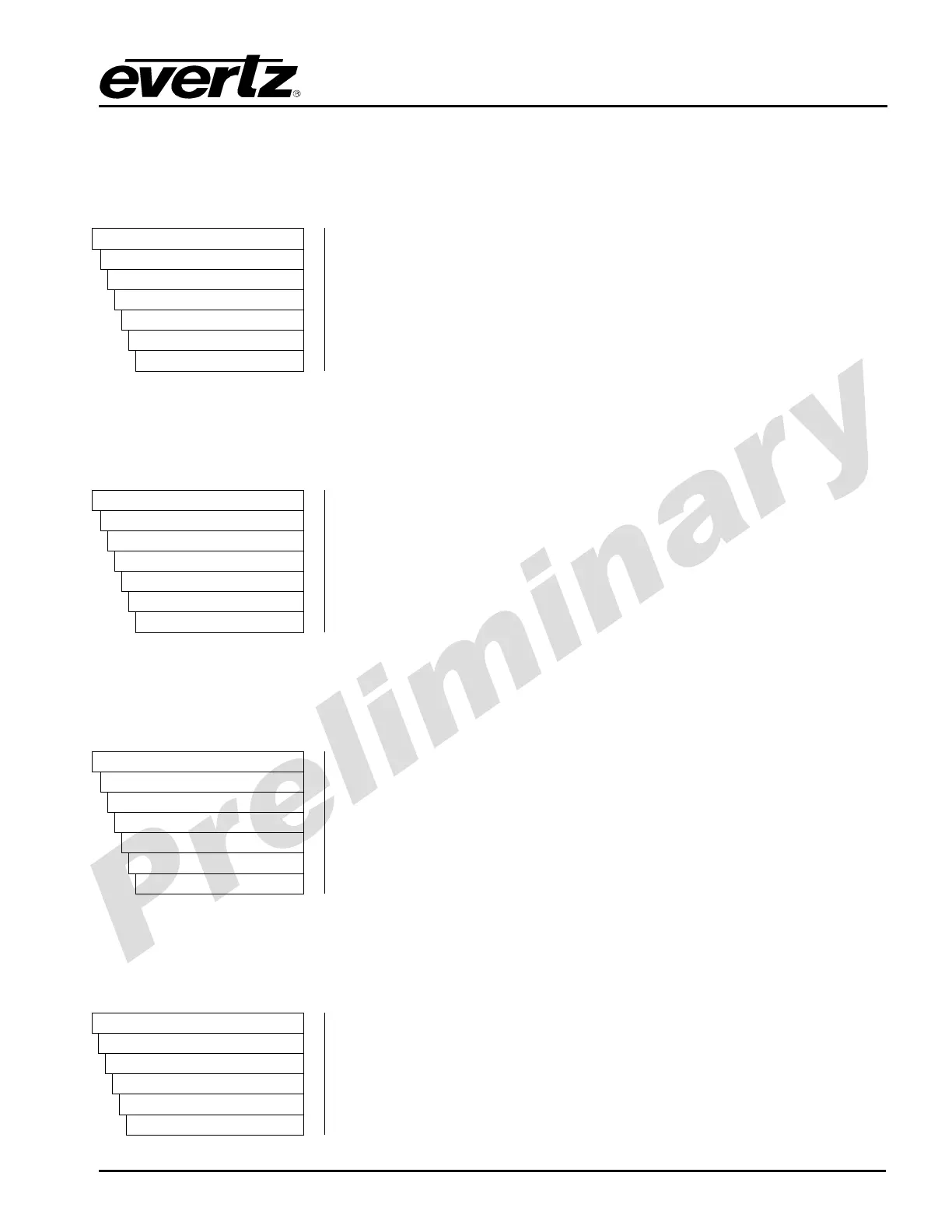
VIDEO
Processing
Converter
Path 1
Scaler
Input H Start
0 to 1919
To set the Input H Start control, enter a value between 0 and 1919
into the Input H Start field. The default value is 0.
5.1.2.32. Setting the Input H Stop
The Input H Stop control defines the ending horizontal portion of the input image that will be processed
to the output. Input H Stop does not have any effect when the pre-defined aspect ratios are used.
VIDEO
Processing
Converter
Path 1
Scaler
Input H Stop
0 to 1919
To set the Input H Stop control, enter a value between 0 and 1919
into the Input H Stop field. The default value is 0.
5.1.2.33. Setting the Input V Start
The Input V Start control defines the starting vertical portion of the input image that will be processed
to the output. Input V Start does not have any effect when the pre-defined aspect ratios are used.
VIDEO
Processing
Converter
Path 1
Scaler
Input V Start
0 to 1079
To set the Input V Start control, enter a value between 0 and 1079
into the Input V Start field. The default value is 0.
5.1.2.34. Setting the Input V Stop
The Input V Stop control defines the ending vertical portion of the input image that will be processed to
the output. Input V Stop does not have any effect when the pre-defined aspect ratios are used.
VIDEO
Processing
Converter
Path 1 to 4
Scaler
Input V Stop
To set the Input V Stop control, enter a value between 0 and 1079
into the Input V Stop field. The default value is 0.



 To Next Page