HD2014, HD2012, HD2011 Video Passport
TM
1RU Multi-Path Video Converter, Frame Synchronizer and Decoder
Page 5-20 Revision 0.1 FRONT PANEL OPERATION
43to43SdPnlon169
43to139Stchon169
43to149Stchon169
43to169Stchon169
43to139Cropon169
43to149Cropon169
43to169Cropon169
V4:3 to 4:3 Side Panel on16:9
V4:3 to 13:9 Stretch on 16:9
V4:3 to 14:9 Stretch on 16:9
V4:3 to 16:9 Stretch on 16:9
V4:3 to 13:9 Crop on 16:9
V4:3 to 14:9 Crop on 16:9
V4:3 to 16:9 Crop on 16:9
These settings are common up-
converter settings for converting 4:3
aspect ratio images to common 16:9
formats.
169x169LtBxon43
169x149LtBxon43
169x139LtBxon43
169x43SdCuton43
169x43Sqzeon43
V16:9 to 16:9 Letter Box on 4:3
V16:9 to 14:9 Letter Box on 4:3
V16:9 to 13:9 Letter Box on 4:3
V16:9 to 4:3 Side Cut on 4:3
V16:9 to 4:3 Squeeze on 4:3
These settings are common down-
converter settings for converting 16:9
aspect ratio images to common 4:3,
16:9, 14:9 and 13:9 formats.
169TLBOn43To169
149TLBOn43TBC169
149TLBOn43SPn149
149TLB43To169St1
169LB43To169
149LB43ToTBC169m
149LB43ToSdPn149
149LB43To169St16
SP43To43
SP149To149LtBx43
SP149To43SdCt43
SP149To43Sqz43
Table 5-2: Aspect Ratio Conversion Menu Options
5.1.2.30. Setting the Panel Colour
There are three controls used to set the side panel colours called Red Panel, Green Panel, Blue
Panel. The control for each colour component works in the same way, so for the sake of brevity, only
the menu item for the Red Panel control will be discussed in this manual.
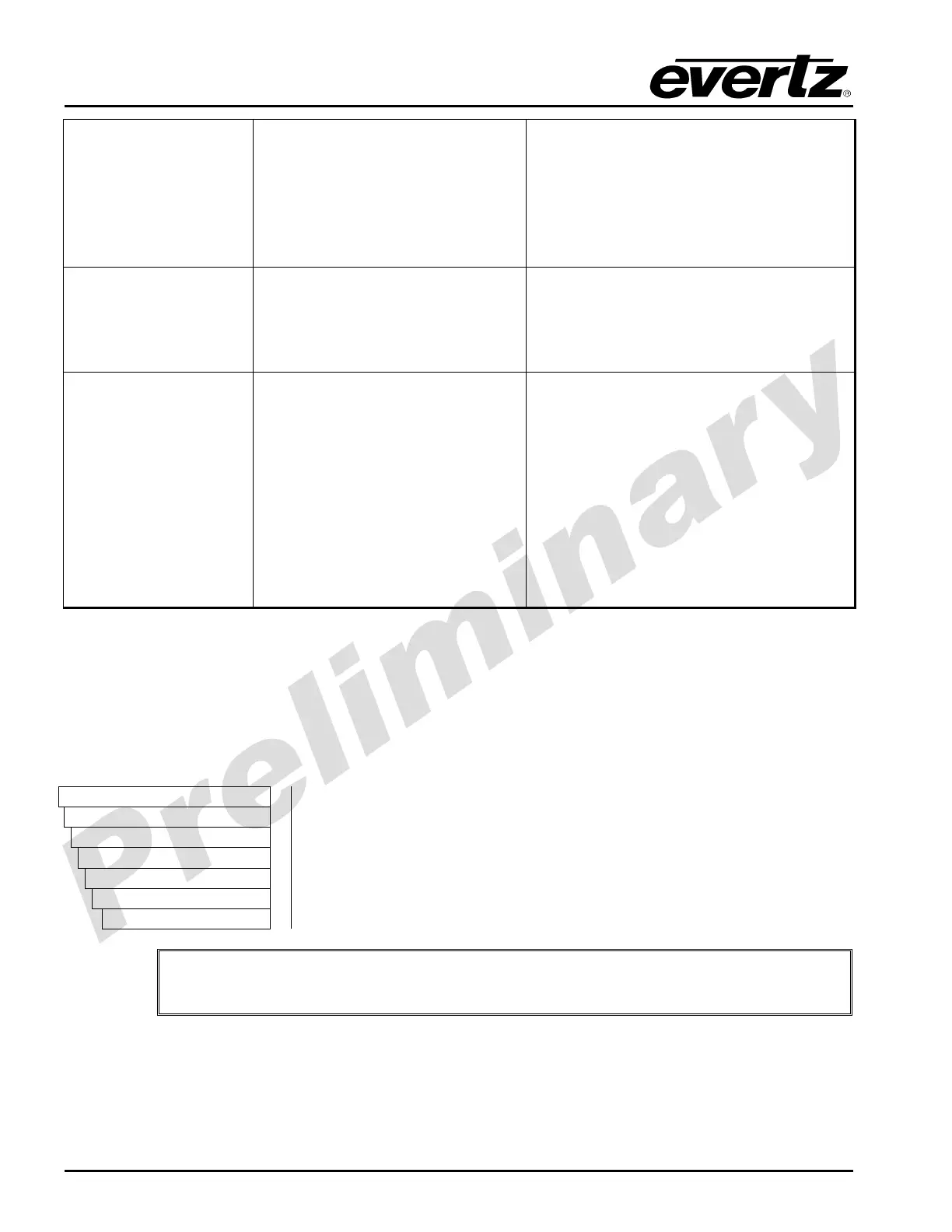
VIDEO
Processing
Converter
Path 1
Scaler
Red Panel
0 to 255
The Red Panel control defines the red colour component for the
desired side panel colour. Set the Red Panel control field to the red
value required (range 0 to 255).
"
Hint: You can use a standard colour picker such as is available in Microsoft Paint to
determine the colour values that you wish to use.



 To Next Page