HD2014, HD2012, HD2011 Video Passport
TM
1RU Multi-Path Video Converter, Frame Synchronizer and Decoder
Page 5-38 Revision 0.1 FRONT PANEL OPERATION
5.1.8.2. Setting the Test Signal Generator Output
The user can select on which conversion path output the test signal generator is routed to. Note that
there is a single test signal generator in the HD201x. If the test signal is active on a particular path
output and it is then subsequently enabled on a different path, the test signal will be automatically
disabled on the first path and enabled on the second path. For the sake of brevity, the control for
routing to PATH 1 output is shown.
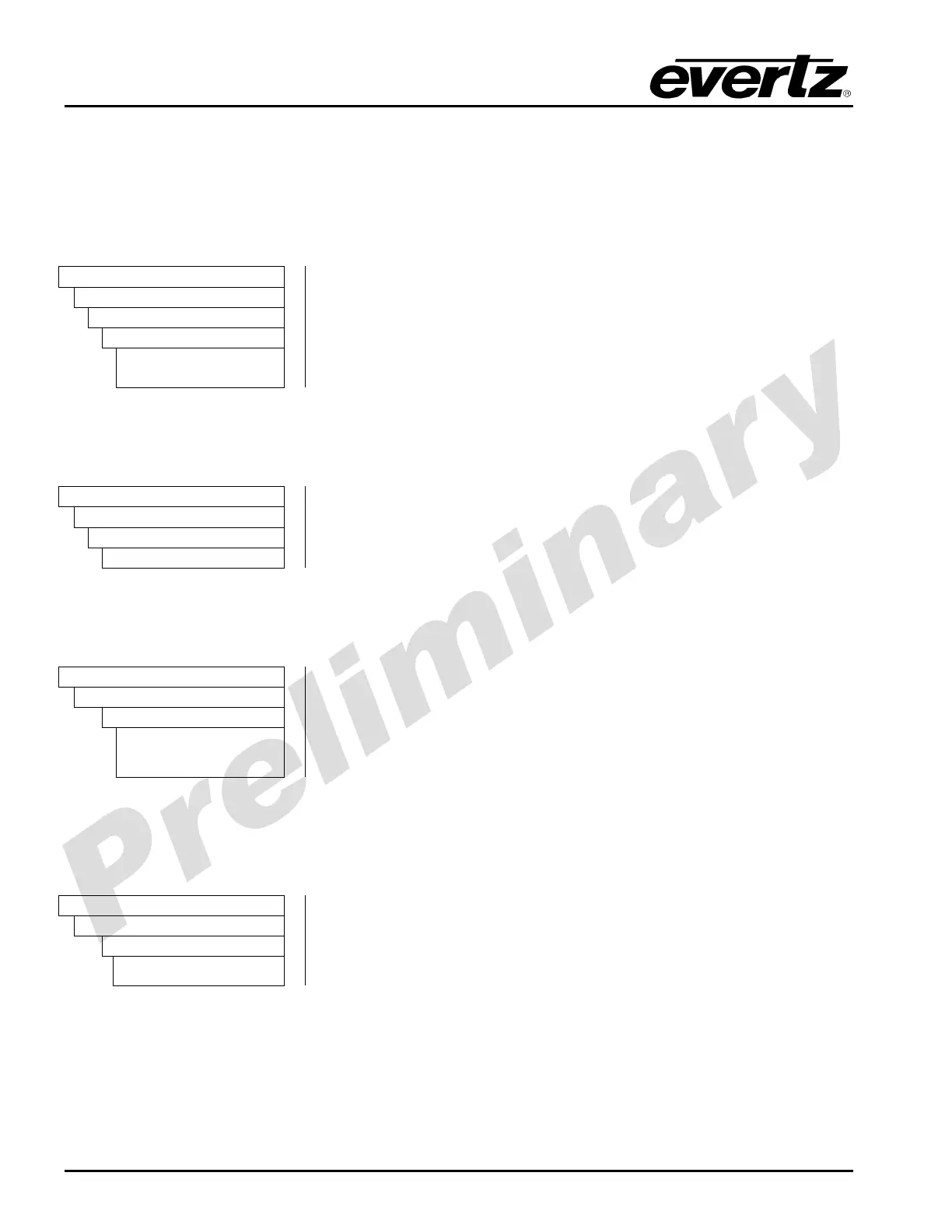
Video
Test Gen
Output
Path 1
Enable
Disable
When set to enable, the selected path will be enabled.
When set to disable, the selected path will be disabled.
5.1.8.3. Setting the Test Signal Generator Pattern
The Patten control selects the pattern for the test signal generator.
Video
Test Gen
Pattern
Select pattern
Turn the rotary encoder to select from the various test generator
patterns.
5.1.8.4. Setting the Test Signal Generator Source ID
The Test Signal Generator control enables the user to enter a custom source ID name.
Video
Test Gen
Source ID
Enable
Select Enable to turn on the test signal generator source ID text.
Select Disable to turn off the test signal generator source ID text.
Disable
5.1.8.5. Setting the Test Signal Generator Source ID
The Test Generator Source ID control enables the user to enter a custom source ID name.
Video
Test Gen
Source ID
Text
Using the rotary encoder, select the text that you wish to have for the
source ID text. Note that the ◄ symbol on the front panel is used to
cursor back and delete a character in the text field.



 To Next Page