HD2014, HD2012, HD2011 Video Passport
TM
1RU Multi-Path Video Converter, Frame Synchronizer and Decoder
Page 5-28 Revision 0.1 FRONT PANEL OPERATION
5.1.3.6. Setting the Chroma Level Control
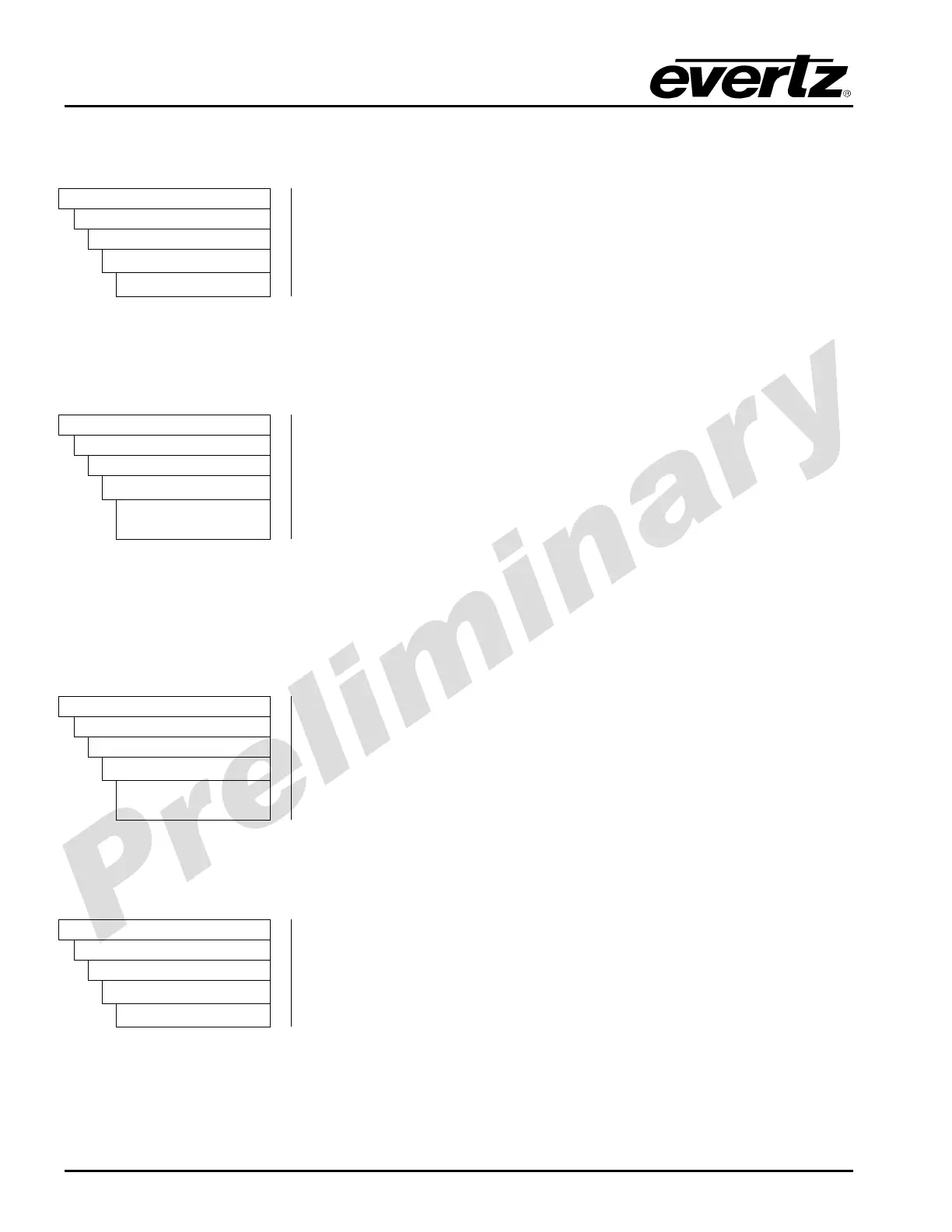
This control sets the overall chroma level gain.
Video
AnalogIn
CompositeIn
ChromaLevel
-100 to 100
To set the Chroma Level control, enter a value between -100 to 100
into the chroma level field.
5.1.3.7. Displaying the Detected Standard
The Composite In Detected Standard reports the standard that the composite video decoder has
detected.
Video
AnalogIn
CompositeIn
detectedStandard
525i5994,
625i50, unknown
Values will be 525i5994 or 625i50 or unknown.
5.1.3.8. Setting the Frame TBC
The composite video decoder has an internal time base corrector that can be enabled or disabled. The
time base corrector should be enabled when dealing with poor quality analog video sources.
To set the Frame TBC, enter either enable or disable.
Video
AnalogIn
CompositeIn
frameTBC
Enable
Disable
When set to Enable the Frame TBC control will be enabled.
When set to Disable the Frame TBC control will be disabled.
5.1.3.9. Setting the Hue Control
The hue of the decoded signal can be adjusted with the HUE control.
Video
AnalogIn
CompositeIn
Hue
-180 to 180
To adjust the hue, enter a value between -180 to 180 into the hue field.
The units for this control are degrees.



 To Next Page