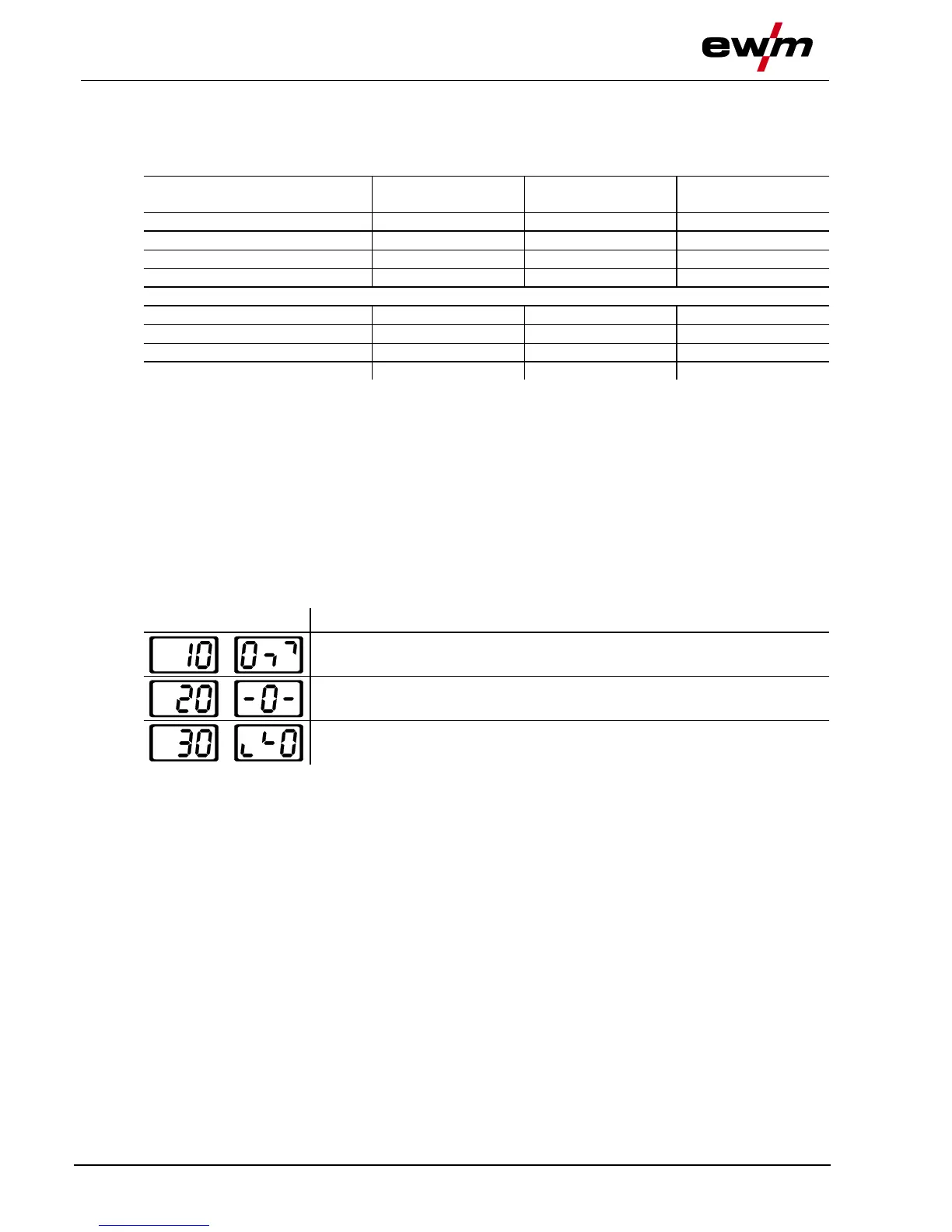
5.9.6 Welding data display
The following welding parameters can be displayed before (nominal values), during (actual values) or
after welding (hold values):
After welding the hold values are displayed. When changes are made to the settings (e.g. welding
current) after welding, the display switches to the relevant nominal values.
The right-hand display automatically switches over to the material thickness after approx. 4 seconds.
If the “Program number” signal light is on in addition to the “Material thickness” signal light, the user is in
program mode (programs 1-15, see chap. “Welding programs”).
If the “JOB number” signal light is on in addition to the “Material thickness” light, the user is in a JOB in
the free memory (JOBs 128 to 256, see chap. “Creating a new JOB in the free memory”).
5.9.6.1 Welding parameter setting
During the welding parameter setting process, the parameter value being set is displayed on the left-hand
display. The right-hand display shows the “Factory setting” or a variation of it upwards or downwards.
Displays, e.g. when setting the ignition current, and their meanings:








 To Next Page