Need help?
Do you have a question about the eWON Flexy and is the answer not in the manual?
Provides crucial precautions to prevent electrostatic discharge damage to the unit and its components.
Details the step-by-step process for safely replacing the internal battery.
Describes DIN-rail mounting and necessary ventilation clearances for the unit.
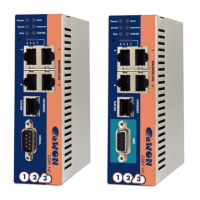
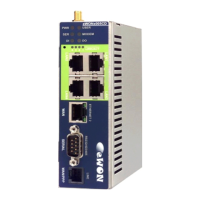
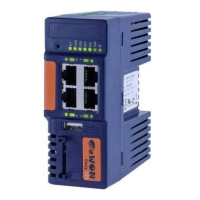
Describes the 4-port Ethernet switch interface and its specifications.
Details the LAN and serial port interfaces for models with serial connectivity.
Details the LAN and MPI/Profibus port interfaces for models with MPI connectivity.
Explains the compatibility of extension cards with 'A' and 'B' slots on the base unit.
Provides a step-by-step guide for inserting extension cards, including precautions.
Describes the boot process and LED indications when powering on with extension cards.
Explains the power requirements and the concept of 'Energy Points'.
Demonstrates how to check the power balance for a configuration.
Provides the default LAN IP address, subnet mask, and gateway settings.
Guides on using eBuddy software to set the eWON Flexy's LAN IP address.
Explains how to access and log into the eWON Flexy's web interface.
Details the procedure for a user reset, which affects user files.
Explains the factory reset procedure, returning the unit to default settings.
 General
| Brand | eWON |
|---|---|
| Model | Flexy |
| Category | Network Router |
| Language | English |

 To Next Page