Chapter 5
eWON Flexy IP Address and Access to the Web
Configuration
5.4. eWON Flexy's Web Interface
To access the web pages of your eWON Flexy proceed as follows:
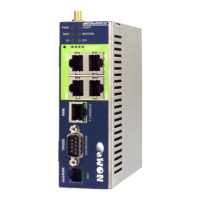
• Connect the PC to one of the LAN port of the eWON Flexy.
• Open your Internet browser and access the eWON Flexy internal Web page by
entering the LAN IP address in the URL field (the default address is http://10.0.0.53).
• The default login is: adm
with password: adm
The home page of the eWON Flexy is opening:
- Warning -
For security reasons, changing the default password adm is an absolute necessity.
To change the adm password, from the menu bar, click on Configuration, Users Setup and
double click on the adm entry to edit its parameters. Enter the new password twice and click
Save.
5.5. Detected Cards Displayed in the System Page
The System page allows to check the status of the system including detected Extension
Cards.
To access the system status summary, click on Diagnostic (1) > Status (2) > System Info (3) >
System (4). The screen capture below gives an example of 3 different Extension Cards that
have been detected (5).
Page 30 / 40 eWON Flexy - Base Units | IG 014


 To Next Page