exacqVision User Manual
1/24/2011
exacqVision software can be installed and operated in following configurations:
1. exacqVision Local
Client and Server software is factory installed on the
system. The
a network)
with the locally attached VGA
and IP) or it can be connected to a network
2. exacqVision
installed on a PC
NOTE:
Please skip to the “Starting the Local Client” section, as the steps below pertain to
the operating system configuration on systems built at the factory
Starting the
The exacqVision NVR
system ships with default settings that make it very simple to begin recording and searching video.
Simply connect your
keyboard, mouse, VGA monitor and cameras
the system begins recording video
and configure.
Logging In
Your exacqVision System
has been configured to take advantage of operating system security
features.
The factory configuration includes two operating system accounts:
1) Username:
Privileges: computer administrator
2) Username:
Privileges: restricted user
Page 26
exacqVision software can be installed and operated in following configurations:
Client and Server software is factory installed on the
NVR can either operate as a stand
with the locally attached VGA
monitor
, keyboard, mouse and came
and IP) or it can be connected to a network
to access other exacqVision NVR’s
Client is shipped on a CD with the exacq
that is networked to the
Please skip to the “Starting the Local Client” section, as the steps below pertain to
the operating system configuration on systems built at the factory
.
System
to be very easy to install, operate
system ships with default settings that make it very simple to begin recording and searching video.
keyboard, mouse, VGA monitor and cameras
. T
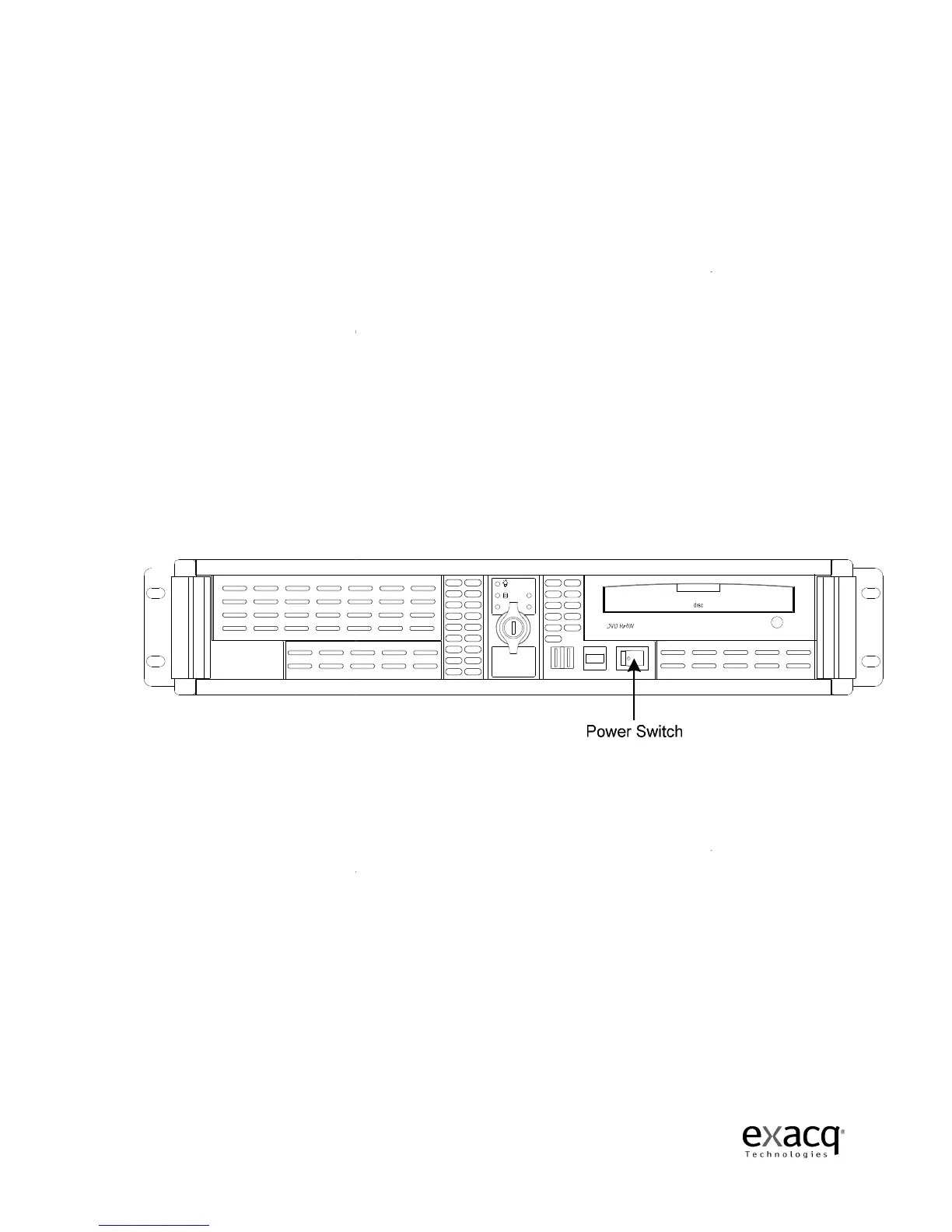
urn on the power switch and
the system begins recording video
from analog cameras.
IP cameras require some steps to connect
has been configured to take advantage of operating system security
The factory configuration includes two operating system accounts:
Privileges: computer administrator
Privileges: restricted user
exacqVision software can be installed and operated in following configurations:
Client and Server software is factory installed on the
exacqVision NVR
(not connected to
, keyboard, mouse and came
ras (analog
to access other exacqVision NVR’s
.
NVR and can be
NVR.
Please skip to the “Starting the Local Client” section, as the steps below pertain to
. The
system ships with default settings that make it very simple to begin recording and searching video.
urn on the power switch and
IP cameras require some steps to connect
has been configured to take advantage of operating system security



 To Next Page