exacqVision User Manual
1/24/2011
Searching Events
There may be times when you want to narrow your search to a specific event rather than all vid
that recorded on a particular camera during a given time period.
camera in the main lobby set to record upon motion.
recorded upon motion, you may only want to view instances when t
this process, you first need to create an event to record video based on the front door opening.
Event Linking, page 177
, for instructions on creating and li
Once this event has been established and linked appropriately, you will be able to conduct an
Events search to locate video or audio associated with the event.
button on the Navigation pane and the Event you w
Page 82
There may be times when you want to narrow your search to a specific event rather than all vid
that recorded on a particular camera during a given time period.
For example, you may have a
camera in the main lobby set to record upon motion.
Rather than searching all of the video that
recorded upon motion, you may only want to view instances when t
this process, you first need to create an event to record video based on the front door opening.
, for instructions on creating and li
nking an event.
Once this event has been established and linked appropriately, you will be able to conduct an
Events search to locate video or audio associated with the event.
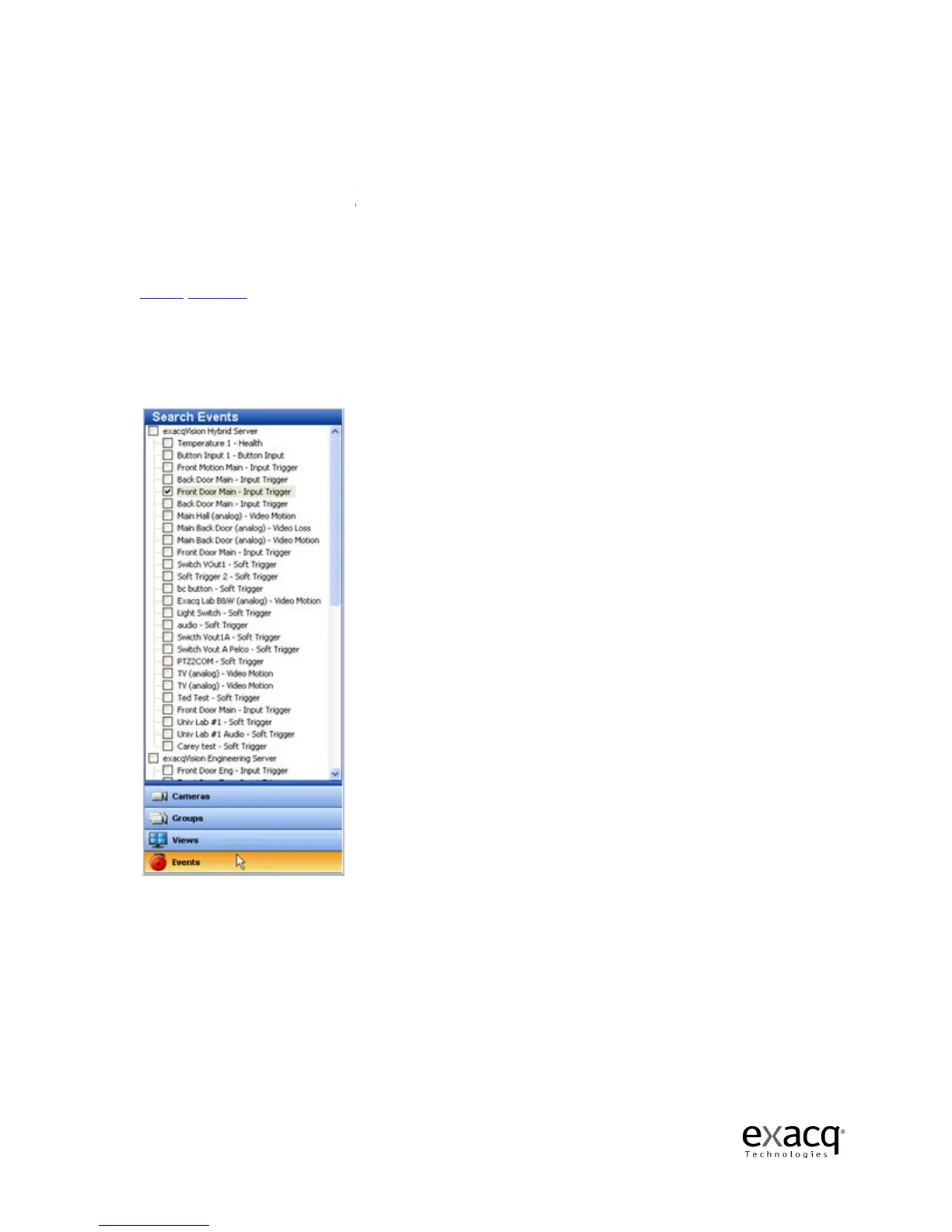
To do this, click the Events
button on the Navigation pane and the Event you w
ant to search.
There may be times when you want to narrow your search to a specific event rather than all vid
eo
For example, you may have a
Rather than searching all of the video that
To start
this process, you first need to create an event to record video based on the front door opening.
See
Once this event has been established and linked appropriately, you will be able to conduct an
To do this, click the Events



 To Next Page