exacqVision User Manual
1/24/2011
Starting the Local Client
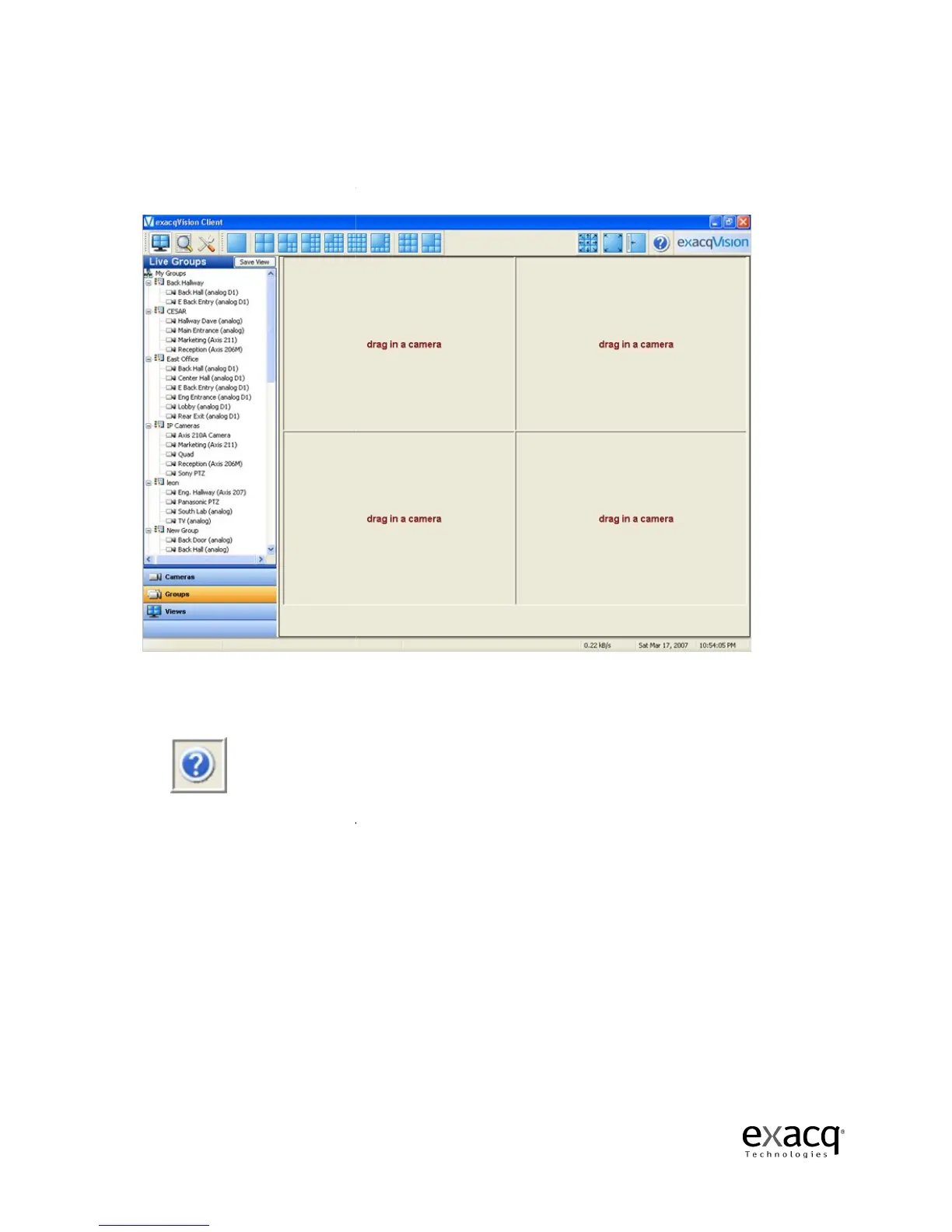
After successfully
At the right
end of the toolbar, you will find the Help button.
your exacqVision System.
You can also toggle to and from the online help system by using the F1 key.
default to the topic matching the part of the
Page 30
Local Client application will appear.
end of the toolbar, you will find the Help button.
Click it, to
You can also toggle to and from the online help system by using the F1 key.
default to the topic matching the part of the
system you are working in.
elp for
The system will



 To Next Page