exacqVision User Manual
1/24/2011
Client Setup
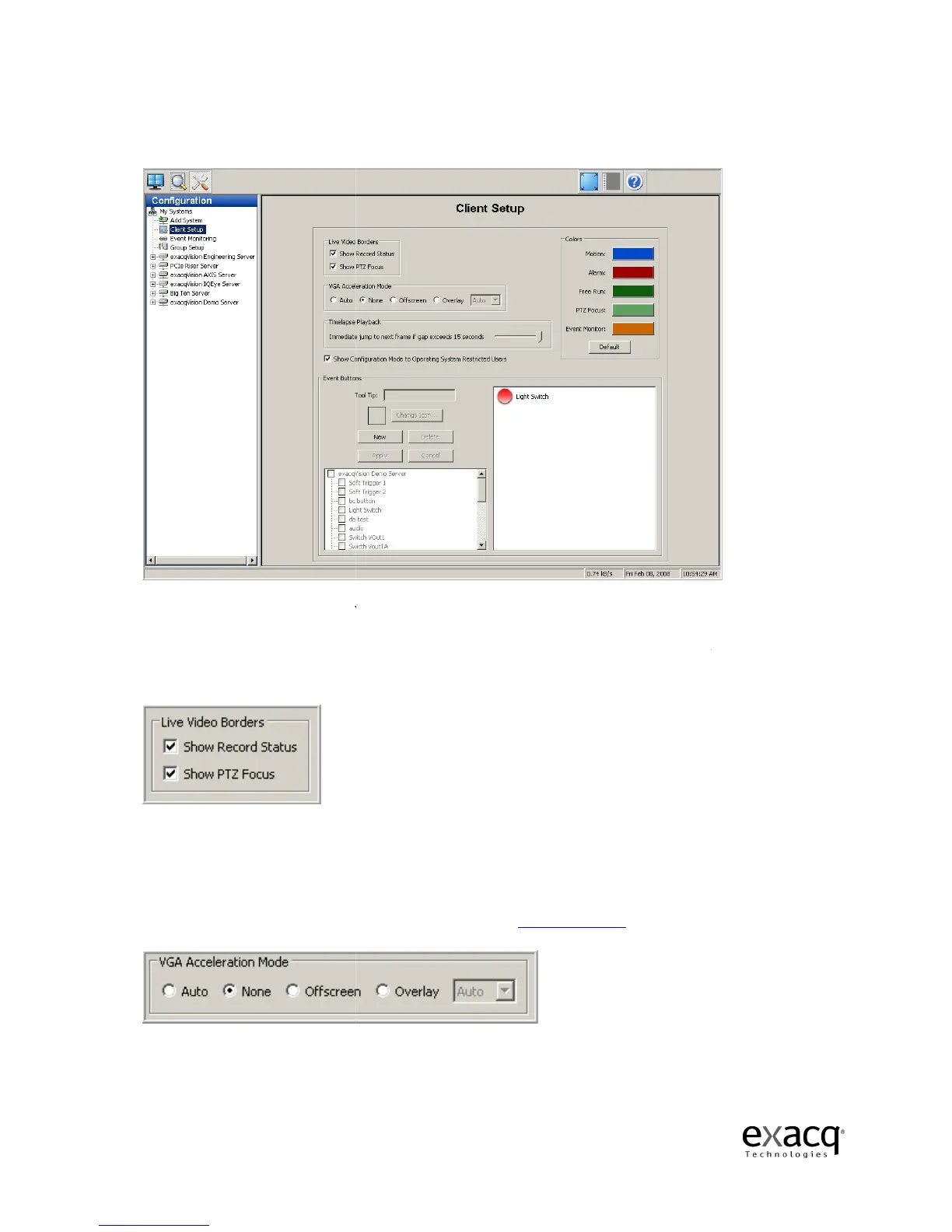
The Client Setup Screen allows you to customize your client based on your
The Live Video Borders
field gives you the opportunity to disable the colored borders that are
displayed in Live mode to indicate motion
You can disable the blue motion and red alarm border by deselecting
check
box and the green PTZ border by deselecting the PTZ Focus checkbox.
The
issues that may be caused by your video card. Se
Page 96
The Client Setup Screen allows you to customize your client based on your
field gives you the opportunity to disable the colored borders that are
displayed in Live mode to indicate motion
, alarms, or PTZ focus.
You can disable the blue motion and red alarm border by deselecting
box and the green PTZ border by deselecting the PTZ Focus checkbox.
(Video Graphics Adapter) field can be used
issues that may be caused by your video card. Se
e Display Issues, page 225.
field gives you the opportunity to disable the colored borders that are
box and the green PTZ border by deselecting the PTZ Focus checkbox.
resolve display



 To Next Page