exacqVision User Manual
1/24/2011
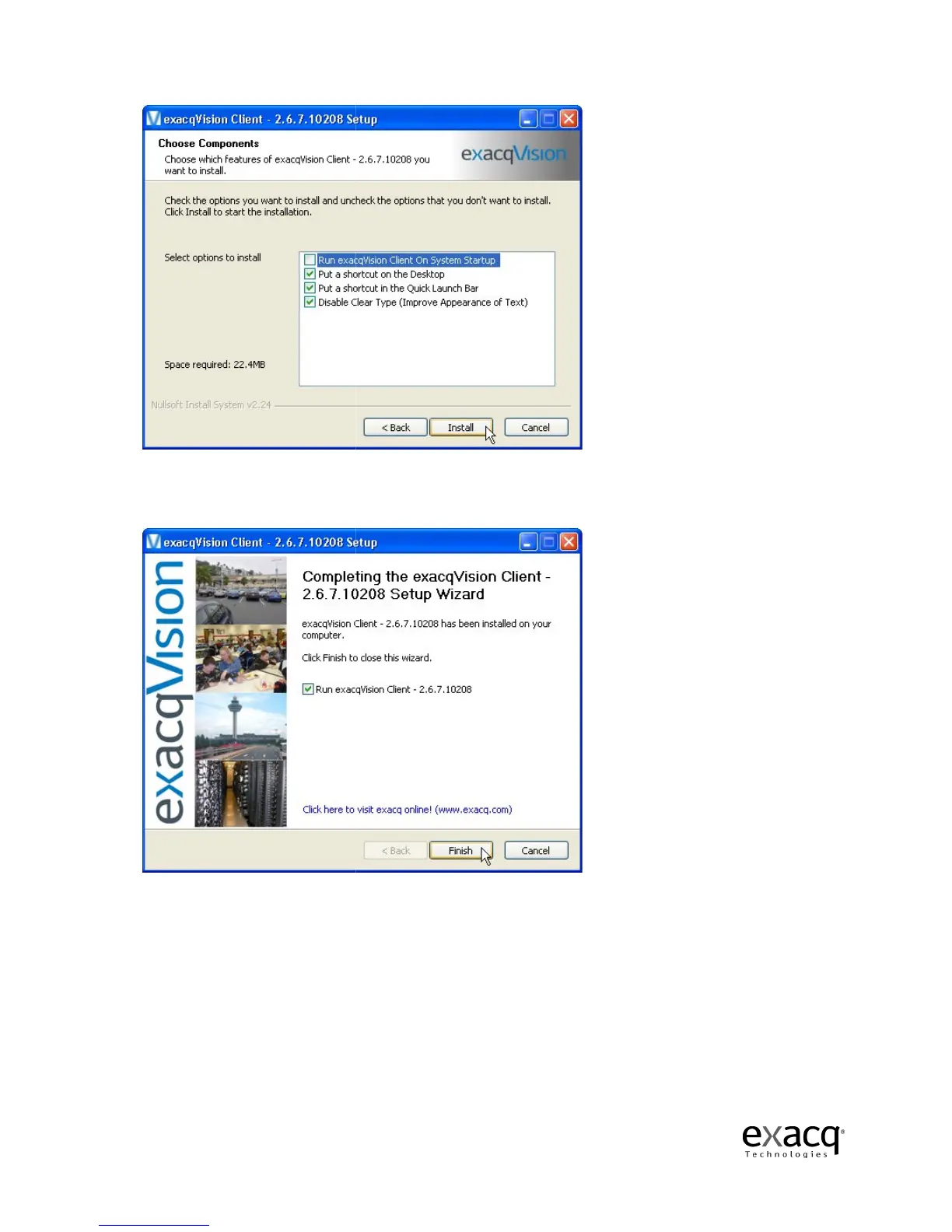
Once you have selected a location, you’ll
button to finish the installation process.
Finally, click the Finish button to complete the installation.
opened automatically.
Page 34
Once you have selected a location, you’ll
need to select the option to install.
button to finish the installation process.
Finally, click the Finish button to complete the installation.
Old versions closed and new one
Click the Install
Old versions closed and new one



 To Next Page