exacqVision User Manual
1/24/2011
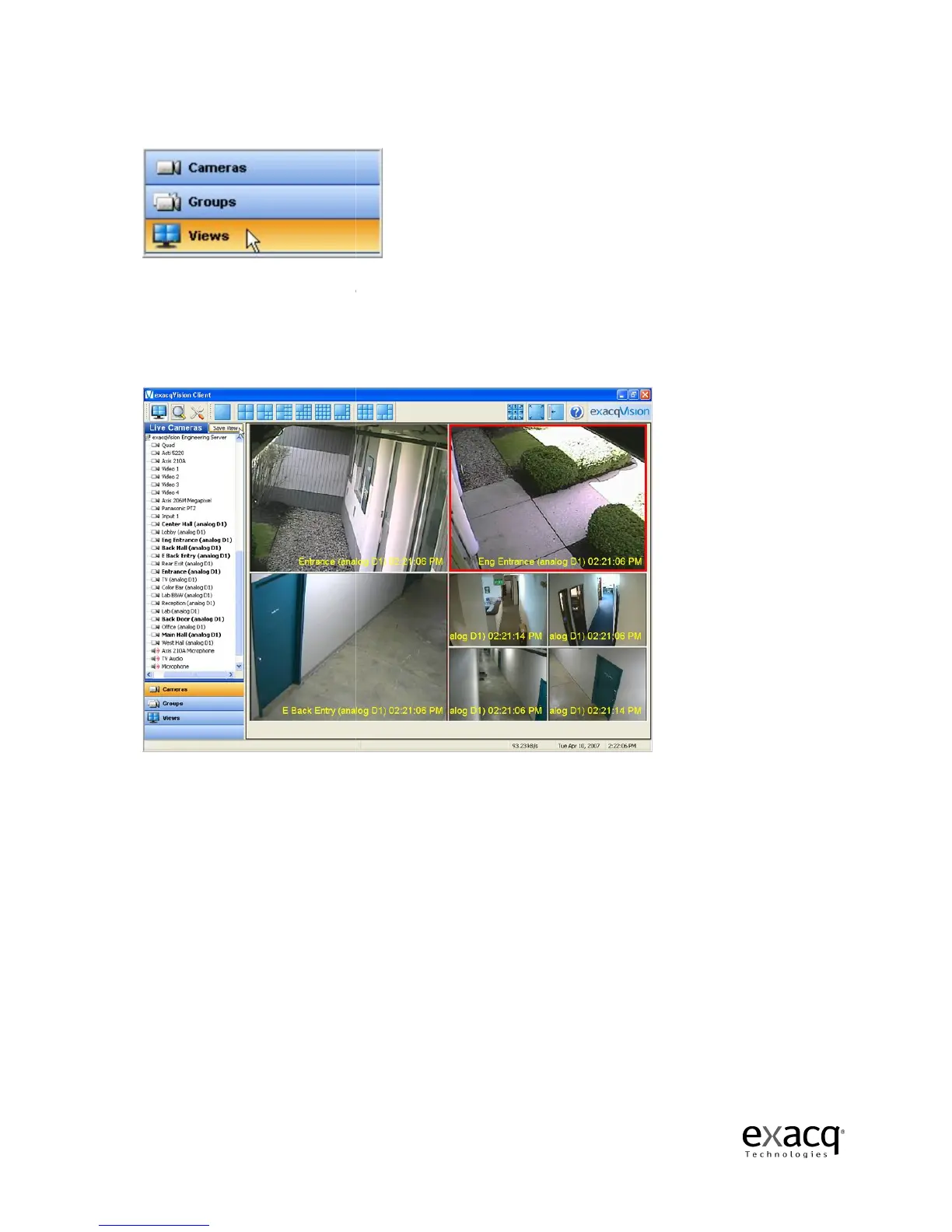
You can also organize your cameras into preset Views.
There are
several methods for creating a View.
the Live
mode and drag the cameras, audio, and/or POS data
the Video View Panel.
Once you have everything laid out the way you want
View button at the top of the
Page 50
You can also organize your cameras into preset Views.
several methods for creating a View.
The simplest method is to select a Layout button in
mode and drag the cameras, audio, and/or POS data
you want to the appropriate spot on
Once you have everything laid out the way you want
View button at the top of the
Live Site Tree.
The simplest method is to select a Layout button in
you want to the appropriate spot on
it, click the Save



 To Next Page