exacqVision User Manual
1/24/2011
When the region of interest
is complete, click OK in the Smart Search box. The system searches
for all video
from the original search that contains motion in the
Search is complete, the number of frames containing motion in the
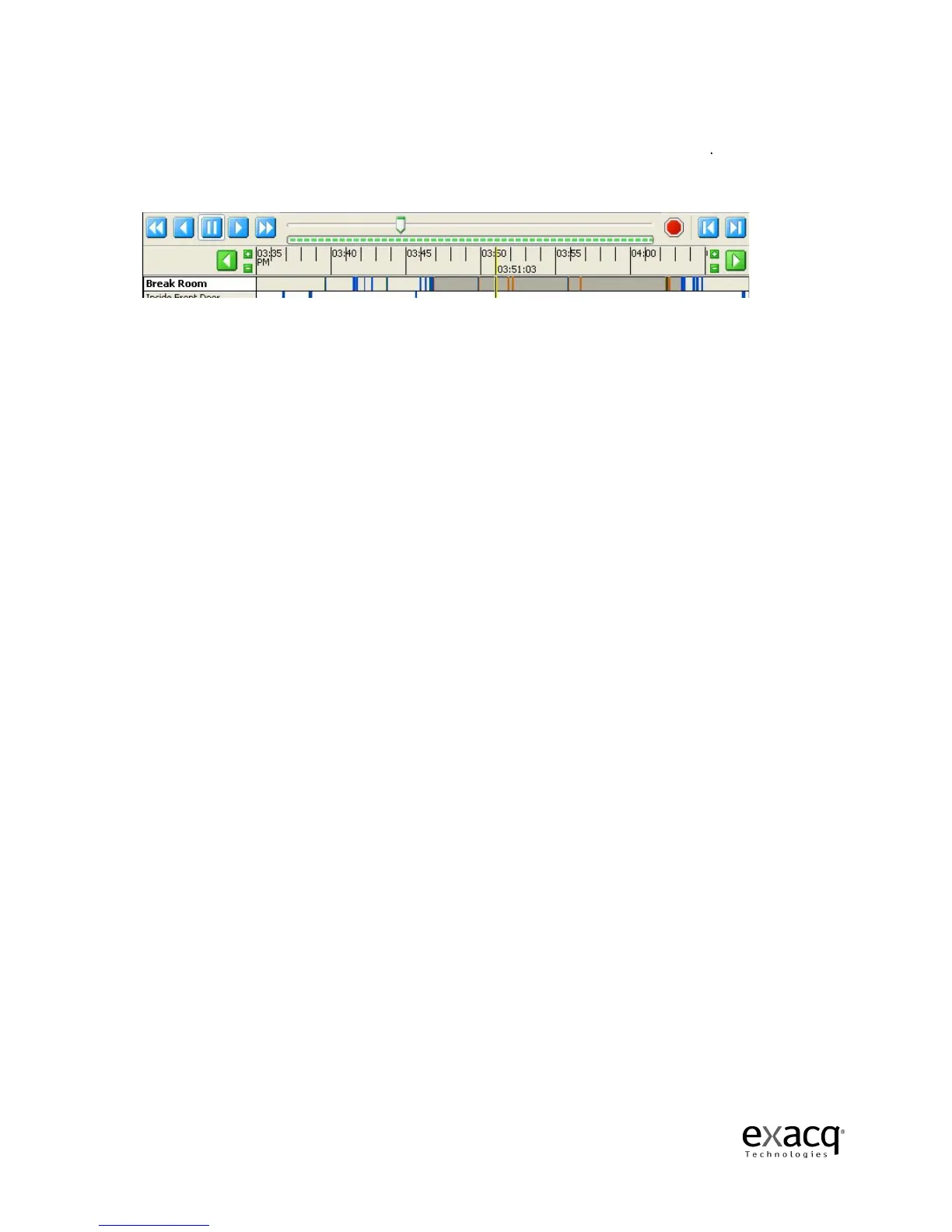
Click OK to view the frames. Smart Search frames appear in orange in the
When orange bars appear in the video results bar, only the Smart Search frames that they represent
are played back in the video playback window; an
skipped.
Page 78
is complete, click OK in the Smart Search box. The system searches
from the original search that contains motion in the
Search is complete, the number of frames containing motion in the
Click OK to view the frames. Smart Search frames appear in orange in the
When orange bars appear in the video results bar, only the Smart Search frames that they represent
are played back in the video playback window; an
y non-
Smart Search frames in that time range are
is complete, click OK in the Smart Search box. The system searches
. When the Smart
is displayed.
When orange bars appear in the video results bar, only the Smart Search frames that they represent
Smart Search frames in that time range are


 To Next Page
 Loading...


