exacqVision User Manual
1/24/2011
If you know the Hostname or IP address, enter it in the
IT department if you don’t have either the Hostname
is 22609; change this only if necessary for your network conf
Select the radio button that matches your
to buffer in order to
After you have competed entering the settings, click the Apply button.
Once a
system has been added to the S
system. All authorized
video viewing, searching and system configuration functions
available to your client application.
trees.
To disconnect or reconnect a system, simply deselect or select the Connection box in the System
List.
Disconnected systems do not appear in the Configuration tree.
will be displayed.
Page 93
If you know the Hostname or IP address, enter it in the
Hostname/IP Address field
IT department if you don’t have either the Hostname
or the IP address.
By default, the port number
is 22609; change this only if necessary for your network conf
iguration.
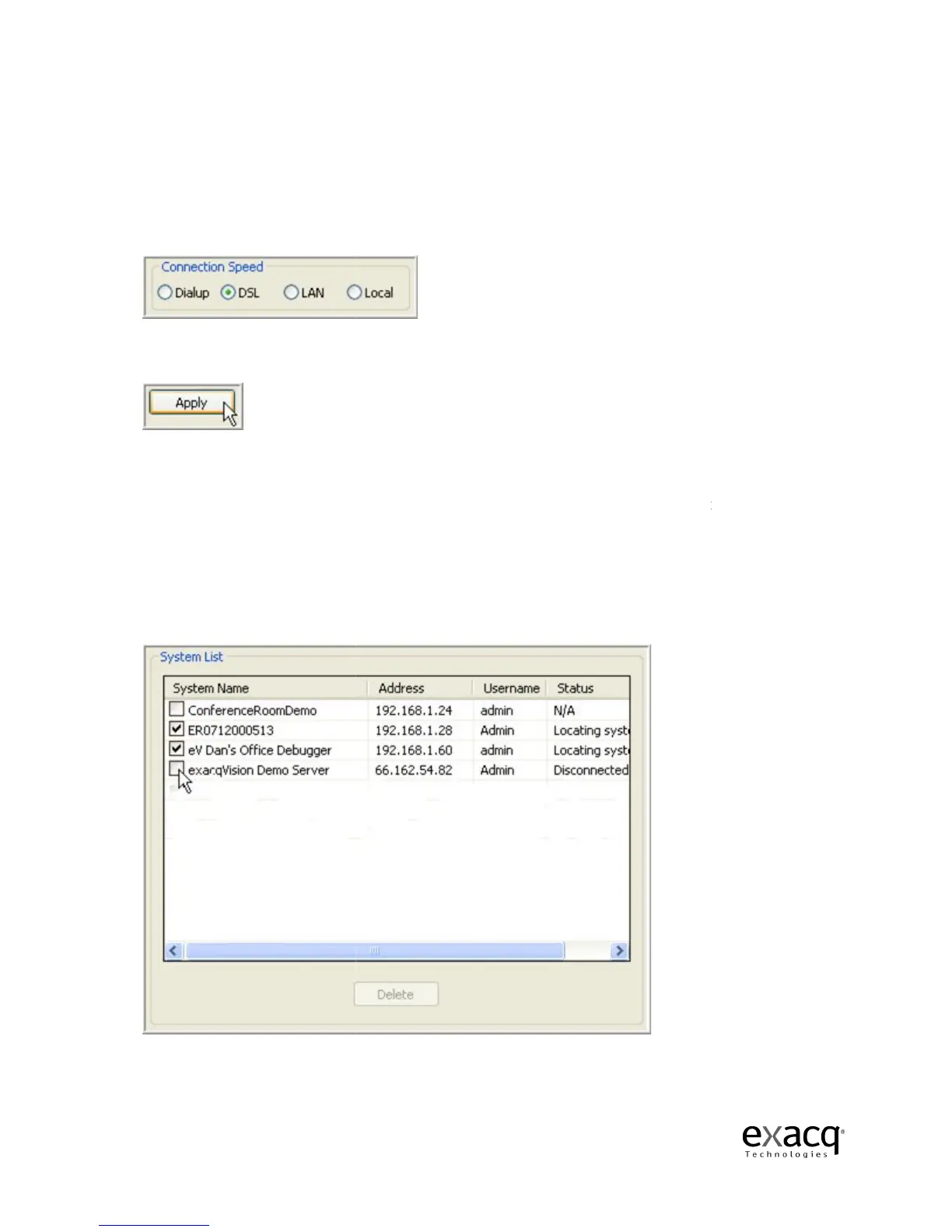
Select the radio button that matches your
Connection Speed.
This tells the system how much audio
mooth audio stream.
After you have competed entering the settings, click the Apply button.
system has been added to the S
ystems List, the Client
video viewing, searching and system configuration functions
available to your client application.
It will now also appear in the Configur
To disconnect or reconnect a system, simply deselect or select the Connection box in the System
Disconnected systems do not appear in the Configuration tree.
Only those systems selected
Hostname/IP Address field
. Contact your
By default, the port number
This tells the system how much audio
connect to the
video viewing, searching and system configuration functions
will be
To disconnect or reconnect a system, simply deselect or select the Connection box in the System
Only those systems selected



 To Next Page