34
10
TROUBLESHOOTING AND SERVICE
Troubles sometimes are caused by simple "faults" that can be easily corrected without the help of a service technician by first checking
a few basic remedies.
Before you call an authorized EXCEL Manufacturing service representative, look below for the type of trouble you are experiencing.
Then perform the check and adjustments listed for the trouble.
If your baling equipment is still in warranty, these checks and adjustments could save you time and the cost of an unneeded visit from a
service representative. They also could save you the cost of a diagnosis not covered by your warranty. (Refer to the warranty on the
inside of the back cover to verify what is covered.)
If your baling equipment is out of warranty, these checks and adjustments could save you the cost of an unneeded diagnosis.
For your nearest authorized EXCEL Manufacturing service representative, phone 1-800-475-8812. Please have baler
model and serial number ready before calling.
Electrical troubleshooting is to be performed by qualified electricians only.
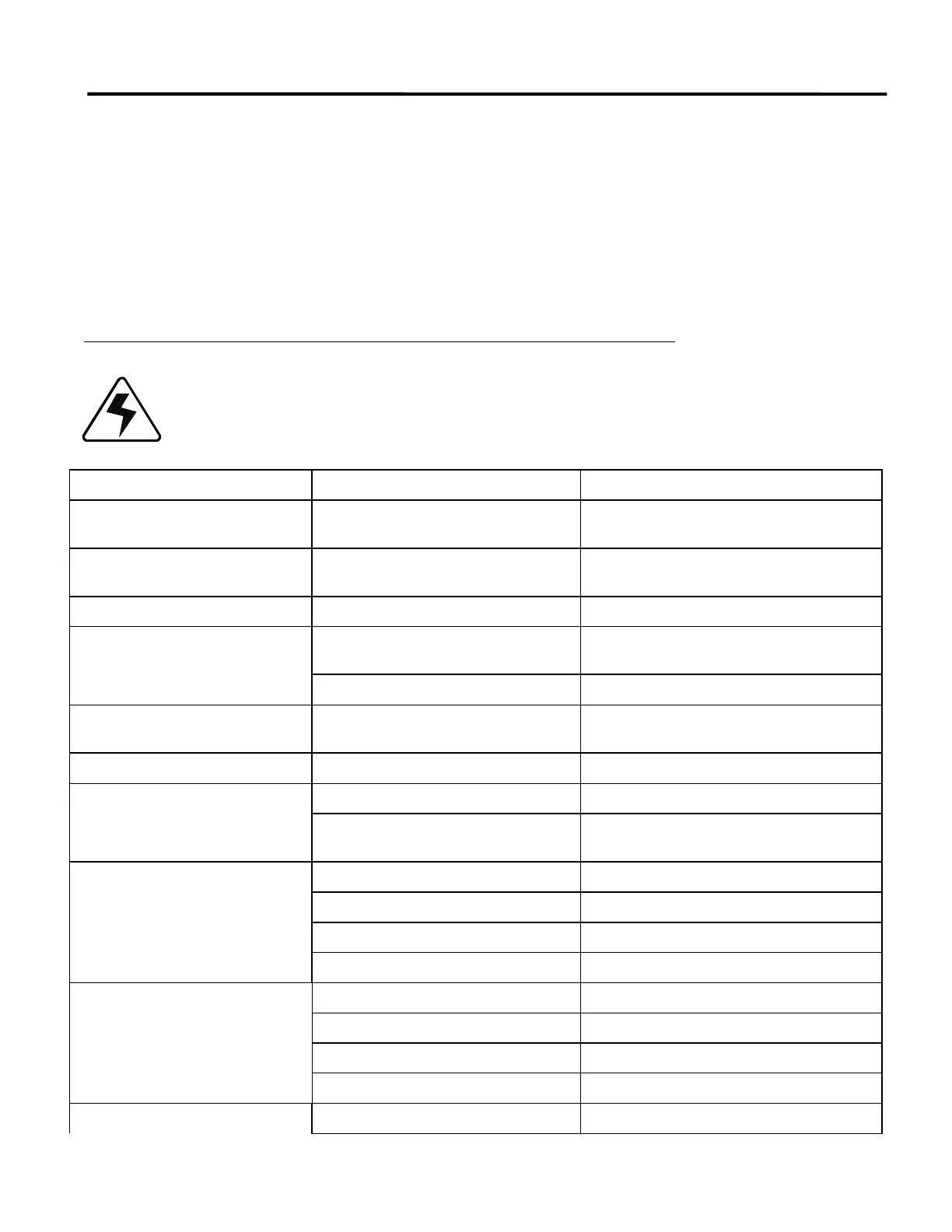
TROUBLE POSSIBLE PROBLEM SOLUTION
Material jams under cutting edge Cutting edge to platen tolerance exceeds
1/16"
See Cutting Edge Adjustment
Cutting edge is not cutting Edge is dull Remove or replace cutting edge and rotate as
needed
Wire slots do not line up Side clearance adjustment Add side shims
Motor shuts off with platen in
extended position and will not return
Rear limit switch Foreign object holding Rear limit switch arm
open
Pressures out of adjustment. Check pressure settings.
Motor continues to run after platen is
retracted
Rear Limit Switch out of adjustment See Limit Switch Adjustments
Bale tie position is not correct Bale Tie Limit Switch out of adjustment See Limit Switch Adjustments
Motor runs hot Blocked ventilation Clean external and internal ventilation systems
High ambient temperature of over 105
degrees F
Provide outside sources of cooler air or reduce
number of cycles per hour
Motor does not run Emergency Stop button depressed Twist to release
Key Switch in OFF position
Disconnect in OFF position
Blown fuse If blown, replace
Motor does not run (cont.)
Blown Control Voltage fuse Replace
Thermal overload tripped Press Reset button
Main switch open Close switch
Door not shut/open completely. Close or open door all the way.



 To Next Page