EXCELL PRECISION CO., LTD.
45046
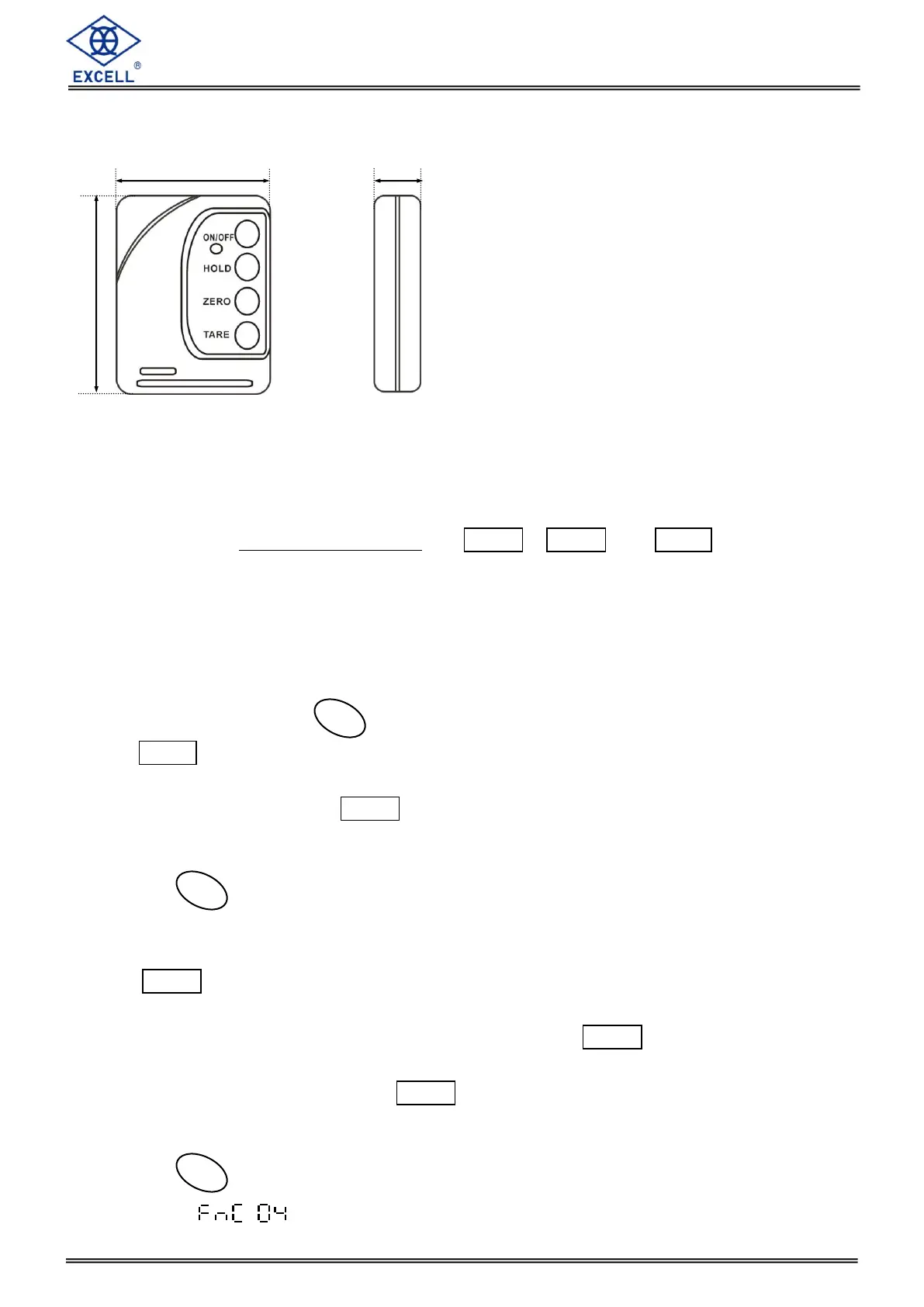
1-5 Remote Control
ON/OFF: Users can use the remote control to switch ON or OFF the scale when it is out of
reach. It is recommended, however, to switch the power off on the crane scale itself, if
possible, to maximize the battery life.
Please refer to “1-5 Keypad Operation” for HOLD , ZERO and TARE keys.
Power Selection: DC3 V
Operating Range: Reliable wireless performance is up to 30 meters when the crane scale is
placed in an outdoor location.
1-6 Keypad Operation
Weight Unit Selection ( ) ---- Unit Transformation
Press MODE key to select the desired weighing unit. The 1st unit is active when the indicator
is on. The 2nd unit is active when the indicator is off. You can choose two from kg, lb or t. If
factory sets in single unit, then MODE has no function.
The crane will keep the weighing unit after its last power off.
Zero key ( ) ---- Zero the weight value which is displayed on the screen.
During the usage, press this key to zero the scale when zero drift happens (That is, there is
nothing on the hook but the display shows tiny weight value.). And the “Zero” light is on.
The ZERO key is active when weight value is less than 2% of the full capacity.
The zero range can be set to conform to the related regulations in various nations.
Non approval and OIML and NETP approval models: The ZERO key is enable when
weight value is less than 2% of the full capacity.
SRI_LANKA approval models: The ZERO key is enable when weight value ranges
between -3% to +3% of the full capacity and never under tare.
Tare key ( ) ---- Deduction of a container weight
Please cancel auto hold function to avoid error.


 To Next Page