EXCELL PRECISION CO., LTD.
45046
Chapter 4 Internal Function Setting Mode
1. To access the service mode, set the Mini Jumper SWA1 to the ADJ position (EEPROM
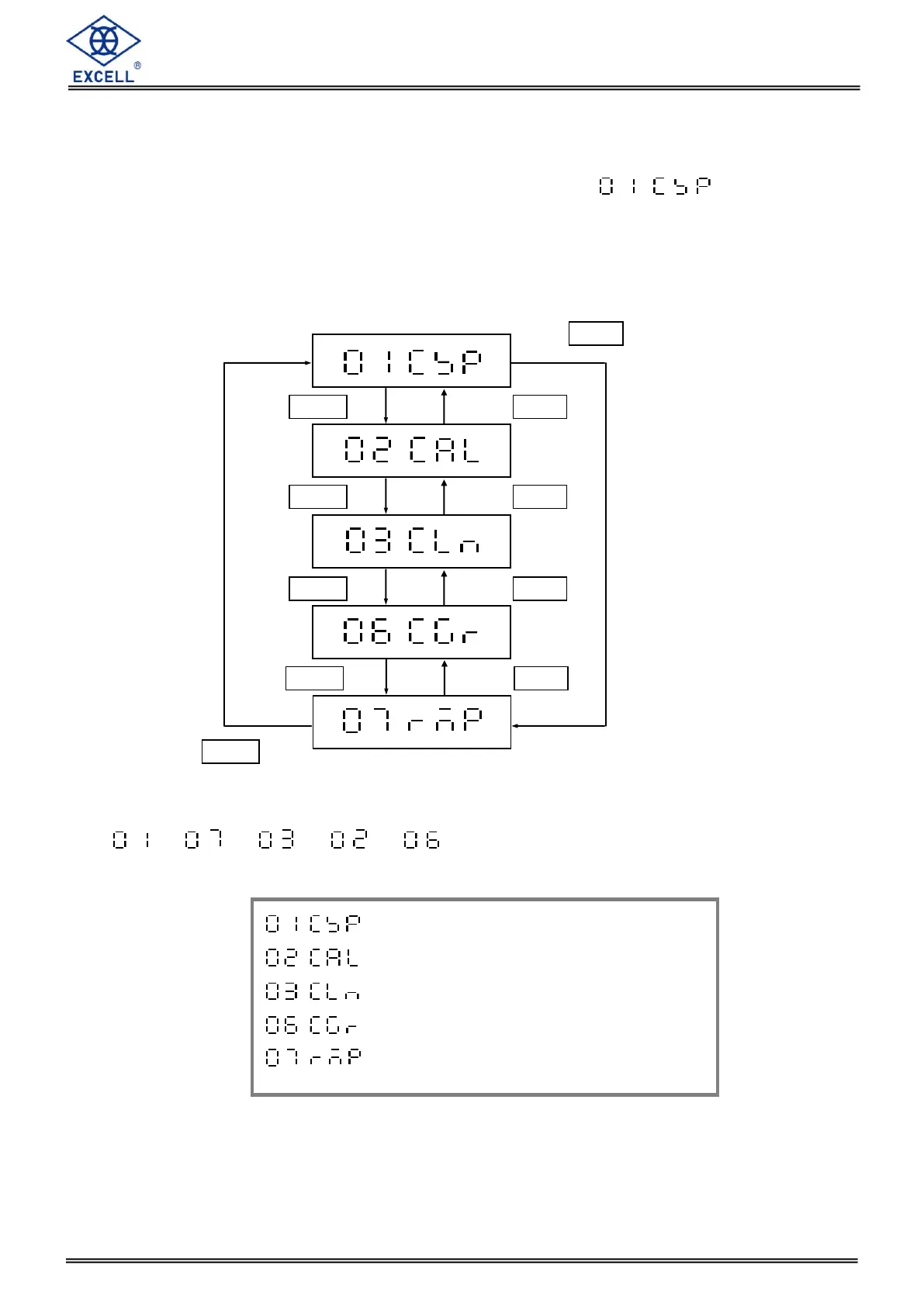
UNLOCK), and switch on the scale, then the display shows .
2. The Mini Jumper SWA1 must be set back to the LOCK position when the calibration is
completed.
3. If the Mini Jumper is set back to the LOCK position while calibrating, the scale will leave the
internal function mode.
When first time adjusting the internal settings, the procedure should be as follow:
→ → → →
Specification Setting
Weight Calibration
Linearity Calibration
Gravity compensation
Proportional Weight Calibration


 To Next Page