EXCELL PRECISION CO., LTD.
45046
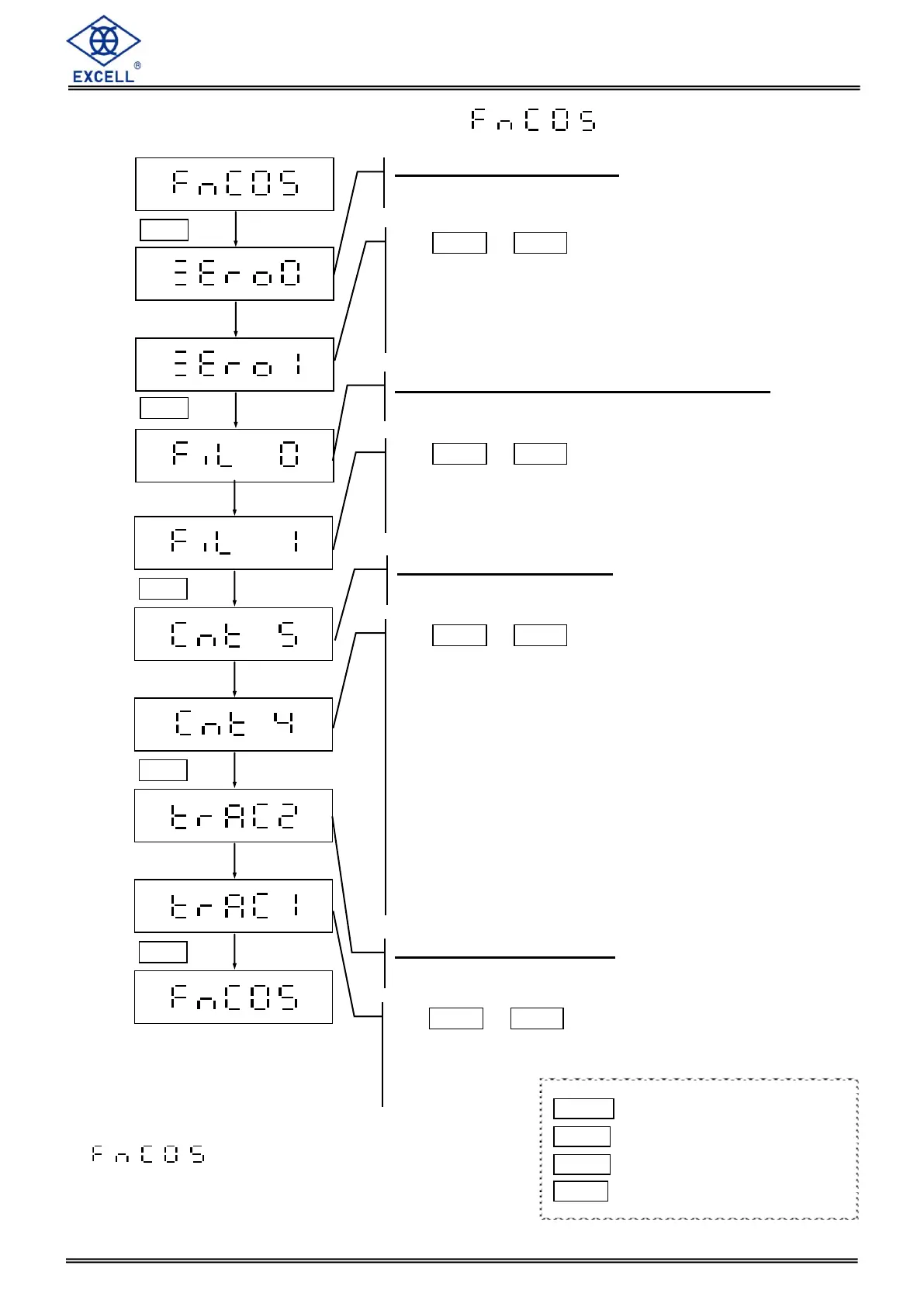
2-1-5 Environment Parameter Settings
Setting is only available for
non-approval models
Return to zero point setting
LCD displays the current configuration
Use MODE or HOLD key to enter a parameter
from 0 to 9 so as to instruct the scale to SKIP function
while 0 means no SKIP and 1 means SKIP 1d,etc.
When the weight on the hook is over 1/3 full capacity,
the function is enable.
Digital switch & Stabilization range setting
LCD displays the current configuration
Use MODE or HOLD key to enter a parameter
from 0 to 9 while 0 is the default. The larger the
number, the more stable the weight.
Zero tracking timer setting
LCD displays the current configuration
Use MODE or HOLD key to enter a parameter
Default setting = 0
0 No zero tracking
1 Track zero point every 1 second after stable.
2 Track zero point every 2 second after stable.
3 Track zero point every 4 second after stable.
4 Track zero point every 8 second after stable.
5 Track zero point every 16 second after stable.
6 Track zero point every 32 second after stable.
7 Track zero point every 64 second after stable.
8 Track zero point every 128 second after stable.
9 Track zero point every 256 second after stable.
Zero tracking range setting
LCD displays the current configuration
Use MODE or HOLD key to enter a parameter
Default setting = 0
0 1/4d
1 ~ 9 1 ~ 9d
MODE Upward digit selecting (0-9)
HOLD Downward digit selecting (9-0)
ZERO No function
TARE Confirm


 To Next Page