Setting Up Your FTB-1v2 and FTB-1v2 Pro
100 FTB-1v2 and FTB-1v2 Pro
Setting Date and Time Formats
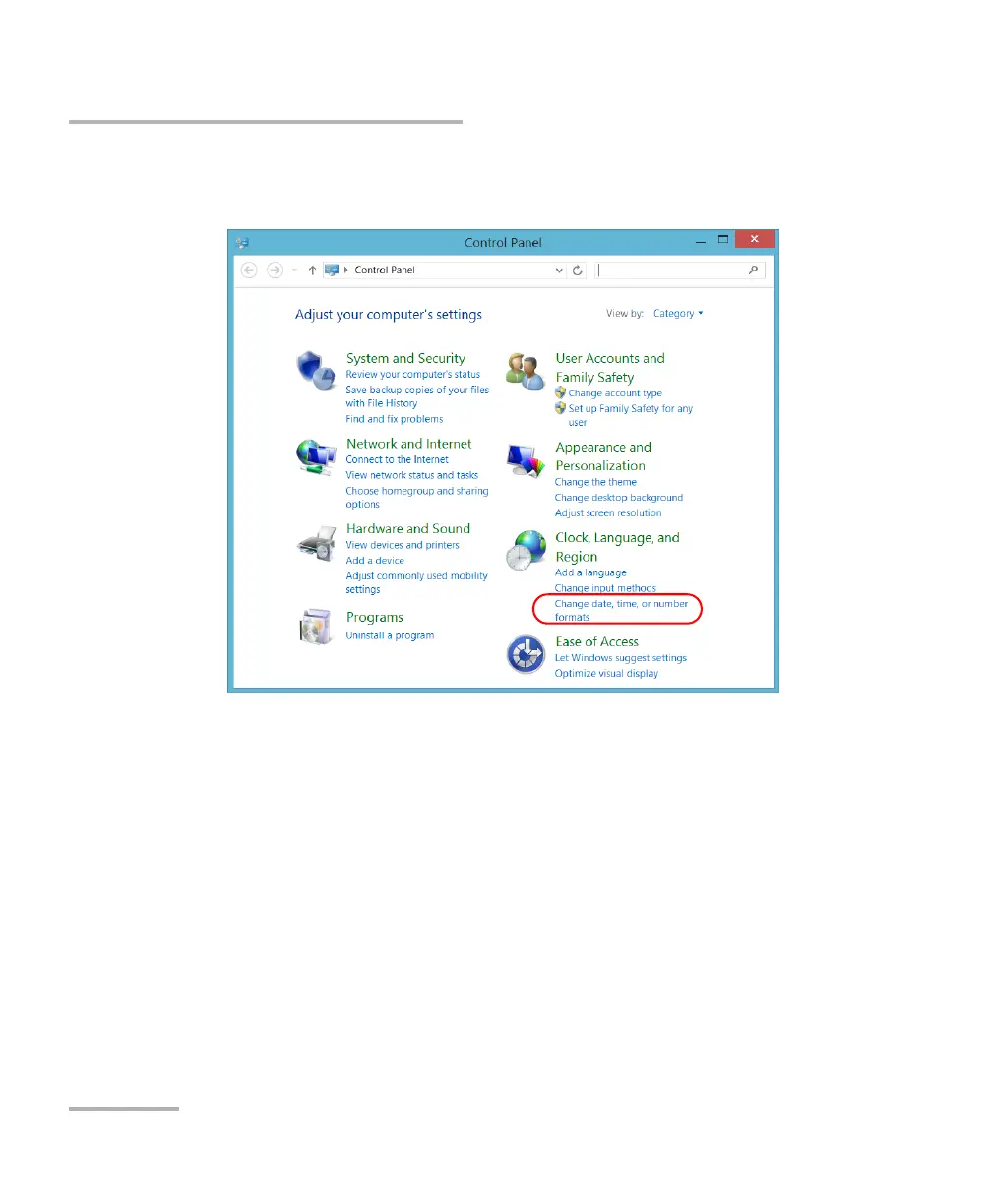
3. Under Clock, Language, and Region, tap Change date, time, or
number formats.
4. Refine the settings according to your needs.
5. Tap Apply to confirm, and then OK to close the window.
The new values are taken into account immediately.



 To Next Page