Setting Up Your FTB-1v2 and FTB-1v2 Pro
FTB-1v2 and FTB-1v2 Pro 99
Setting Date and Time Formats
Setting Date and Time Formats
By default, the dates (short and long) and time are displayed in the formats
associated with the global language format (locale). The time can be
expressed with a 12- or a 24-hour notation. You can modify the way dates
and time are displayed if the default values do not suit your needs.
For information on how to adjust the date, the time, and the time zone,
see Adjusting the Date, Time and Time Zone on page 101.
To set date and time formats:
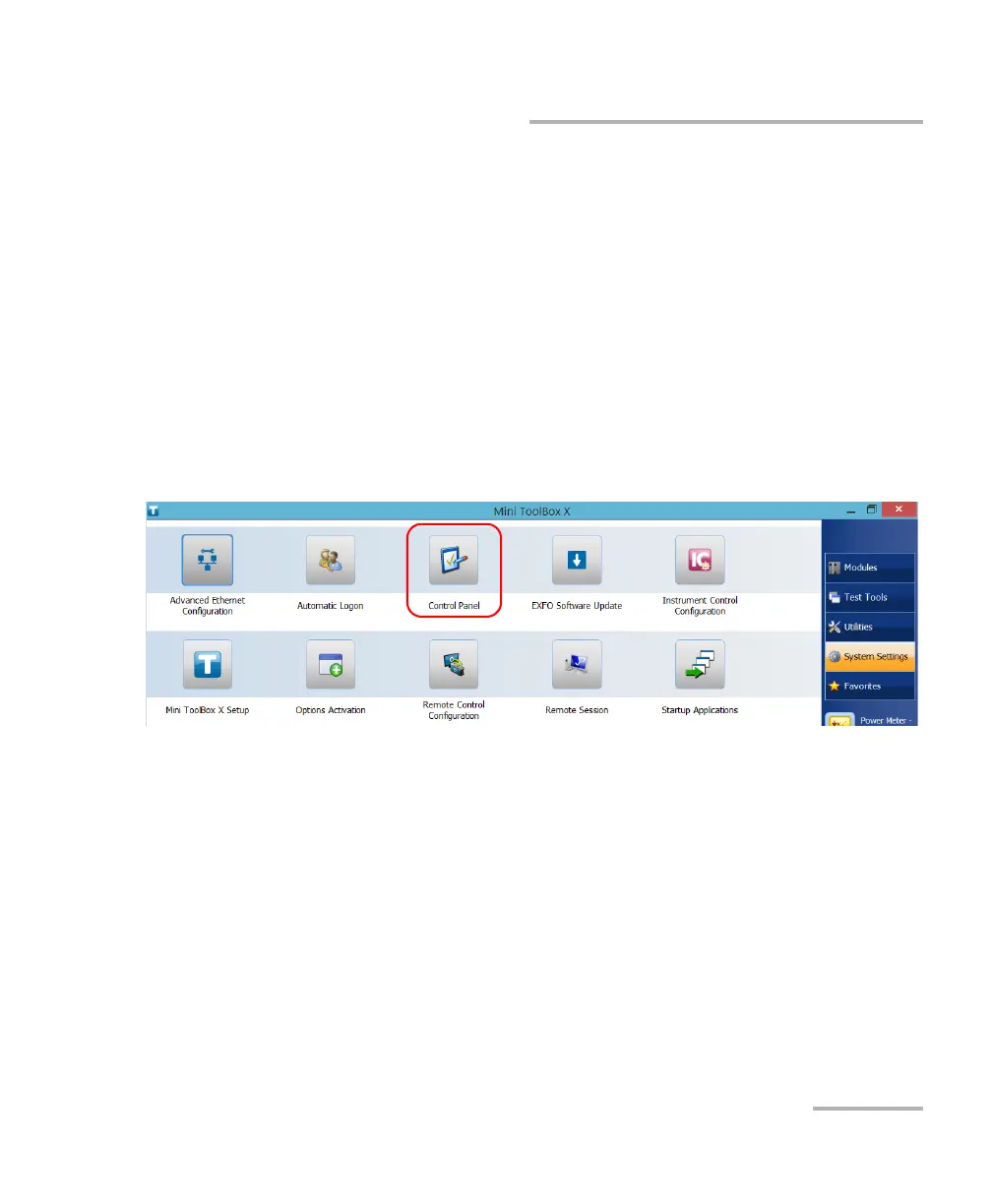
1. From the main window, tap the System Settings button.
2. Tap Control Panel.



 To Next Page