FTB-1v2 and FTB-1v2 Pro 71
4 Setting Up Your FTB-1v2 and
FTB-1v2 Pro
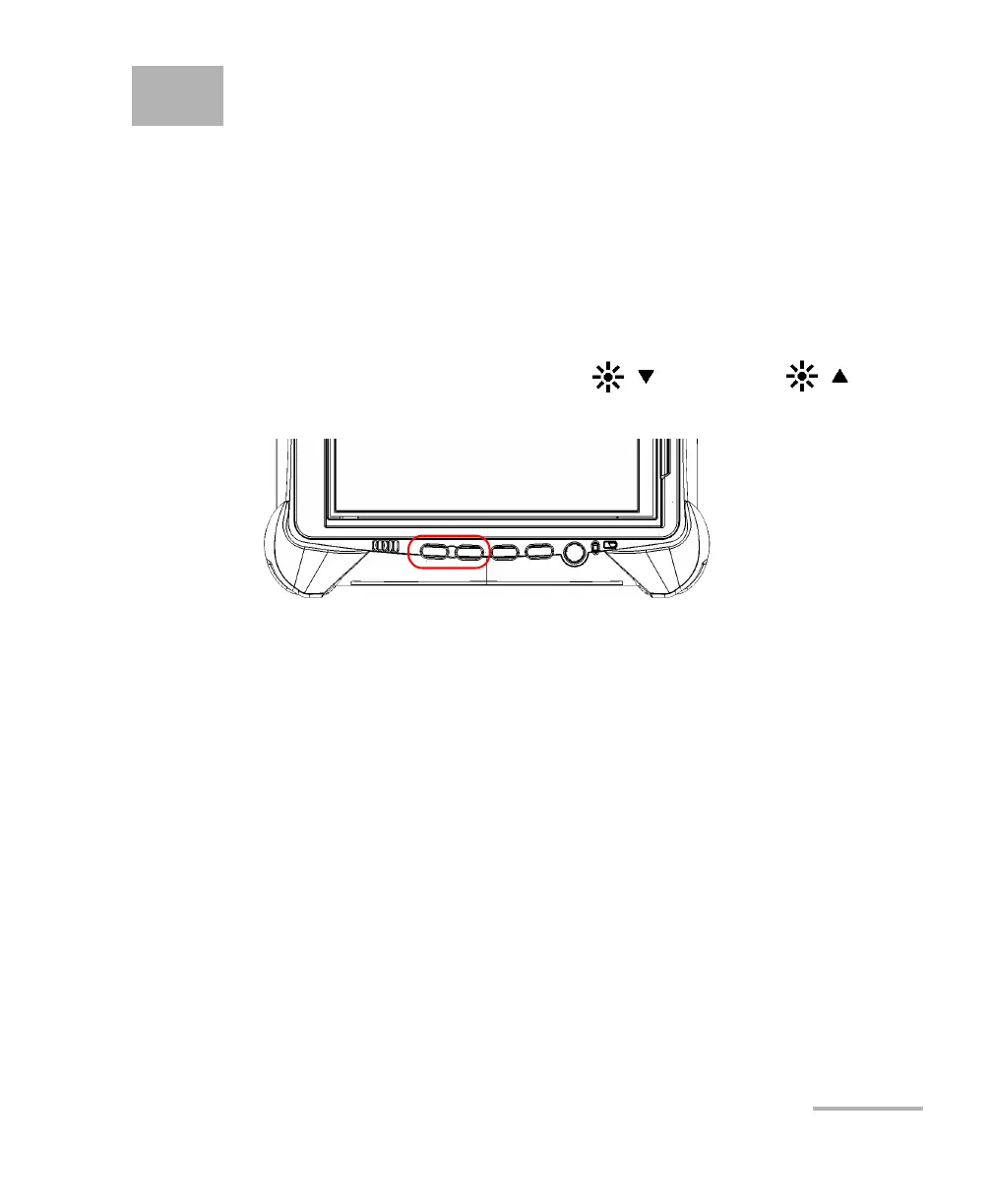
Adjusting Brightness
You may want to adjust the display brightness yourself to better fit your
work environment or preferences. Values are kept in memory even when
you turn the unit off.
To adjust the display brightness:
From the unit’s front panel, press the (decrease) or
(increase) button until the brightness level suits you.
The new brightness value is taken into account immediately.



 To Next Page