Getting Started with Your Unit
66 FTB-1v2 and FTB-1v2 Pro
Inserting and Removing microSD Cards
Inserting and Removing microSD Cards
Your unit is equipped with a slot for microSD cards for extra storage
capacity. You can use any commercially available microSD card
compatible with the Secure Digital eXtended Capacity (SDXC) format.
To insert a microSD card into your unit:
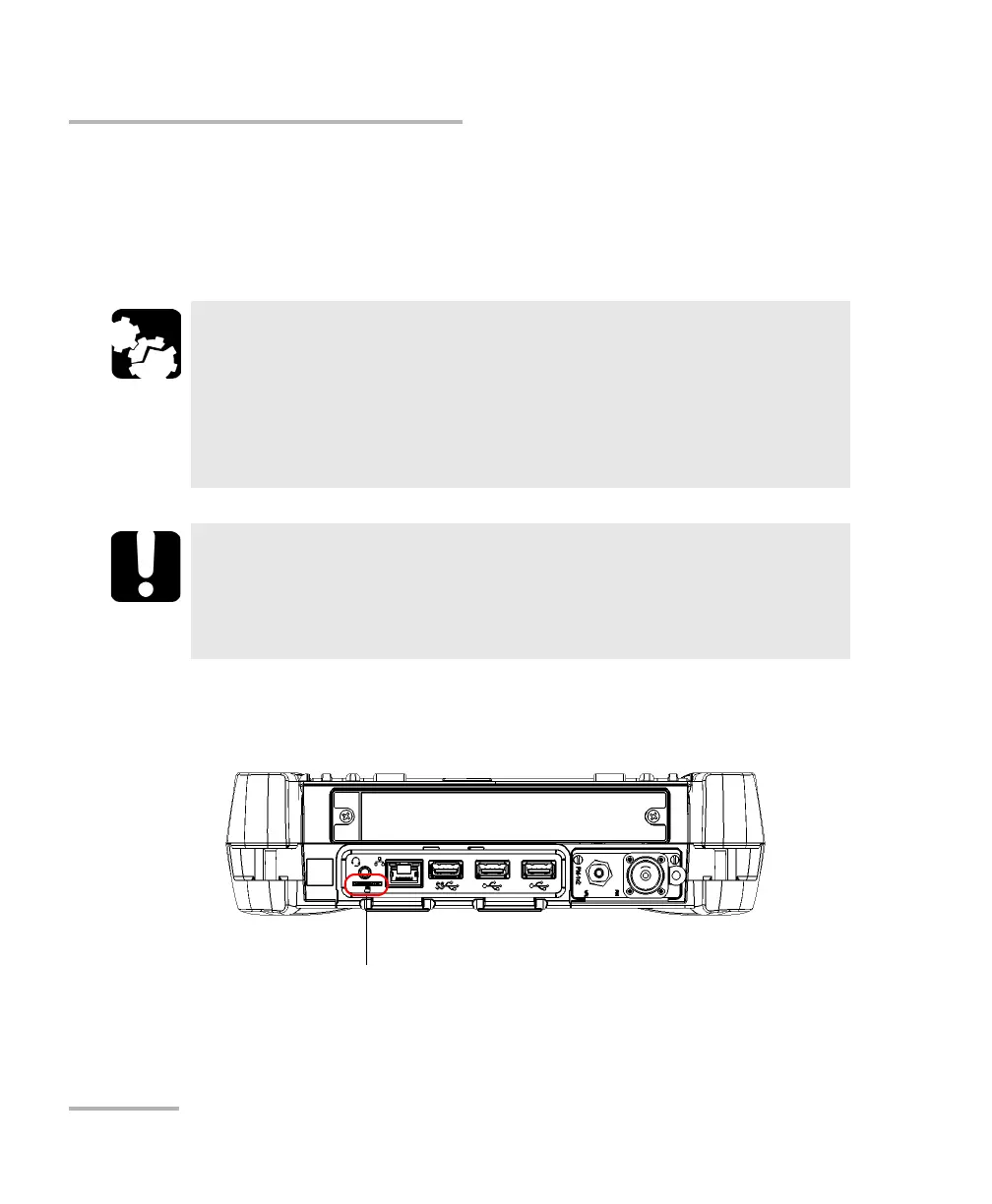
1. Locate the microSD card slot on the top panel of your unit.
CAUTION
Inserting a microSD card upside down could damage both your
unit and the card. Always ensure that the card is properly
positioned before trying to insert it into the slot.
To prevent damage to your microSD card, avoid touching its
gold area.
IMPORTANT
Always insert or remove the microSD card while the unit is
completely off (shutdown).
Otherwise, the microSD card may not be detected properly.



 To Next Page