Managing Data
160 FTB-1v2 and FTB-1v2 Pro
Connecting to a Wireless Network
Connecting to a Wireless Network
If you have purchased the Wi-Fi option, you can connect to a wireless
network and benefit from all resources that are available on this network.
You can transfer data exactly as you would do from an Ethernet network.
By default, the internal wireless module is enabled, but not connected to a
network.
If you have disabled the Wi-Fi device, you must enable it before trying to
connect to a wireless network (see Enabling or Disabling the Wireless
Communication on page 173).
Note: To save power when your unit is running on batteries, you may wish to
disable the wireless module when you do not use it.
To connect to a wireless network:
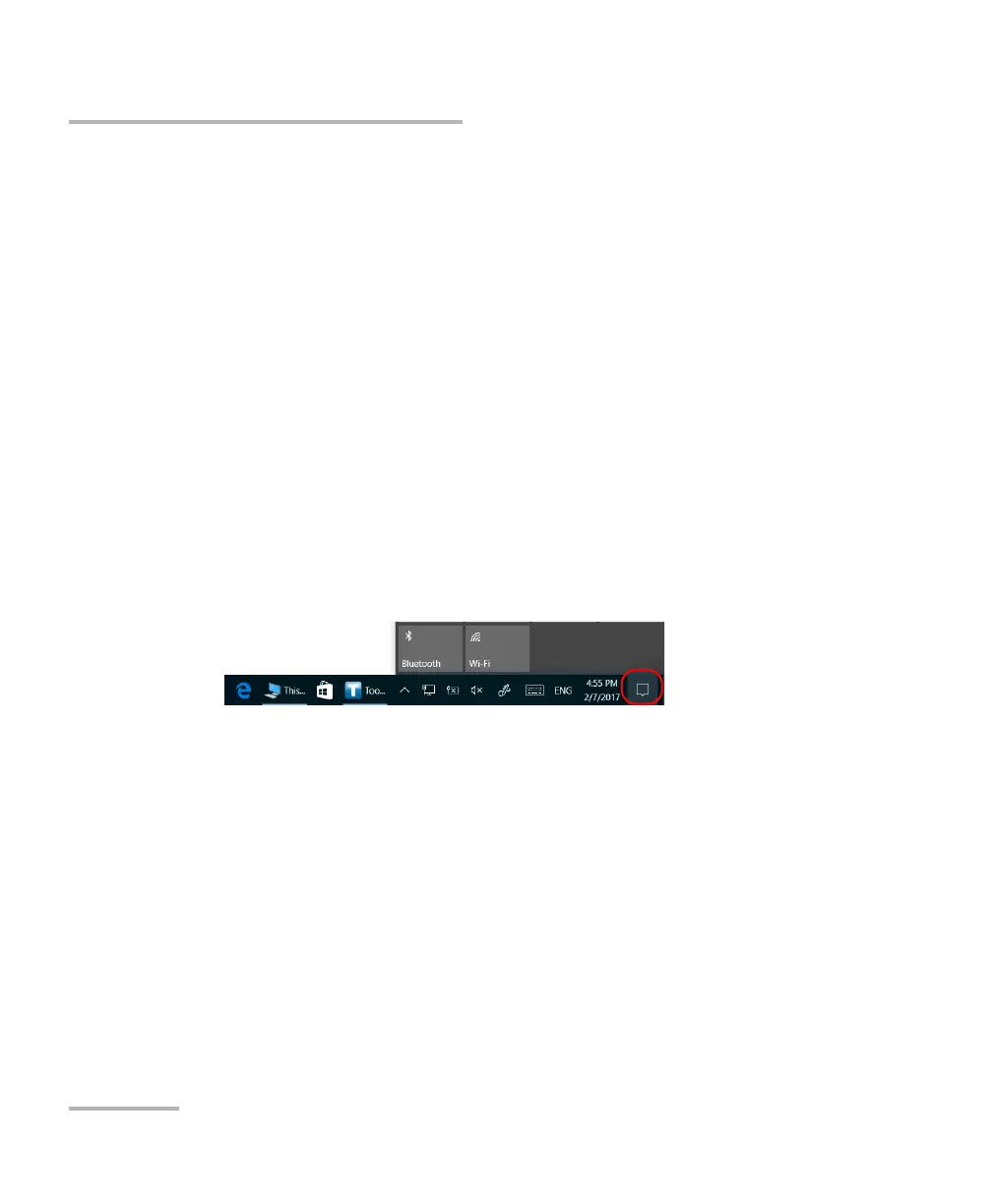
1. In Windows 10, from the notification area, tap the notification preview
icon.
OR
In Windows 8.1 Pro or in Windows Embedded 8 Standard, from the
right side of the screen, swipe left to display the Charm bar.



 To Next Page