Maintenance
FTB-1v2 and FTB-1v2 Pro 277
Modifying the Low-Battery Thresholds
Modifying the Low-Battery Thresholds
Your unit was set at the factory to warn you about low battery charge level
(when it reaches about 10 %), and to shut down automatically when the
batteries reach a very low charge level (less than 5 %).
However, you can modify these thresholds to better suit your needs.
Note: Each power plan has its own set of thresholds. This means that when you
modify the thresholds of a given power plan, the thresholds of the other
power plans are not changed automatically. If you want to modify the
thresholds of other power plans, you have to select them in turn and make
the required changes.
To modify the low-battery thresholds:
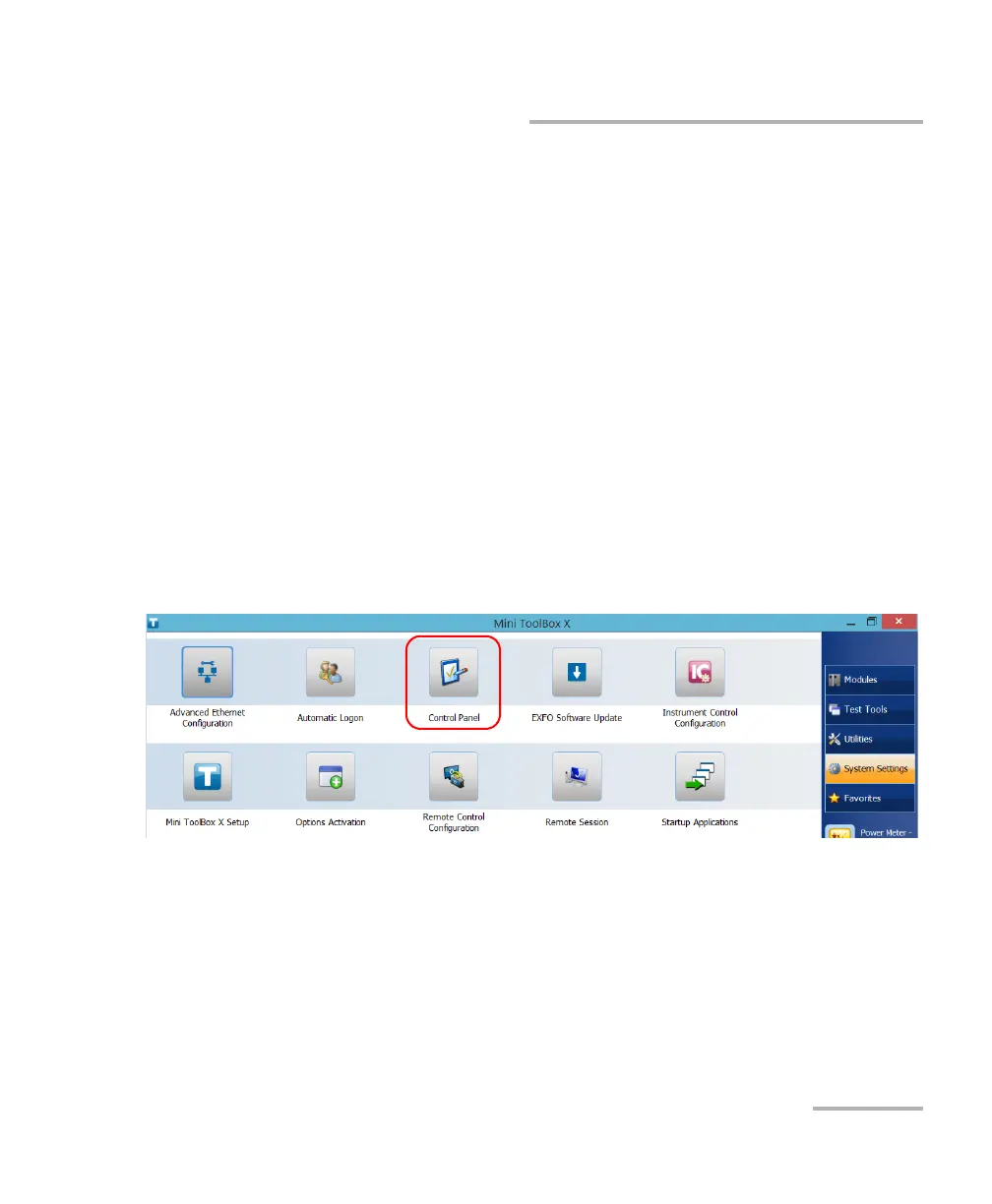
1. From the main window, tap the System Settings button.
2. Tap Control Panel.



 To Next Page