Working with Your Unit
130 FTB-1v2 and FTB-1v2 Pro
Browsing the Web
Browsing the Web
You can browse the Web directly from your unit, provided that you have
access to an Internet connection.
If you need to modify the Internet options, see Configuring the Internet
Options on page 116. For more information on how to connect to the
Internet using a mobile broadband USB modem key, see Accessing the
Internet with a Mobile Broadband USB Modem Key on page 131.
To browse the Web:
1. Open a Web browser as follows:
1a. From the main window, tap the Utilities button.
1b. Tap the Edge (Windows 10) or the Internet Explorer (Windows
Embedded 8 Standard and Windows 8.1 Pro) icon to open the
browser.
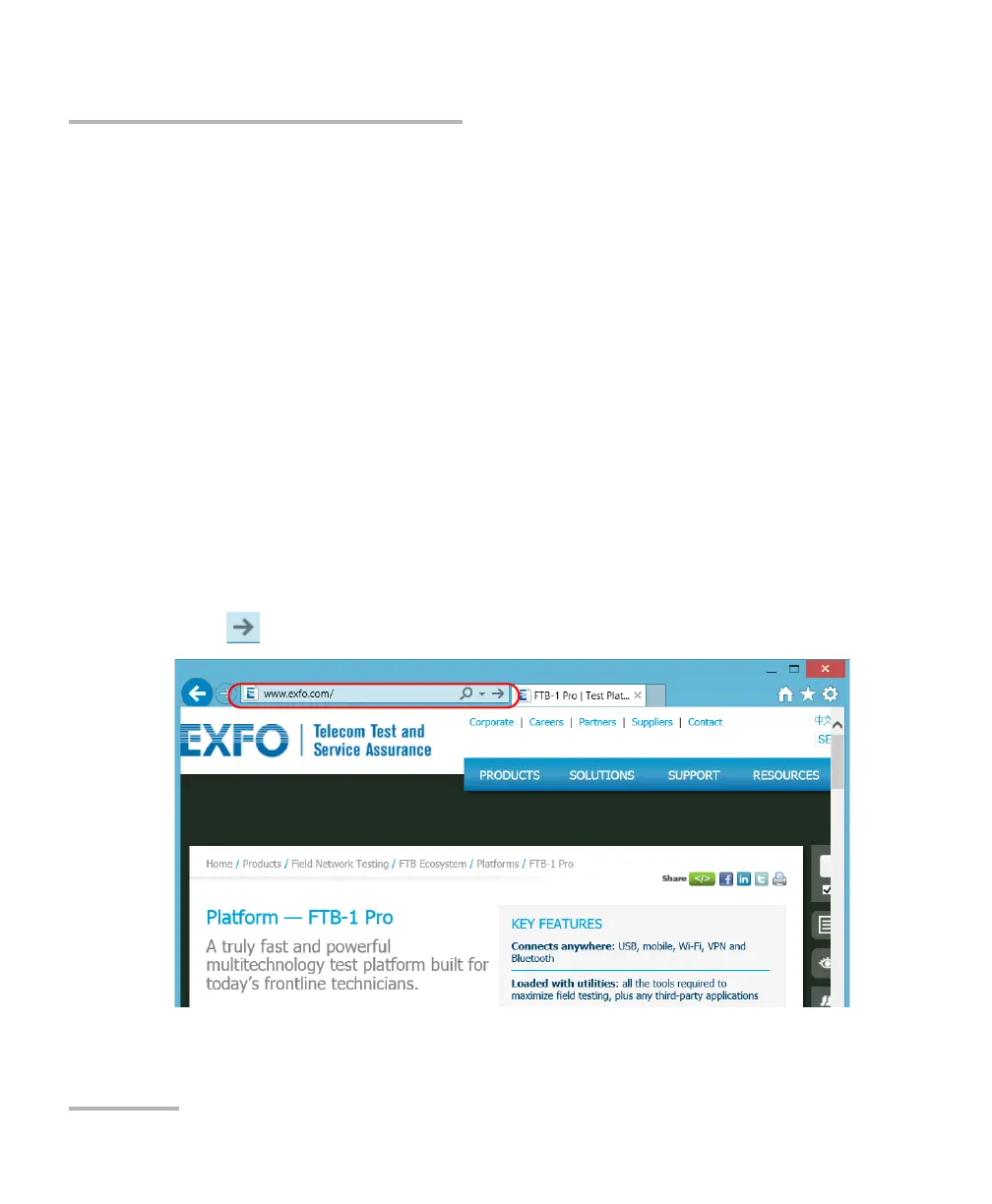
2. Enter the desired Web address in the address bar and tap the
button (located at the right of the address bar) to start browsing.
3. Close the window to return to the Utilities window.



 To Next Page