Setting Up Your FTB-1v2 and FTB-1v2 Pro
98 FTB-1v2 and FTB-1v2 Pro
Selecting the Language of Operation
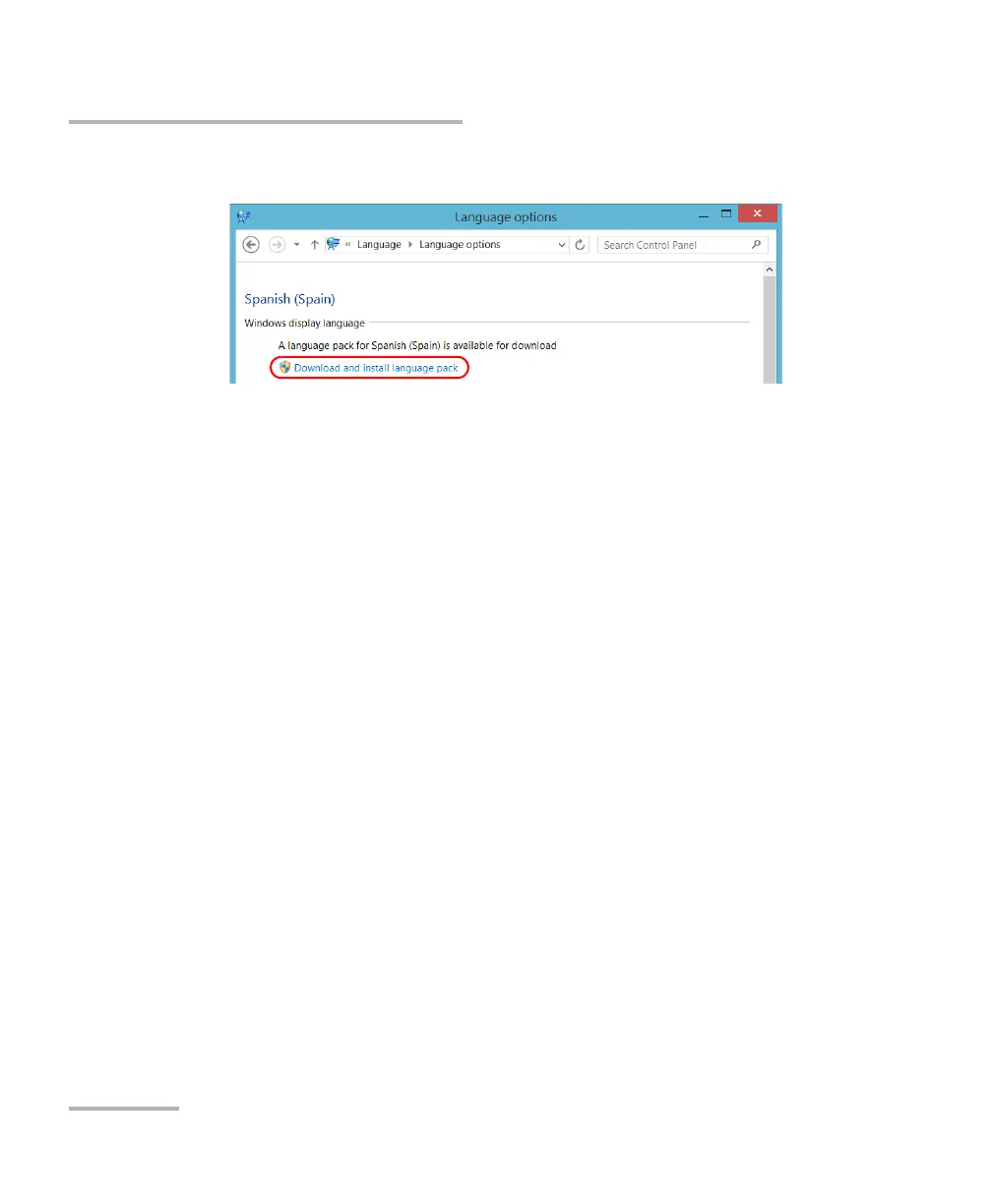
11. Tap Download and install language pack.
12. When the application prompts you to allow the installation, tap Yes.
The installation may take a few minutes.
13. When the installation is complete, restart your unit.



 To Next Page