Working with Your Unit
134 FTB-1v2 and FTB-1v2 Pro
Retrieving the GPS Location of Your Unit
To retrieve the GPS location of your unit:
1. If necessary, turn on your unit and wait for the startup sequence to
complete.
2. On your smart device, ensure that EXFO Link is running and that the
mobile hotspot that you have created is available.
3. Connect your unit to the mobile hotspot as you would do with any
other wireless network. For more information, see Connecting to a
Wireless Network on page 160.
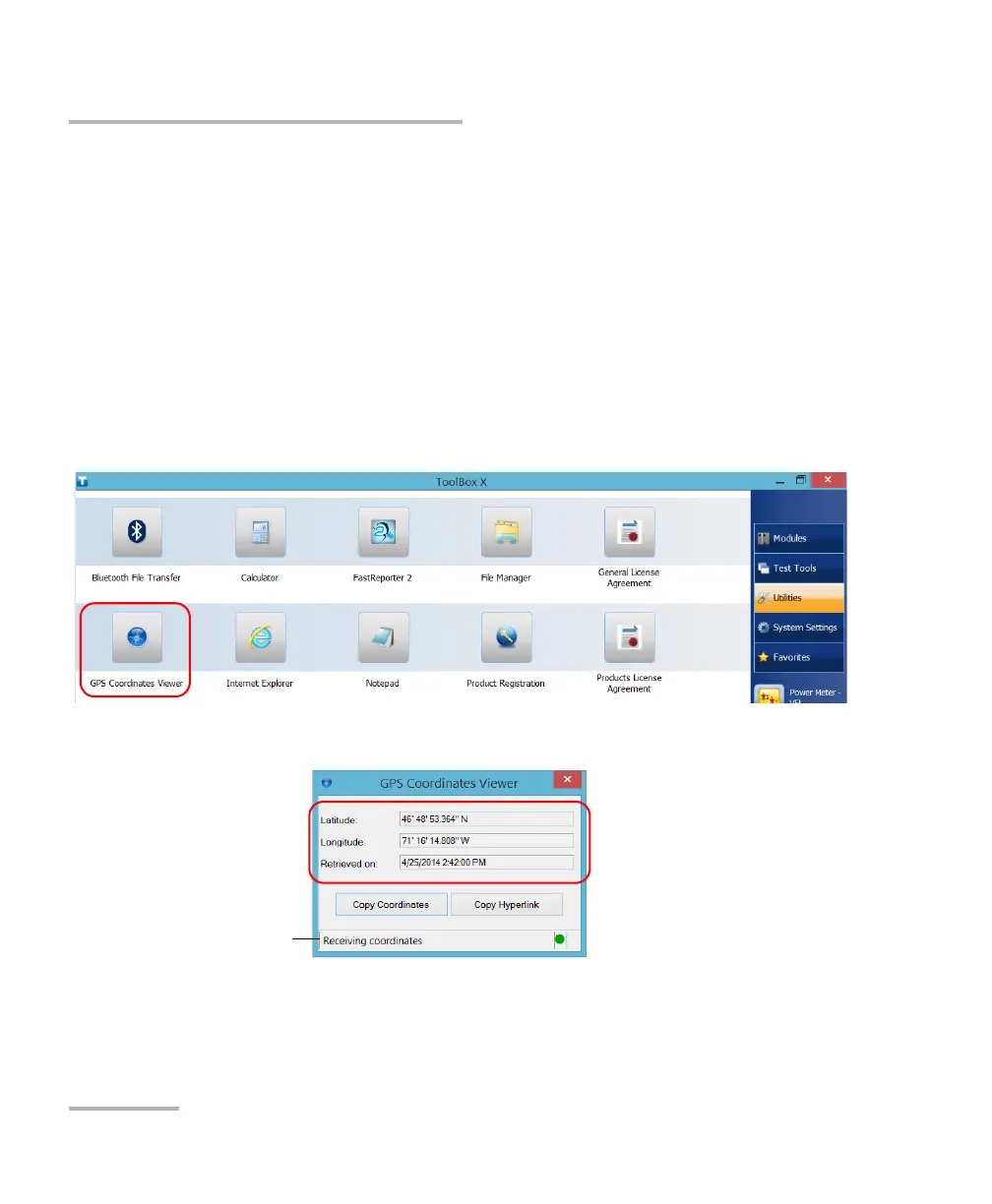
4. From the main window, tap the Utilities button, then tap GPS
Coordinates Viewer.
The GPS coordinates are displayed.



 To Next Page