Managing Data
164 FTB-1v2 and FTB-1v2 Pro
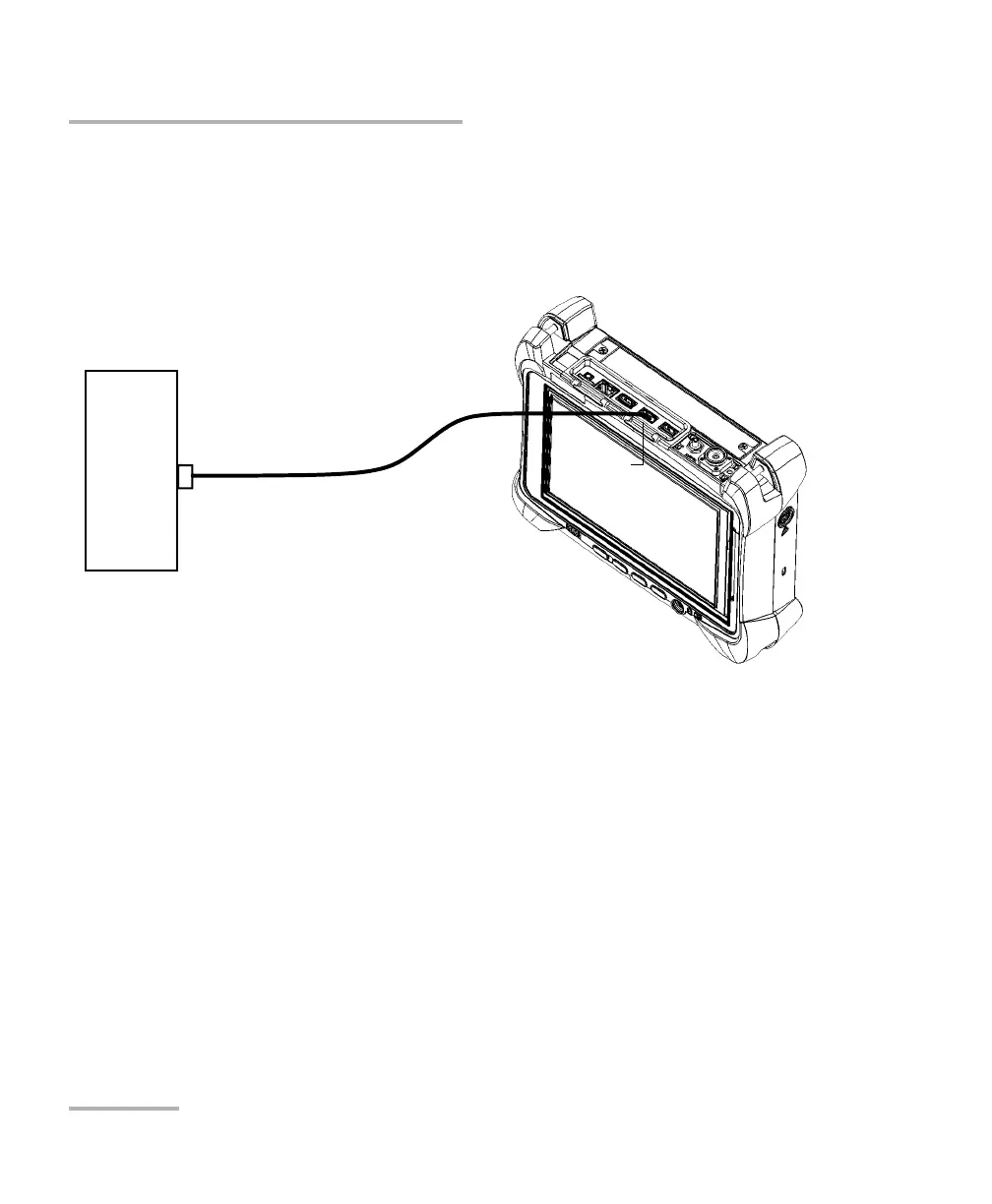
Using the USB to RS-232 Adapter
To use the USB/RS-232 adapter:
1. Turn on both the unit and the serial device.
2. Connect as shown. You can connect the USB end of the adapter to any
of the USB ports.
Note: If the device that you want to use is a computer (not equipped with USB
ports) you may want to use a null-modem serial cable as an “extension
cable” between the device and the USB/RS-232 adapter.
The adapter will be detected automatically on your unit.
Serial
device
Serial end
USB/RS-232
adapter
USB end
FTB-1v2 or
FTB-1v2 Pro



 To Next Page