Accessing Your Unit Remotely
FTB-1v2 and FTB-1v2 Pro 203
Working With VNC
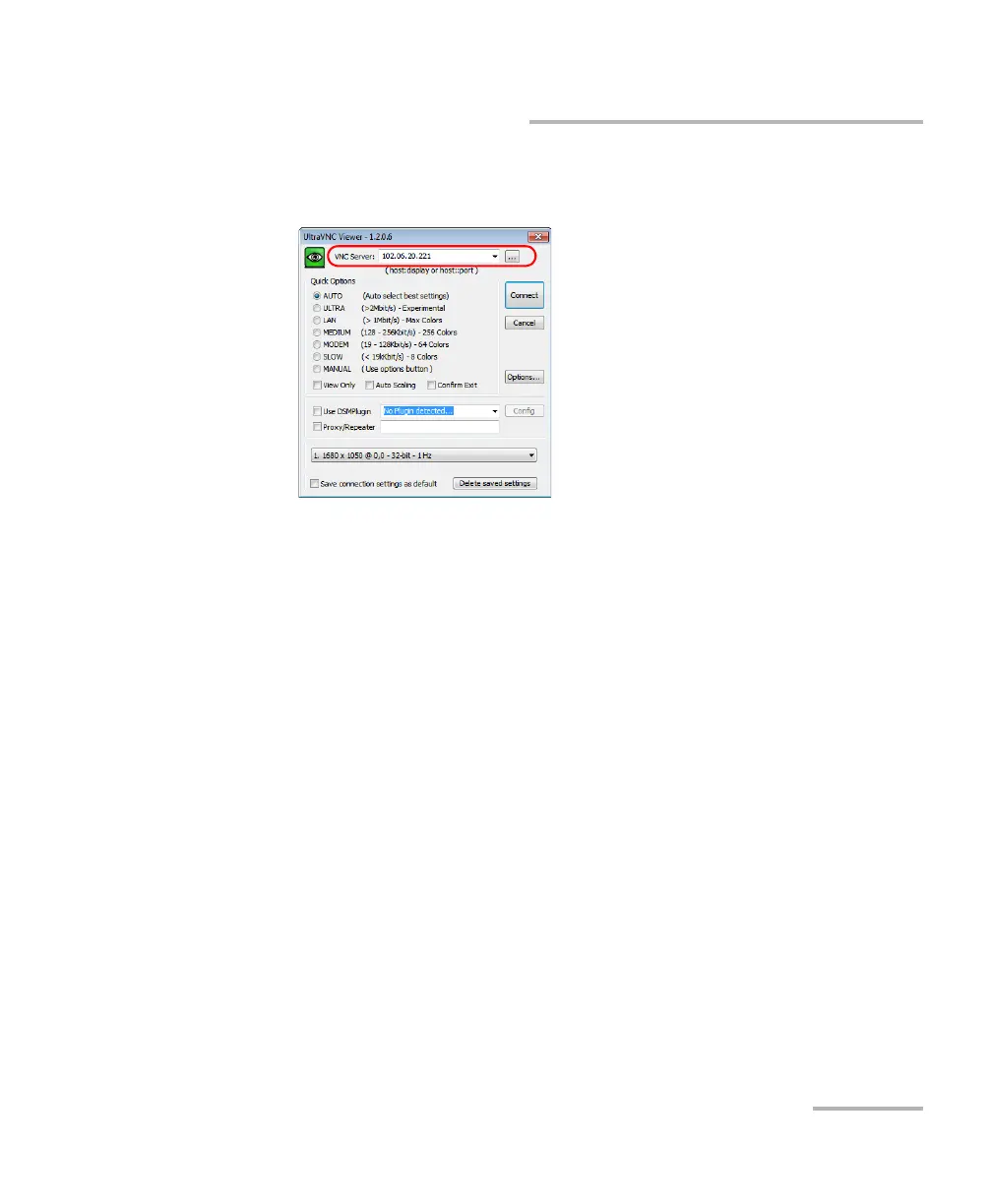
11. In the VNC Server list, type the IP address of your unit that you wrote
down at step 7.
Note: The appearance of the UltraVNC Viewer window may vary depending on
the version of the viewer that you have.
12. Click Connect.
13. When the application prompts you for a password, enter it and click
OK to confirm.



 To Next Page