Preparing for Automation
234 FTB-1v2 and FTB-1v2 Pro
Configuring DCOM Access to Your Unit
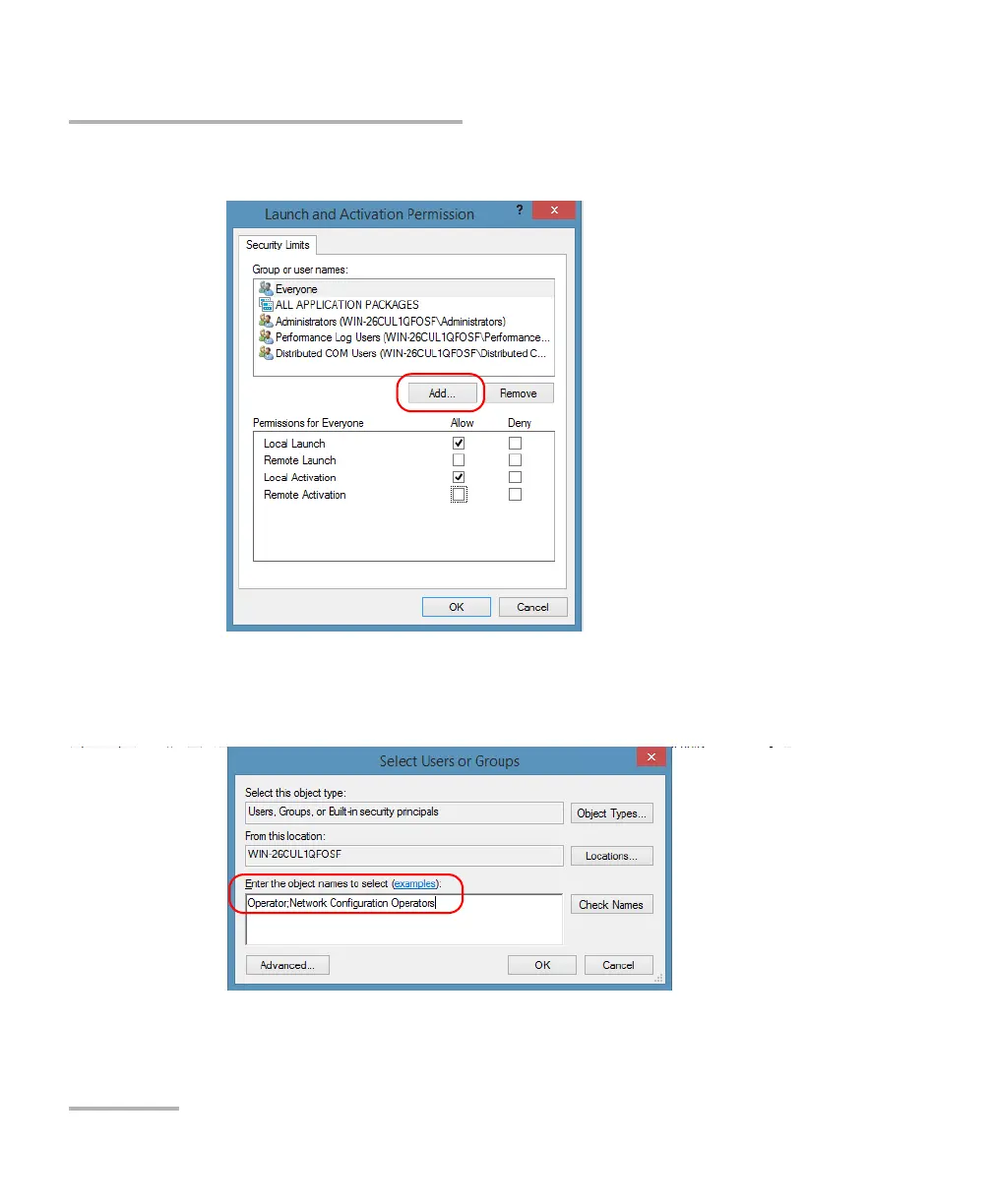
9. In the Launch and Activation Permission dialog box, tap Add.
10. In the Select Users or Groups dialog box, under Enter the object
names to select, type the name of the user to whom you want to give
start and activation access rights.
11. Tap OK.



 To Next Page