Troubleshooting
346 FTB-1v2 and FTB-1v2 Pro
Restoring Your Unit to Normal Operation
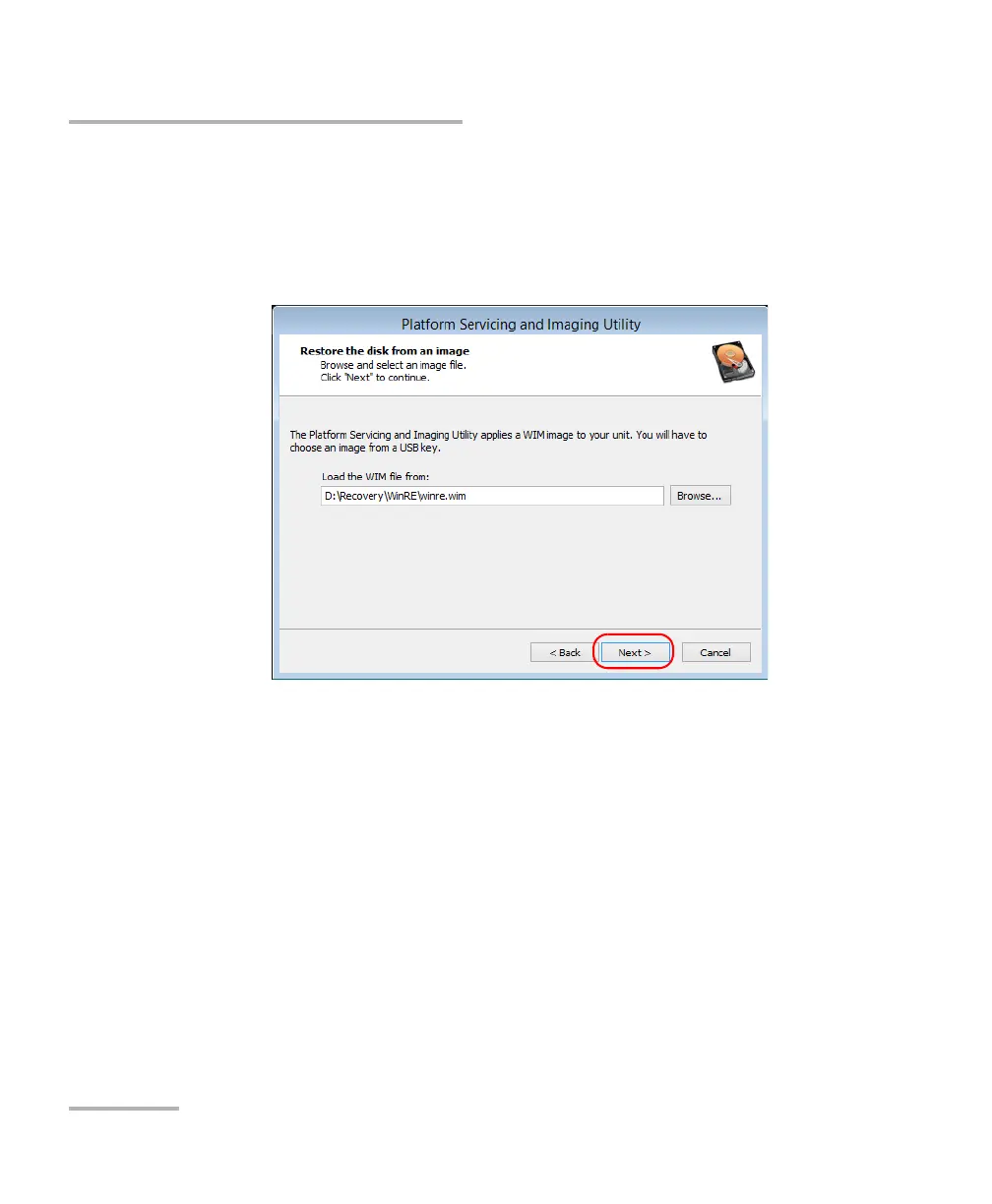
8g. Locate the USB key, and then double-tap its identifier to access
the contents.
8h. Select the desired WIM file.
8i. Tap Next.
8j. Read the warning, and then tap Start to restore the unit with the
selected image.
8k. When the operation is complete and the application prompts you,
disconnect the USB key, and then tap OK.
The unit will restart.



 To Next Page