Getting Started with Your Unit
28 FTB-1v2 and FTB-1v2 Pro
Inserting and Removing FTBx Test Modules
To insert an FTBx module into the FTB-1v2 and FTB-1v2 Pro:
1. Position the unit so that its front panel is facing you.
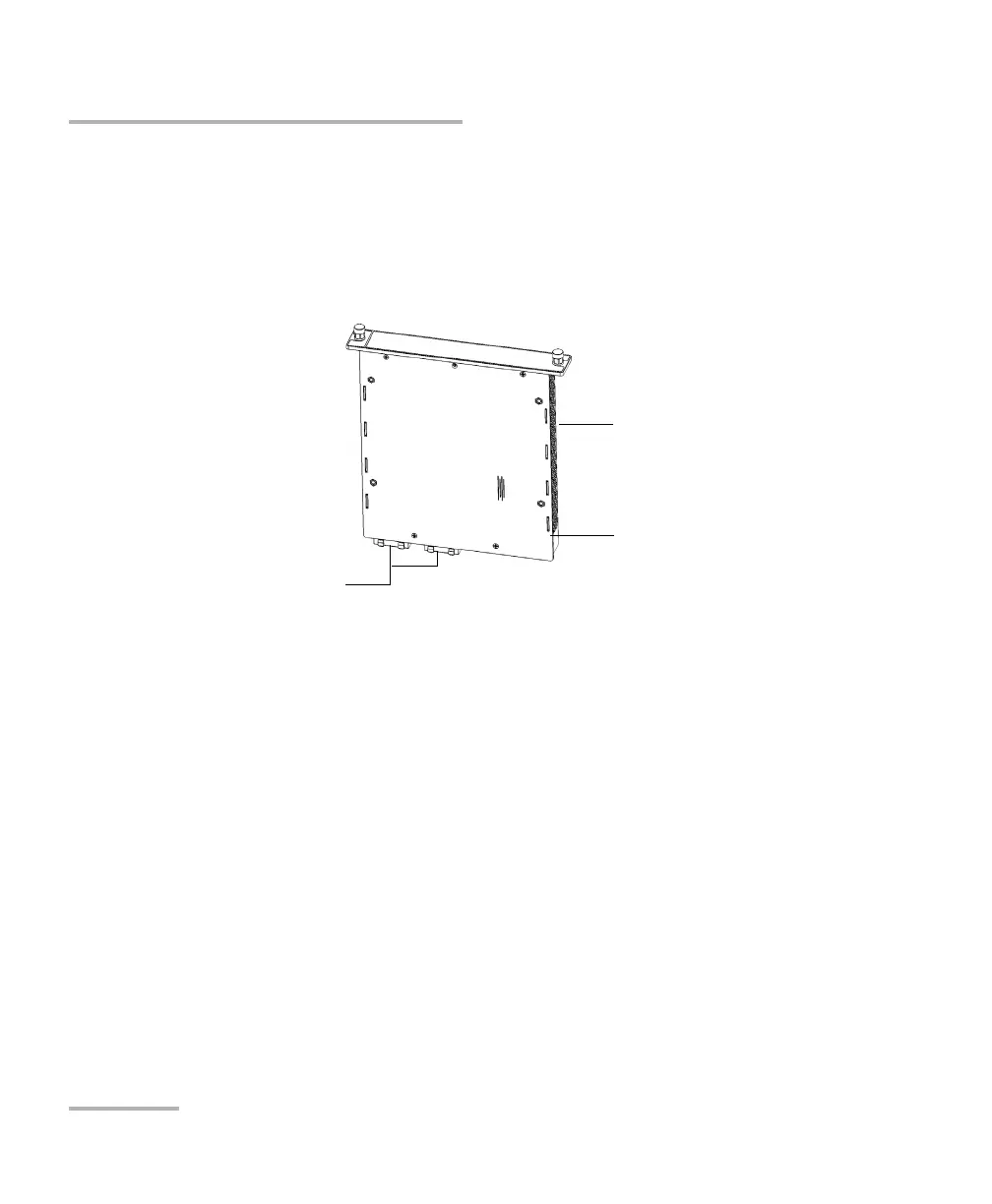
2. Take the module and place it vertically so that its connector pins are
facing downwards and positioned to the left. You should not see the
identification sticker.
Protruding edges
Connector pins at the
bottom
Identification sticker at
the back



 To Next Page