Getting Started with Your Unit
FTB-1v2 and FTB-1v2 Pro 55
Working with Windows 8.1 Pro or Windows Embedded 8 Standard
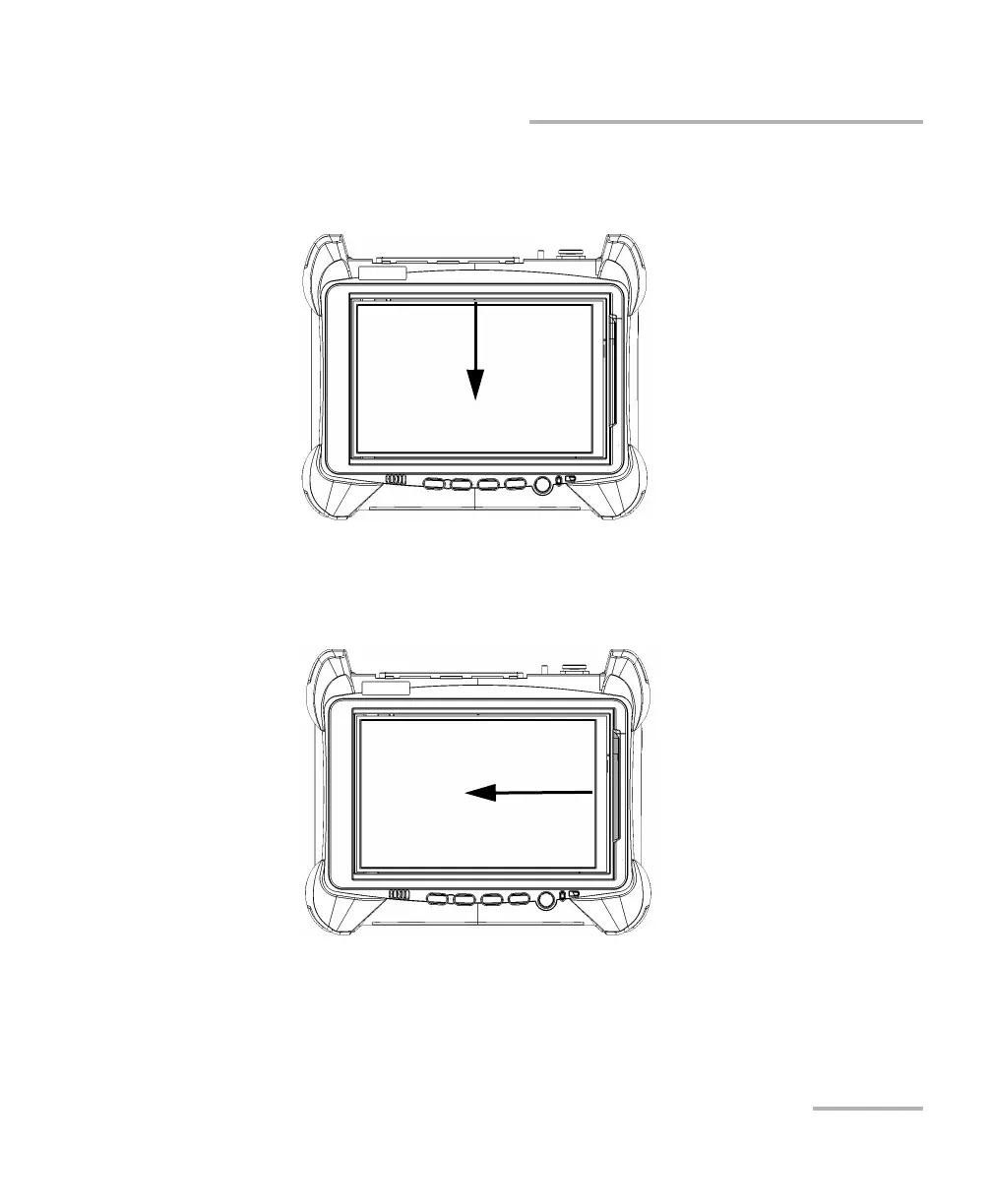
Swipe down: To close windows that do not have a close button.
From the top edge of the screen, swipe towards the bottom.
Swipe left: To display the Charm bar, which is a special toolbar that
gives you access to many tools and settings.
From the right edge of the screen, swipe towards the left.



 To Next Page