Getting Started with Your Unit
68 FTB-1v2 and FTB-1v2 Pro
Inserting and Removing microSD Cards
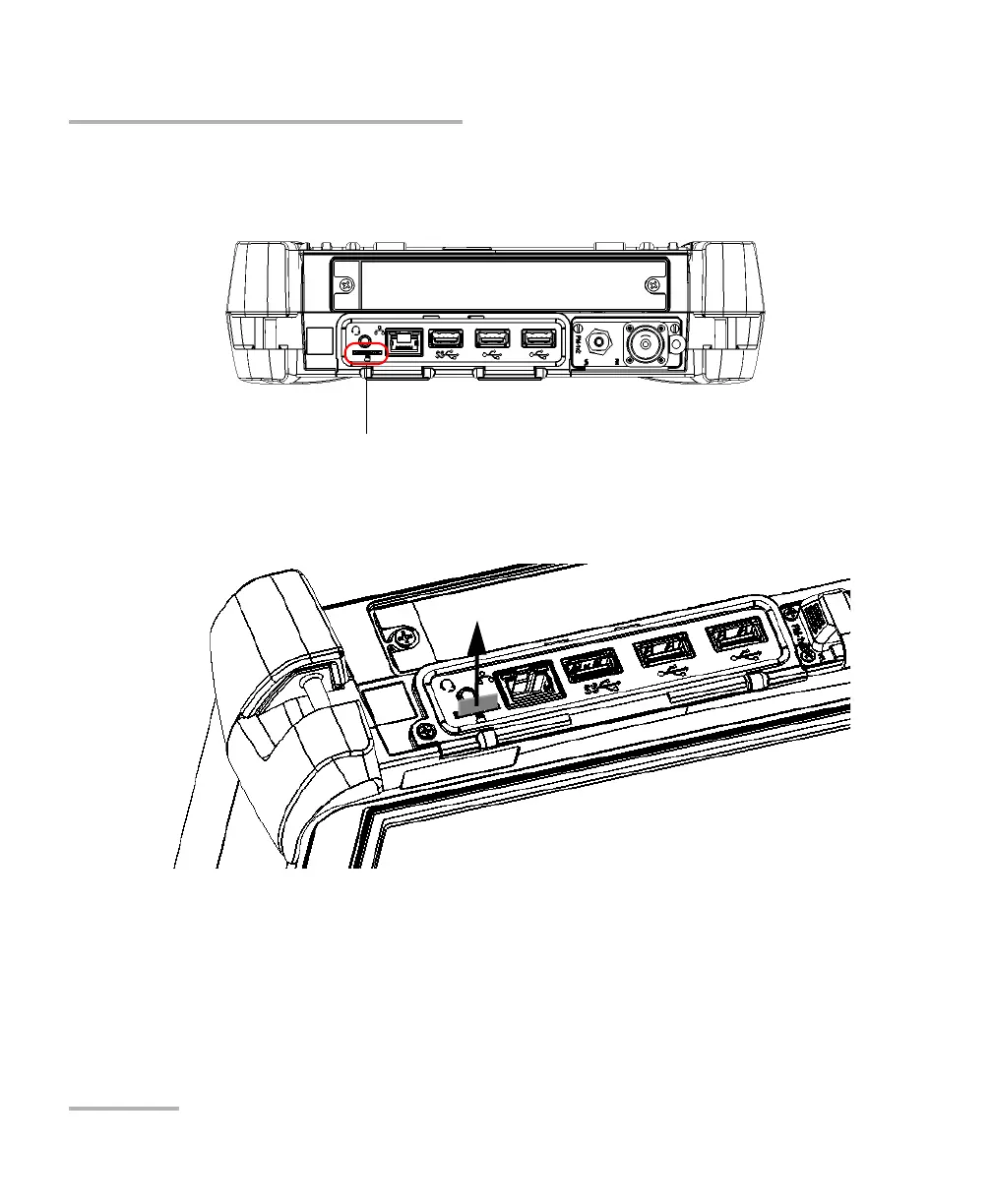
To remove a microSD card from your unit:
1. Locate the microSD card slot on the top panel of your unit.
2. Pull the card out of the unit’s microSD card slot.



 To Next Page