Setting Up Your FTB-1v2 and FTB-1v2 Pro
FTB-1v2 and FTB-1v2 Pro 73
Adjusting Speaker and Microphone Volume
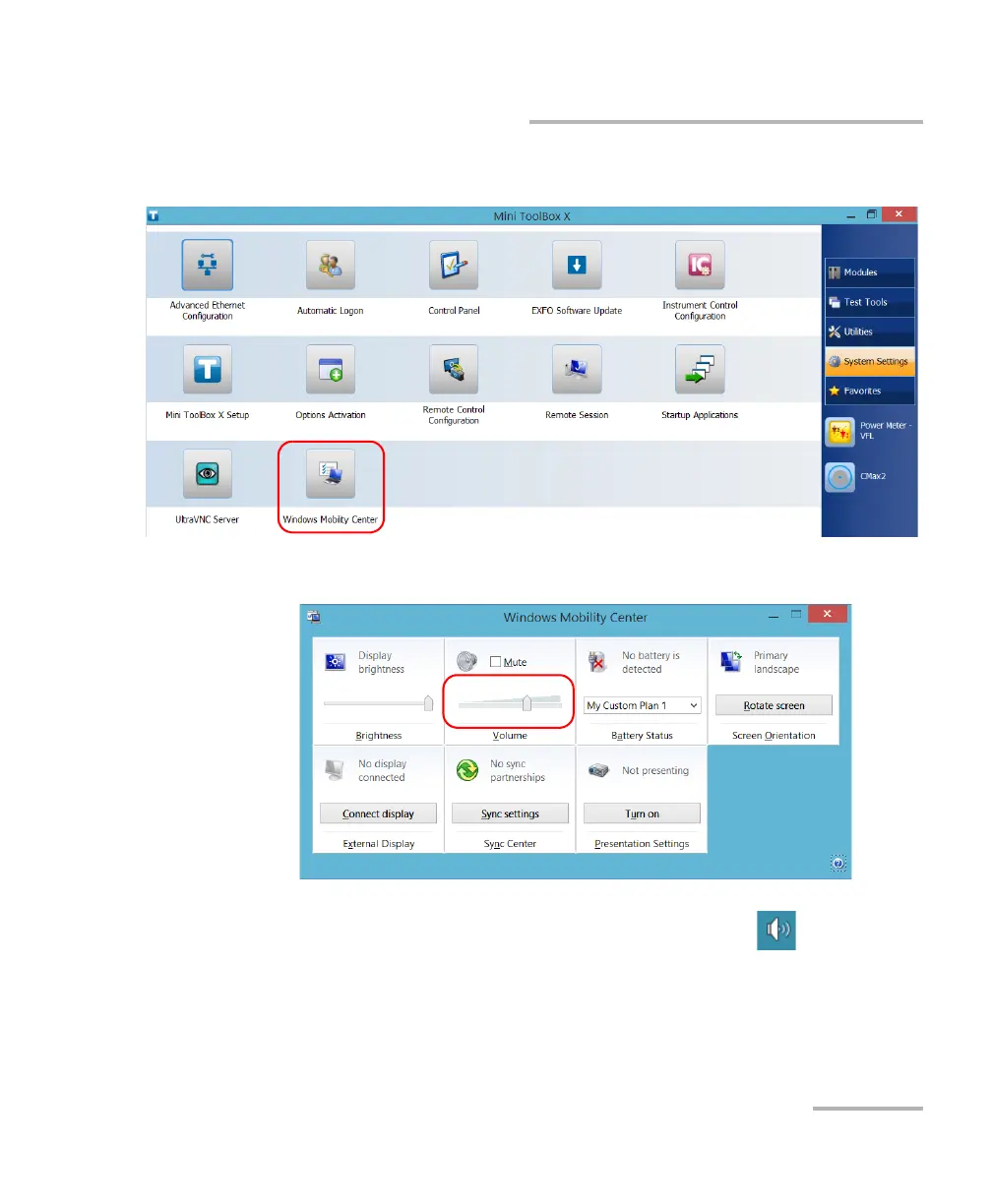
3. Tap Windows Mobility Center.
4. Move the Volume slider until the sound level is to your liking.
Note: You can also access the sound level slider by tapping the icon from the
taskbar.
The new value is taken into account immediately.



 To Next Page