Setting Up Your FTB-1v2 and FTB-1v2 Pro
FTB-1v2 and FTB-1v2 Pro 85
Enabling or Disabling the Automatic Logon
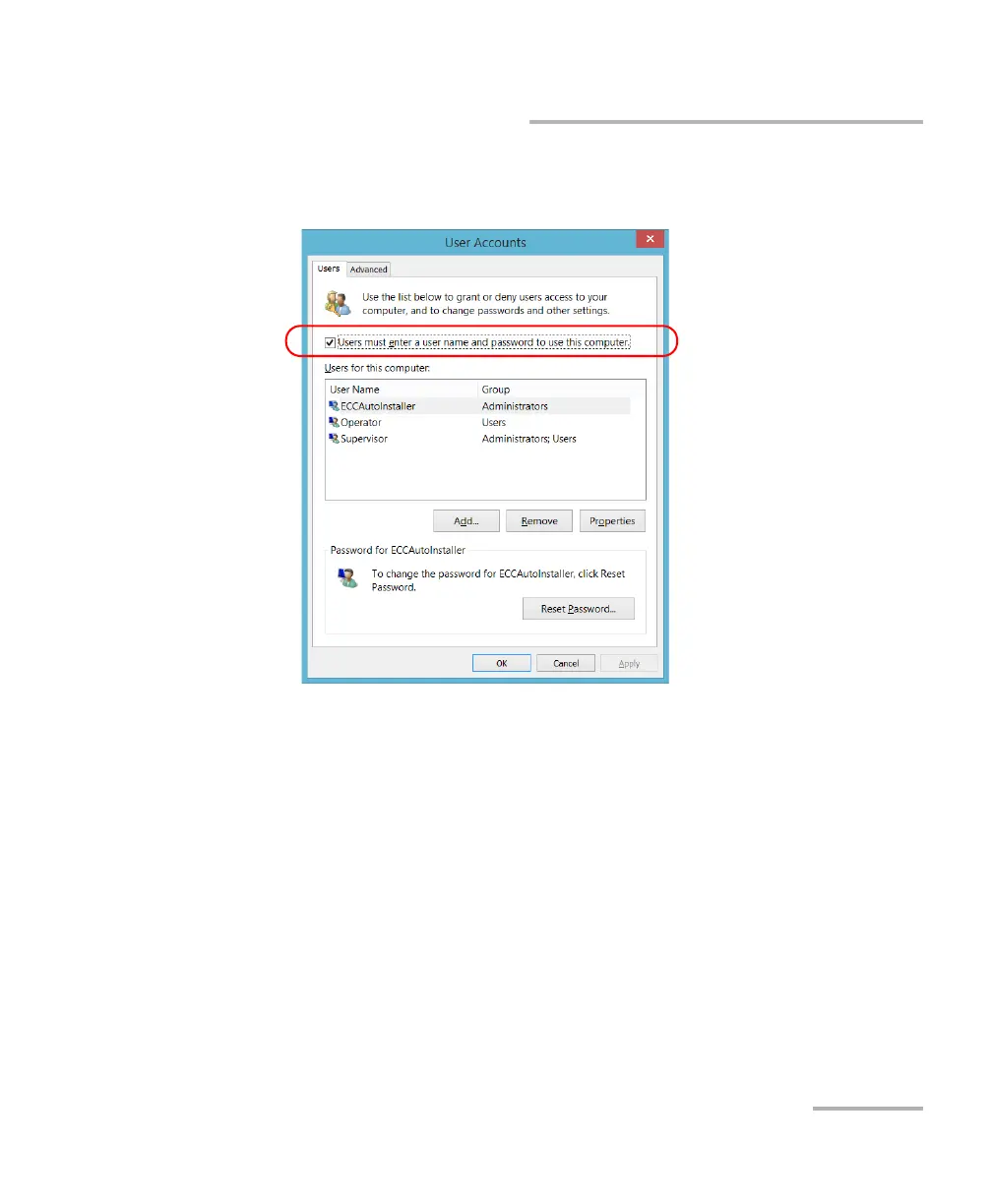
3. From the User Accounts window, select the Users must enter a user
name and password to use this computer check box.
4. Tap OK to confirm and to return the System Settings window.
At next startup, you will have to specify the user name and password.



 To Next Page