Setting Up Your FTB-1v2 and FTB-1v2 Pro
FTB-1v2 and FTB-1v2 Pro 87
Selecting the Startup Applications
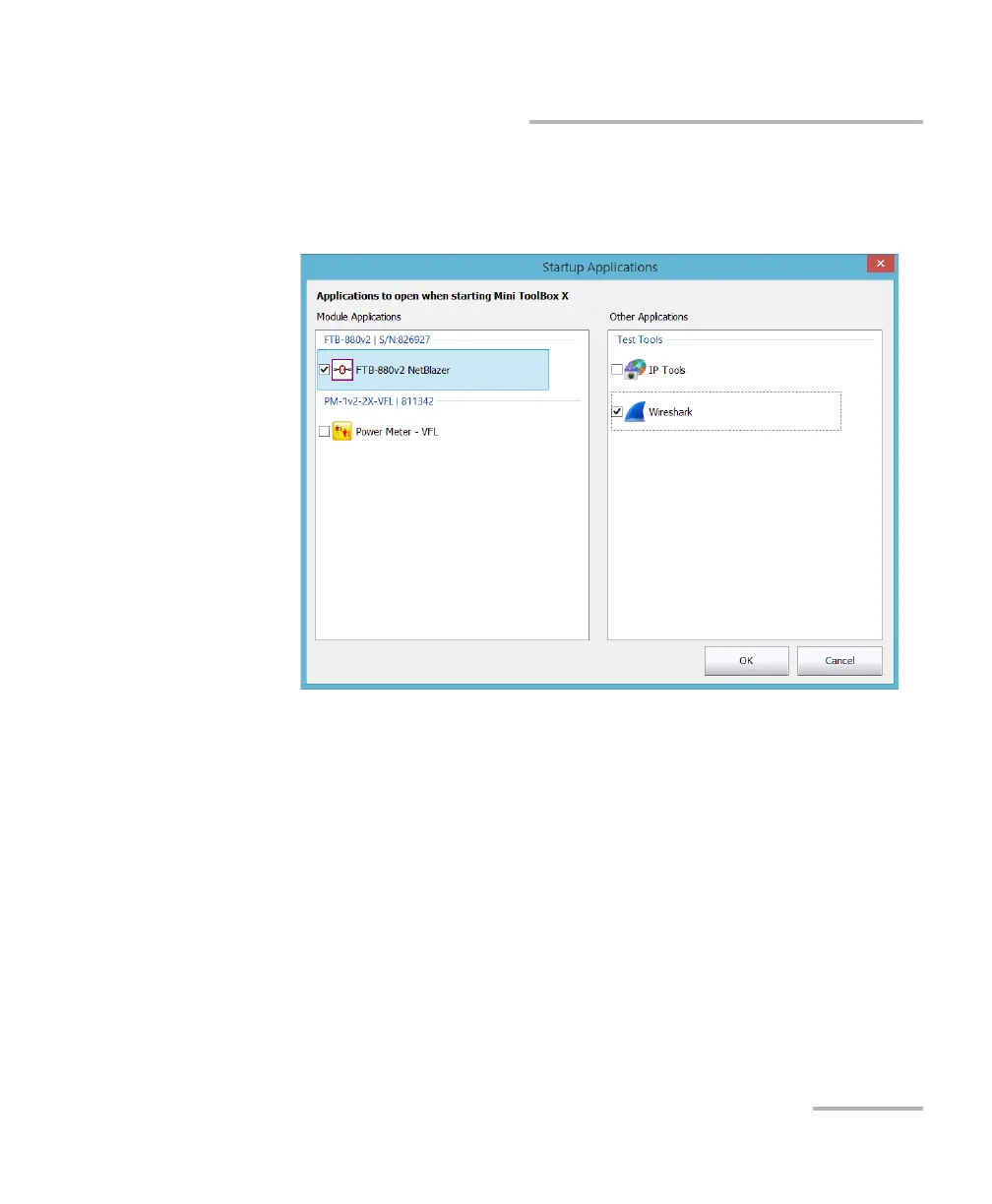
3. Under Module Applications or Other Applications, select the
applications you want to start automatically by selecting the
corresponding check boxes.
4. Tap OK to use the new settings. Tap Cancel to exit without using the
new settings.
Note: The new settings will be taken into account the next time Mini Toolbox X is
started.



 To Next Page