TDR
MaxTester Copper Test 209
Result Details
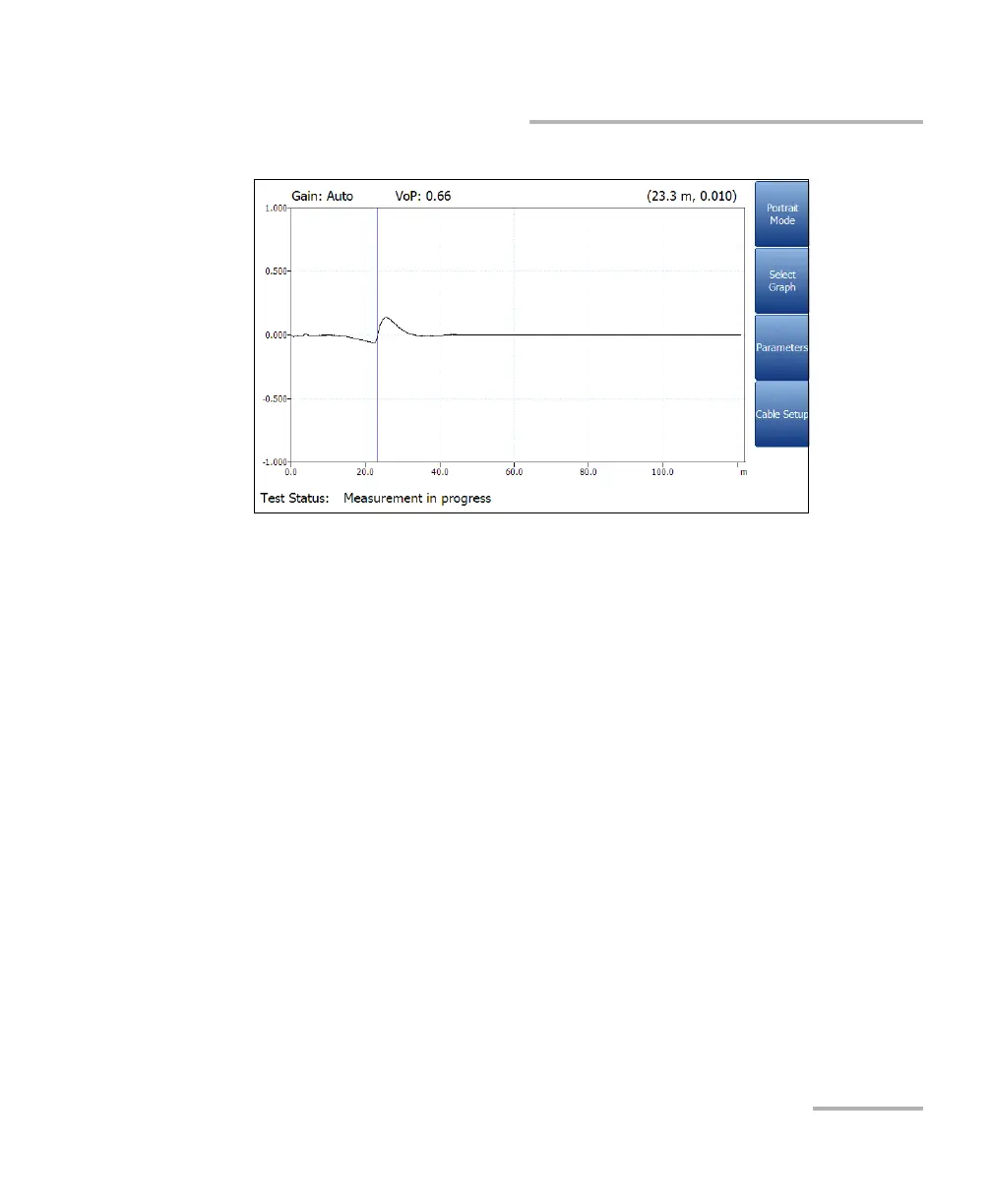
This mode generates the following function keys:
Portrait Mode is used to change the screen orientation from
landscape to portrait.
Select Graph opens a new selection of function keys which allow
you to maneuver the graph. (Same as above.)
Parameters displays a small strip window when selected allowing
you to change the Range value from a list of options. You can also
view the Pulse Width value that is updated dependent on whether
the parameters are set to Auto or manual.
Cable Setup displays a small strip window when selected allowing
you to view the Cable Type, Cable Fill, Velocity of Propagation,
and Cable Temperature. For more information, see Cable Setup in
portrait mode.














 To Next Page