TDR
210 MAX-610
Result Details
To select the parameter values in Portrait or Landscape modes:
1. Press the up/down arrow keys to highlight the desired parameter.
2. Press the left/right arrow keys to view, select the options, or
increase/decrease values.
OR
3. Press on a value to open a list box of options.
4. Press to confirm the value.
Cable Setup
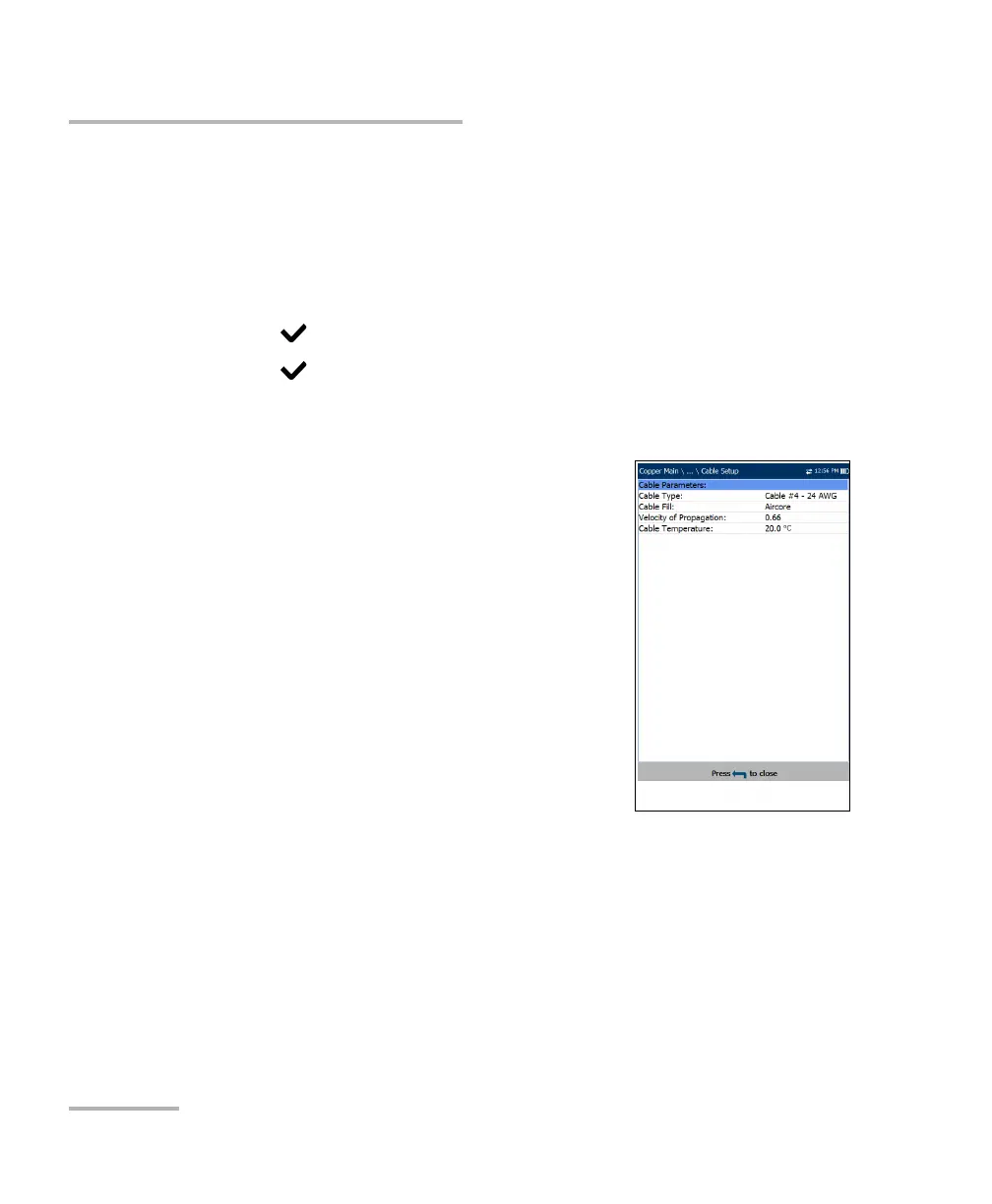
The Cable Setup page allows you to view the
Cable Parameters set for the TDR test.
Cable Type is the cable entry (with its
associated parameters) from the current
Cable Book, used for testing.
Cable Fill is the type of material the cable is
filled with: Aircore, Jelly, Pulp, 5 PR, or 2 PR.
Setup in the Cable Book.
Velocity of Propagation is the velocity of
propagation for the cable as a ratio of the
speed of light.
Cable Temperature is the temperature of the
cable under test in either degree C or F.














 To Next Page