Setting Up the MaxTester MAX-610
28 MAX-610
Upload Setup
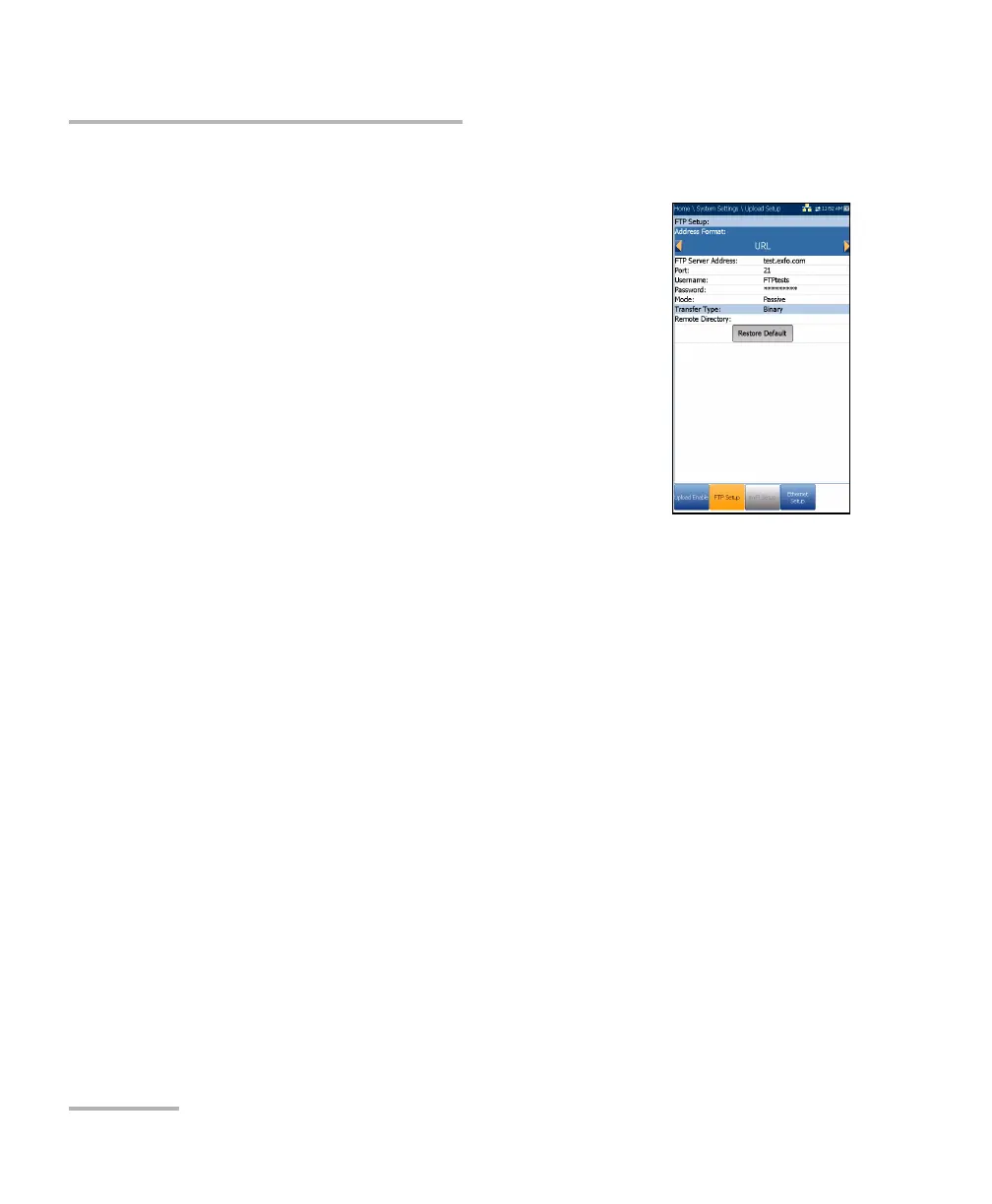
FTP Setup
The FTP Setup function allows you to configure the
file transfer information using the following
parameters:
Address Format allows you to select the FTP
server address type:
IP Address
URL
FTP Server Address allows you to set either the
IP Address or URL.
Port is a fixed numeric value for the signalling port
used to establish an IP network session.
Username/Password is your login ID and password.
Mode is either Active or Passive for the file transfer mode.
Transfer Type is set to Binary, transferring files as a binary stream of
data.
Remote Directory can be used to specify the file upload directory on
the FTP server, for example, dir1/dir2. If this field is left empty, the FTP
upload will save the result file at root directory on FTP server.
Restore Default button allows you to reset the entries to the default
settings.














 To Next Page