Setting Up Copper Tests
MaxTester Copper Test 75
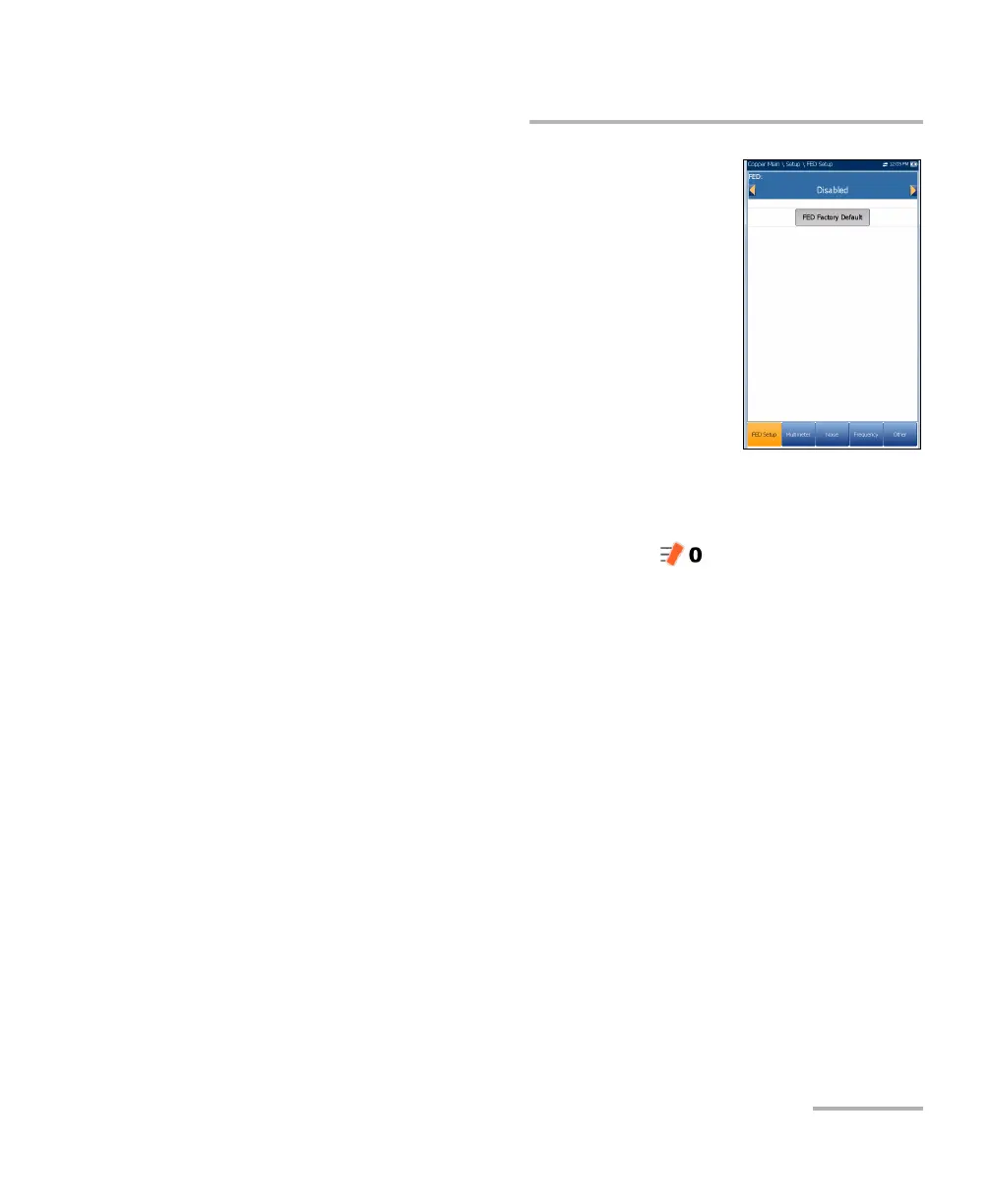
FED Setup
The FED Setup tab displays the following parameters:
FED sets the default FED States for the following
tests to Enabled or Disabled, and is saved as part
of the profile:
Multimeter
Noise
Frequency
Other
When FED is Enabled and you start a test, the
MaxTester will warn you if the FED battery level is low. Select OK to close
the message and run the test.
FED States are displayed in the Current Test line as a numeral on the
right-hand side of the FED icon, for example . Numerals match the
following states:
0 = FED Open
1 = FED T-R/A-B Shorted
2 = FED Shorted ALL
3 = FED Pass Through/Exchange Connect
4 = FED ID Tone
5 = FED Terminated
6 = FED Crosstalk NEXT
7 = FED Transmit
8 = None














 To Next Page