FOX3 T 201 Transmitter • Configuration Software 30
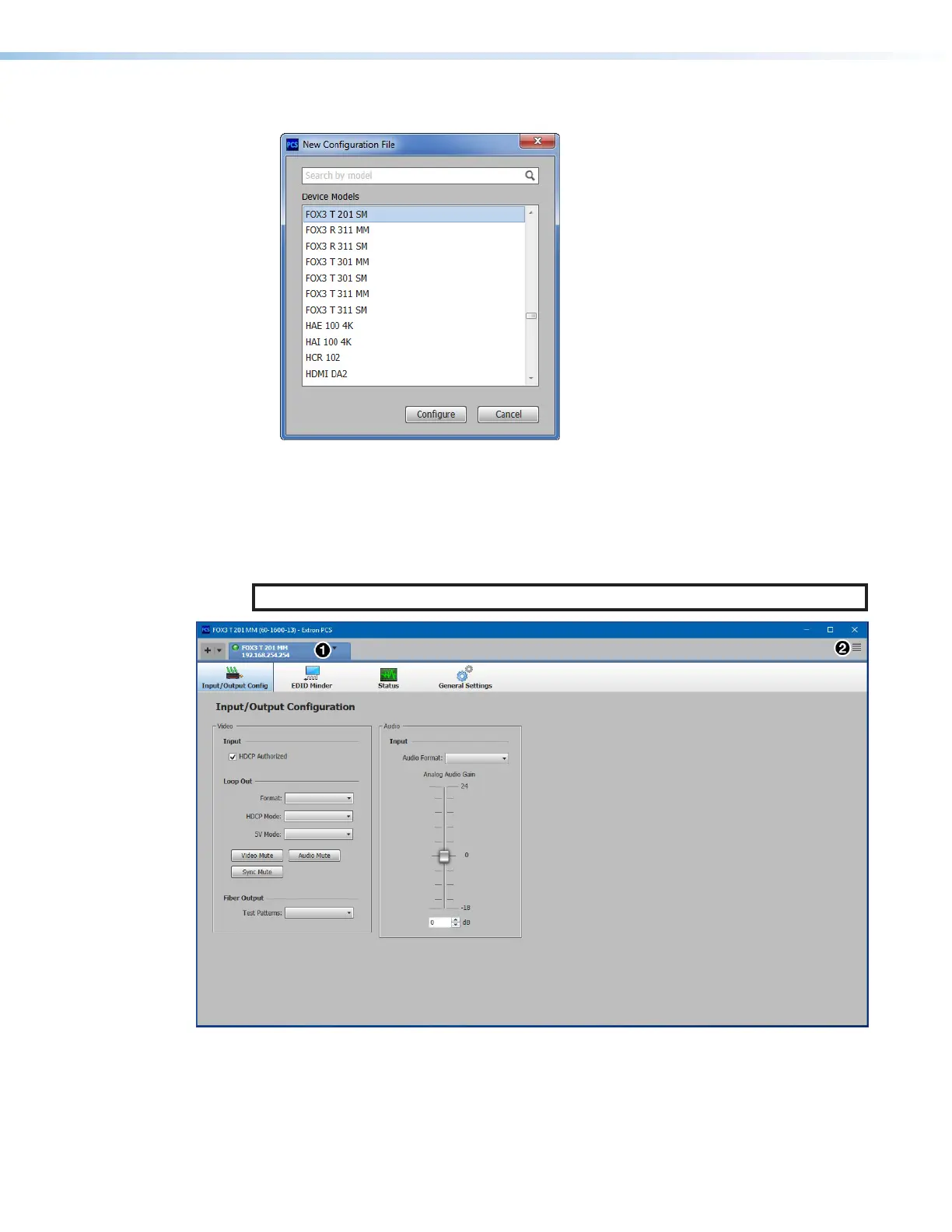
The New Configuration File dialog box opens (see figure20).
Figure 20. New Configuration File Dialog Box
2. Select the desired device model from the Device Models list.
3. Click the Configure button. A new offline device configuration tab opens.
Software Overview
NOTE: For details about specific software features, see the FOX3T201 PCS Help File.
Figure 21. FOX3T201 Main Window
Each PCS screen has a Device drop-down list (see figure21,
1
) for device configuration
options. The Software menu (
2
) contains software configuration and information options.
20
21



 To Next Page