FOX3 T 201 Transmitter • Configuration Software 26
Configuration
Software
The FOX3201 transmitter can be easily configured using Extron Product Configuration
Software (PCS). This section describes the software installation and communication (see
the FOX3T201 PCS Help File for detailed control information). The topics covered in this
section are:
• Software/Firmware Installation
• Connecting to PCS
• Software Overview
Software/Firmware Installation
Visit www.extron.com to download and install the PCS software.
NOTES:
• Also download the latest versions of software and firmware for your product.
• An Extron Insider account is required to download either firmware or software
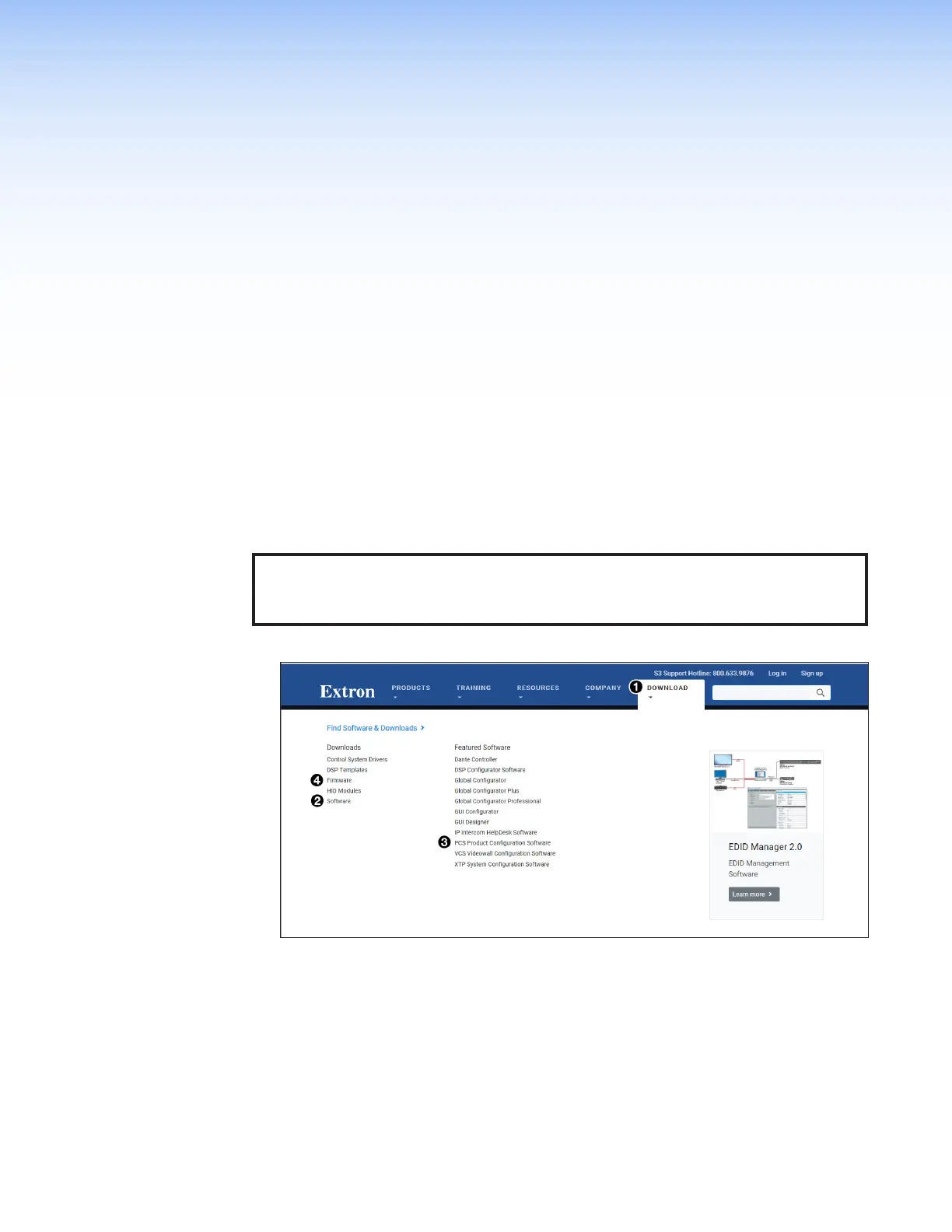
1. Mouse over the Download link at the top of the page (see figure12,
1
).
Figure 12. Software Links on Download Screen
2. Click the appropriate link on the drop-down list.
For software, either click the Software link (
2
) or, if the software is listed, click
directly on that link (see the PCS Product Configuration Software link
3
) and skip
to step 5 on page27.
For firmware, click the Firmware link (
4
).
3. If there is no direct link to your software, click the Software link (
2
).
12



 To Next Page