FOX3 T 201 Transmitter • Internal Web Page 40
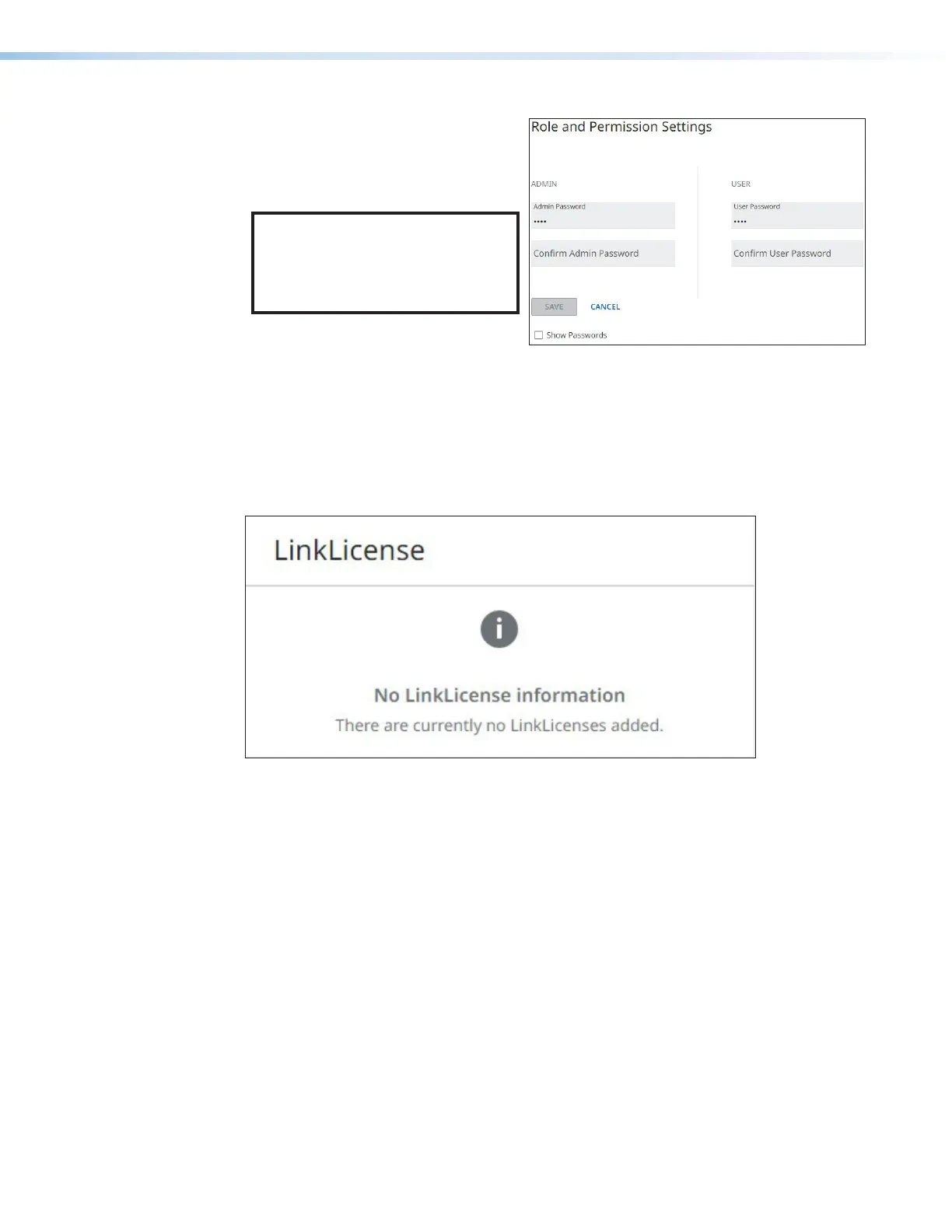
5. When finished, click SAVE to
set the passwords. To close
the window without saving a
password, click CANCEL or the X in
the upper-right corner.
NOTE: Passwords can be changed
but they cannot be removed
entirely. The FOX3 must have
passwords at all times. These
fields cannot be blank.
Figure 36. Passwords Dialog Box
LinkLicense Panel
The LinkLicense panel (see figure29,
6
on page36) displays information about any
LinkLicense applied to the FOX3 device (A LinkLicense can be uploaded using the Extron
Toolbelt software. See Software/Firmware Installation on page26 to download the
software).
Figure 37. LinkLicense Panel
36
37



 To Next Page