version 4.7.2 – July 10th, 2022 Firmware version V2.1.7 and higher
EXXFIRE Installation and Service Manual 102
8 REMOVAL OF CGG’S
Handling of the EXXFIRE® 750CNF/1500CNF/2250CNF must only be done by qualified and trained
personnel, familiar with the product and its documentation (product datasheet, operating manual).
1. First check if situation is safe and clear. After firing of the generators the system needs cooling
down (> 4hrs.) and the room in which the cabinet is located needs ventilation. Take this into
account before continuing.
2. Disconnect the mains power cable.
3. Open the right cover panel and switch the Battery ON/OFF switch OFF.
4. Remove the four screws of the top cover, lift the top cover and disconnect the EARTH cable
from the top cover.
5. Remove top cover
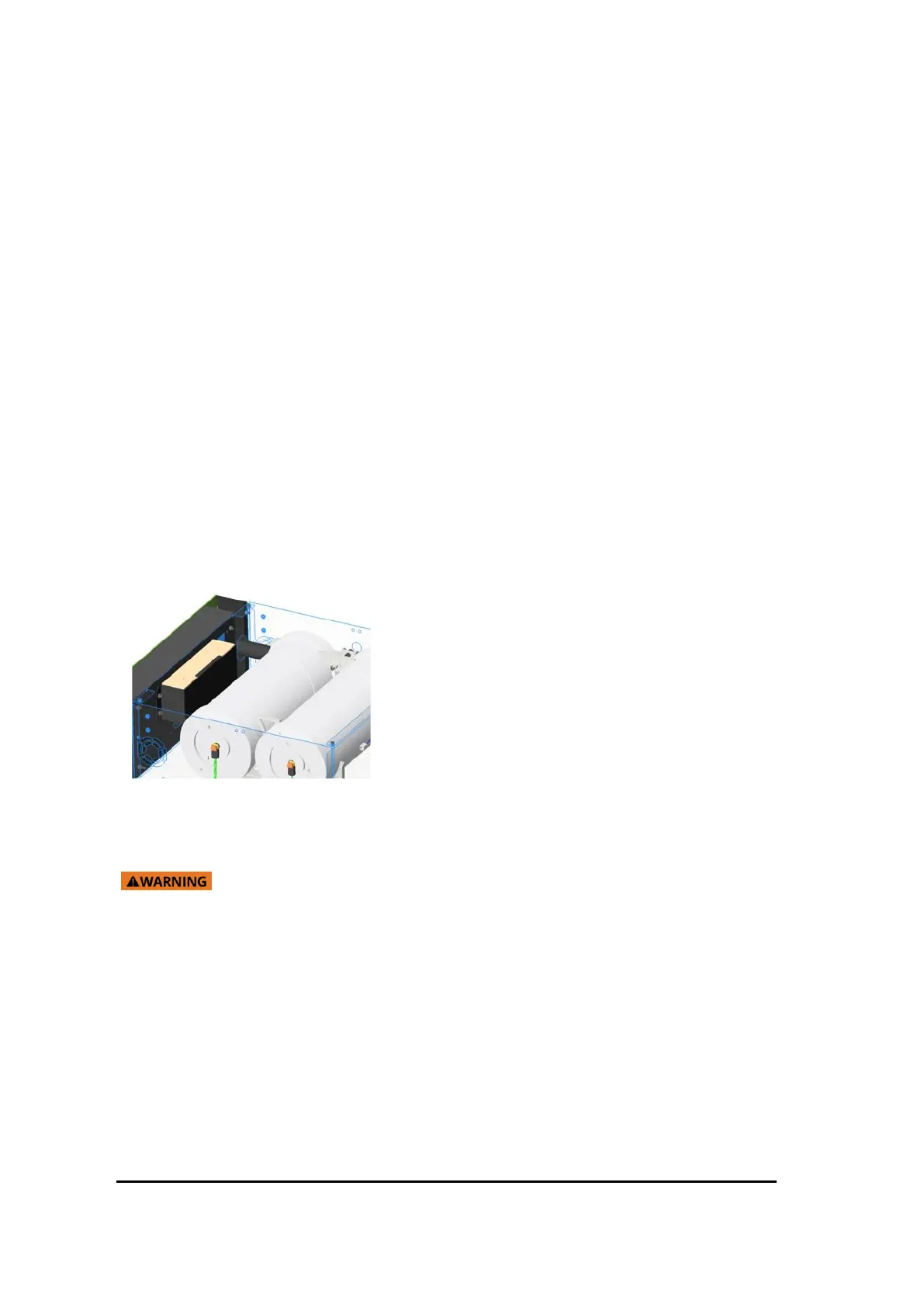
6. Remove the CGG clamp screws.
7. Disconnect the squib connectors (after releasing the orange mechanical locks)
8. Slide each CGG back from the manifold and lift it out of the cradle.
9. See further instructions on used CGG removal or End of Life procedures.
• A damaged product (e.g. when dropped) results in a hazardous situation! Leakage of
chemicals, toxic release is possible! See: 0 how to handle in a hazardous situation.
• In case of activation of the CGG : see 2.2 Operational



 To Next Page