FSG 90 System
5 SET-UP Procedure
December 2014 FAV_D10024 39
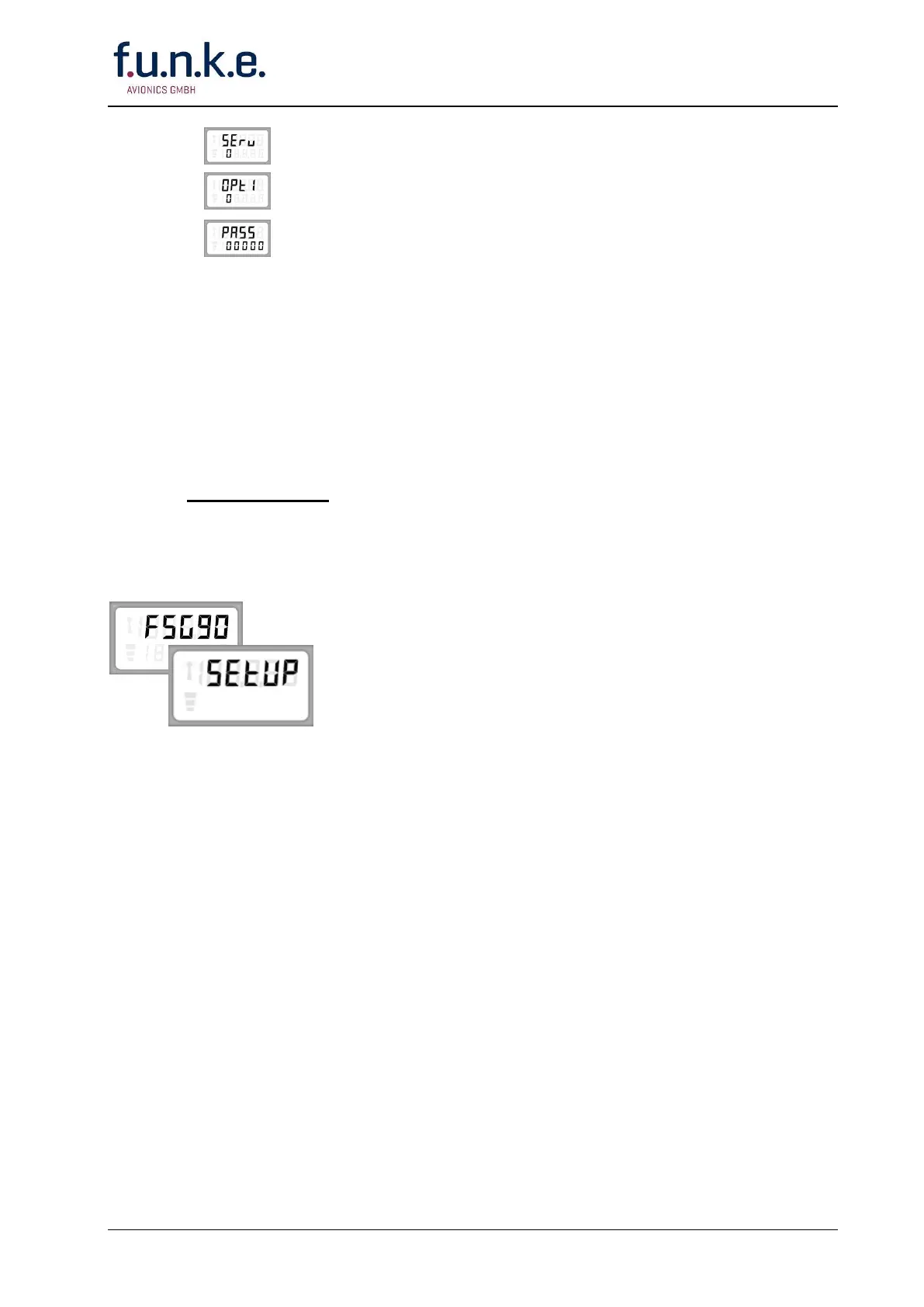
Service, ON (1) or OFF (0)
Optional module, ON (1) or OFF (0)
Entering a password: protects against unauthorized changes of the radio
parameters.
5.1 Calling SET-UP without password
Calling the SET-UP procedure without password is possible:
1. at ex works radios FSG 90(X), or
2. at radios which are reset to a factory basic setting (refer to chapter RESET), or
3. at radios which are not protected by a password against unauthorized changes of
the SET-UP adjustments.
Turn OFF the radio (ON/OFF-VOL knob fully ccw).
PUSH AND HOLD both MD and STO buttons, then turn ON the radio (rotate ON/OFF-
VOL knob clockwise, approximately mid position).
All segments of the display appear for a short moment then the display gets blank.
Release the buttons.
After releasing the buttons the display shows in the upper line
alternately »FSG90« and »SET-UP«.
If there is no activity for 60 seconds the radio will return to the
mode used before.
Shortly pushing the MD button once will open the SET-UP menu to
adjust the squelch threshold.
Repeatedly pushing the MD button will open all other SET-UP
menus in the order described before.



 To Next Page