FSG 90 System
6 Operating Instruction
50 FAV_D10024 December 2014
6 Operating Instruction
6.1 Introduction
This Section contains basic operating procedures for the FSG 90(X) transceivers. This
instruction is only applicable for a radio which is
correctly installed and wired by a certified avionics shop
checked together with the a/c system, and
optimized by the SET-UP procedure (refer to Section 5, SET-UP PROCEDURE).
WARNING!
DO NOT OPERATE THIS RADIO IN AN EXPLOSIVE ATMOSPHERE
(PETROLEUM FUELS, SOLVENTS, DUST, ETC.).
6.2 Turning ON - Selecting Frequency/Channel Name - Volume
CAUTION!
The FSG 90(X) should be turned ON
- after installing the unit into vehicles, aircraft or carrier cases,
- after switching on the power source,
- after engine or vehicle start-up.
This is a simple precaution which helps to protect the solid state
circuitry and extends the operating life of your avionics equipment.
NOTICE: »Frequency« and »Channel Name« are ICAO terms!
Turn the radio FSG 90(X) ON by rotating the ON/OFF-VOL knob clockwise. Momentarily all
segments of the display are visible. Last used operating mode and frequency are
displayed.
A warm-up period for the transmitter is not required. However, at temperatures of
-20°C / -4°F, the LC display needs approximately one second until it is fully visible when
the frequency or operating mode is changed.
To change the operating mode and therefore the display: Push once or twice the
MD button.
Selecting the appropriate active frequency/channel name depends on operating mode:
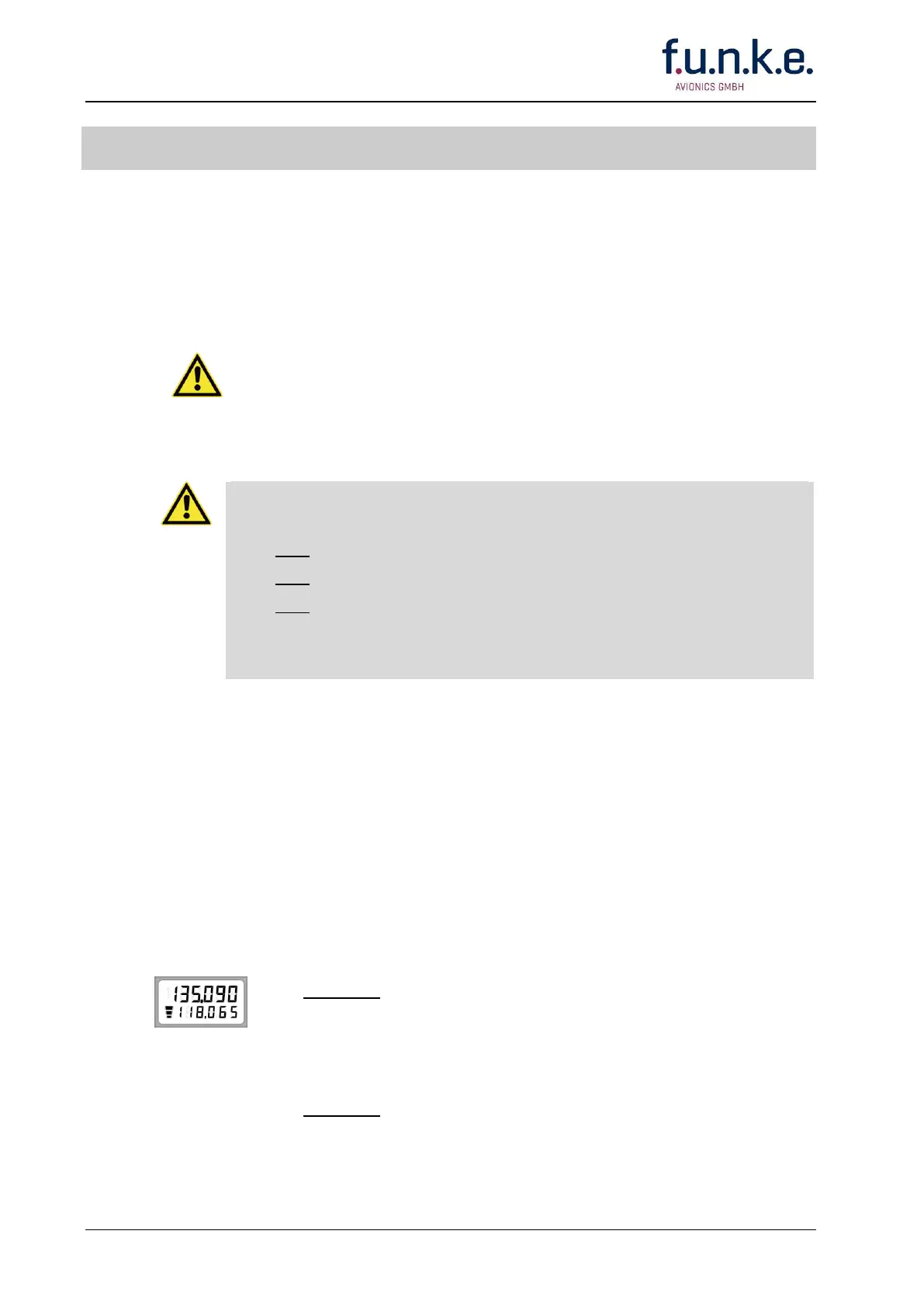
STANDARD: USE/STBY (Standby) Mode
At the lower line select appropriate kHz portion by rotating F/CH knob. A
clockwise rotation will increment the previous frequency while a counter-
clockwise rotation will decrement the previous frequency with rollover at
each band edge.
Push F/CH knob; this changes the access to MHz.
At the lower line select appropriate MHz portion by rotating F/CH knob. A
clockwise rotation will increment the previous frequency while a
counterclockwise rotation will decrement the previous frequency with
rollover at each band edge.



 To Next Page