IMPORTANT!
When the SET-UP of your radio is protected by a password it cannot be
changed by any unauthorized persons without knowledge of the
password.
Your password consists of five digits!
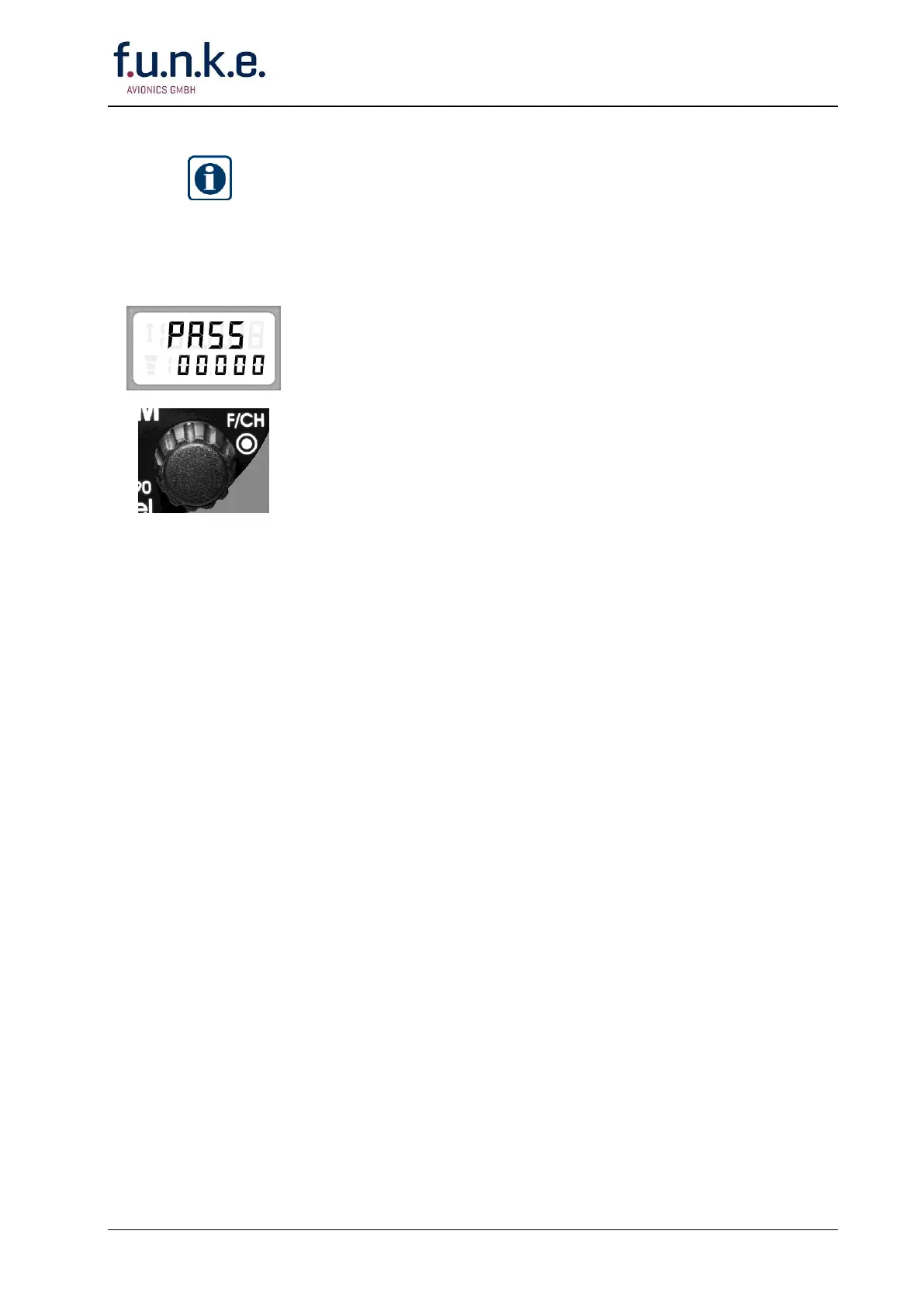
The display shows in the upper line alternately »SET« and »PASS«,
in the lower line »00000«.
If you don't want to enter a password and your SET-UP procedure is
finished leave the SET-UP menu by pushing the TRANSFER ()
button, or turn OFF the radio (ON/OFF-VOL knob).
If you want to enter a password proceed as follows:
Rotate the F/CH knob. Adjust the first digit (0 . 9). Confirm the
first digit by pushing the F/CH knob.
Adjust the second digit of your password by rotating the F/CH
knob. Confirm again by pushing the F/CH knob.
The third digit is ready now. Continue as described above for the
third, fourth and fifth digit.
Make sure the complete password corresponds to your idea.
Confirm the password by pushing the STO button!
From now on a new SET-UP may be called only after entering
the password first!



 To Next Page