FSG 90 System
5 SET-UP Procedure
December 2014 FAV_D10024 41
5.4 SET-UP procedure
IMPORTANT!
The settings can be done in any order!
Repeatedly pushing the MD button opens the menus step by step.
Only settings confirmed by finally pushing the STO key are permanently
stored and effective.
When pushing the STO button the upper segment of the On-board supply
indicator will light up to confirm storing visually.
5.4.1 Adjusting the automatic squelch threshold
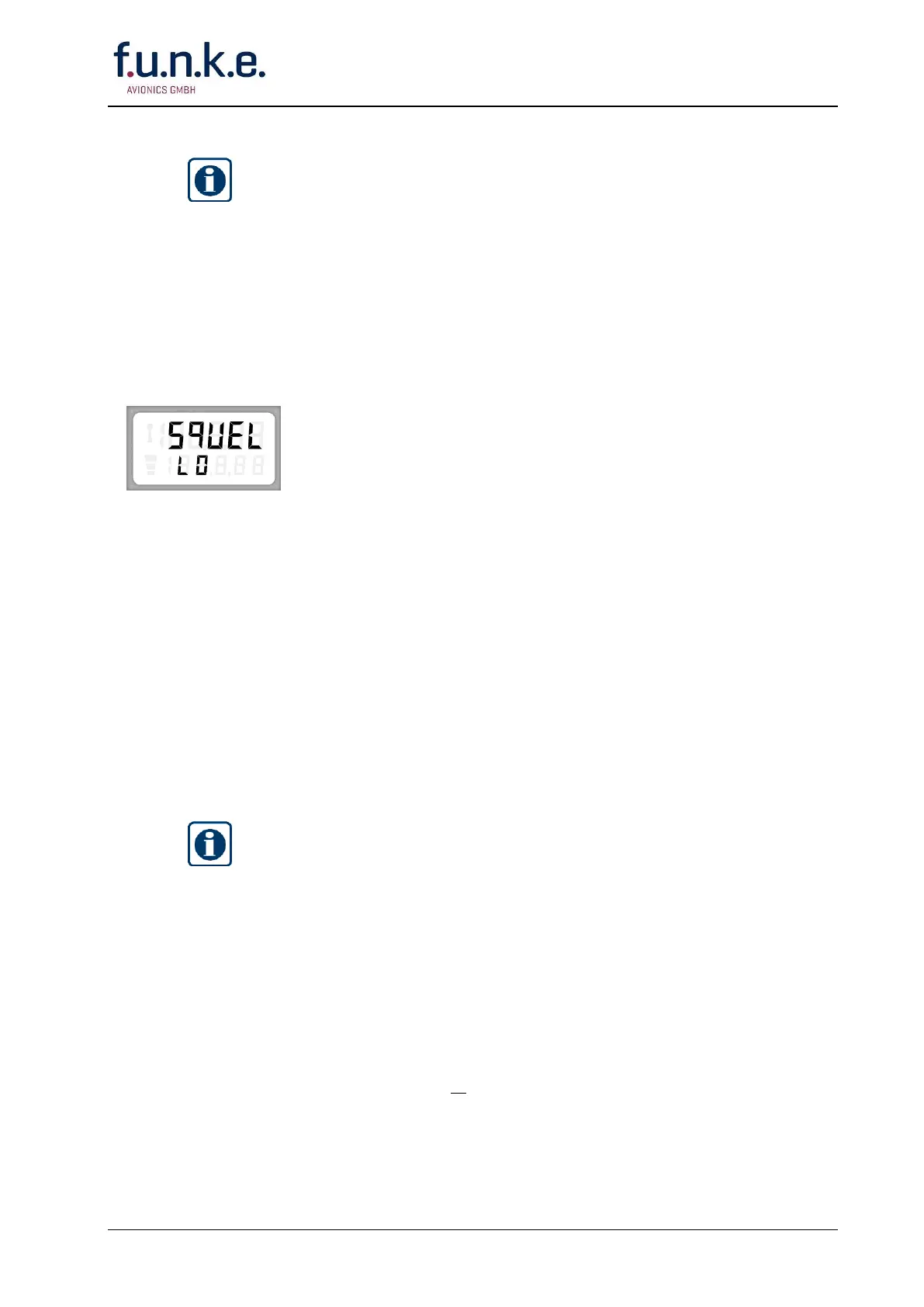
The display shows in the upper line alternately »SET« and
»SQUEL«, in the lower line »LO«, »MED1«, »MED2« or »HI«.
Adjust by rotating the F/CH knob the squelch threshold as required.
The lower line shows:
LO ca. 1.0 µV / -107 dBm (Standard setting)
MED1 ca. 2.5 µV / -99 dBm
MED2 ca. 5.0 µV / -93 dBm
HI ca. 8.0 µV / -89 dBm (this setting exceeds the required
minimum sensitivity; adjust only for test purposes at
very strong interference levels!)
Confirm your adjustment by pushing the STO button!
If you want to carry on with the SET-UP procedure push once or
repeatedly the MD button till the desired menu appears.
5.4.2 Adjusting the microphone sensitivity (Dynamic or amplified/carbon
microphones)
IMPORTANT!
This adjustment is important particularly when
FSG 90(X)
is used in noisy
environment like turboprop airplanes or vehicles:
Turn your radio OFF (ON/OFF-VOL knob fully ccw).
The
FSG 90(X)
should be turned ON only after engine start-up.
Select a free frequency/channel name (no communication audible). Then
call the SET-UP procedure.
During this adjustment the transmitter is keyed. Carry out adjustment
quickly!
Up to two microphones of the same type may be connected parallel to
the mic input (dynamic or amplified/carbon type).
Parallel operated microphones must have the same specifications.
This adjustment has to be repeated when changing microphones (brand,
type or number)



 To Next Page